Tommy Dobczyk walks through sourcing multifamily deals on CREXi and LoopNet. He shows how to access operating memorandums, import data into Deal Hunter, use map view to search Los Angeles and Scottsdale, and filter listings for analysis.
Chapters
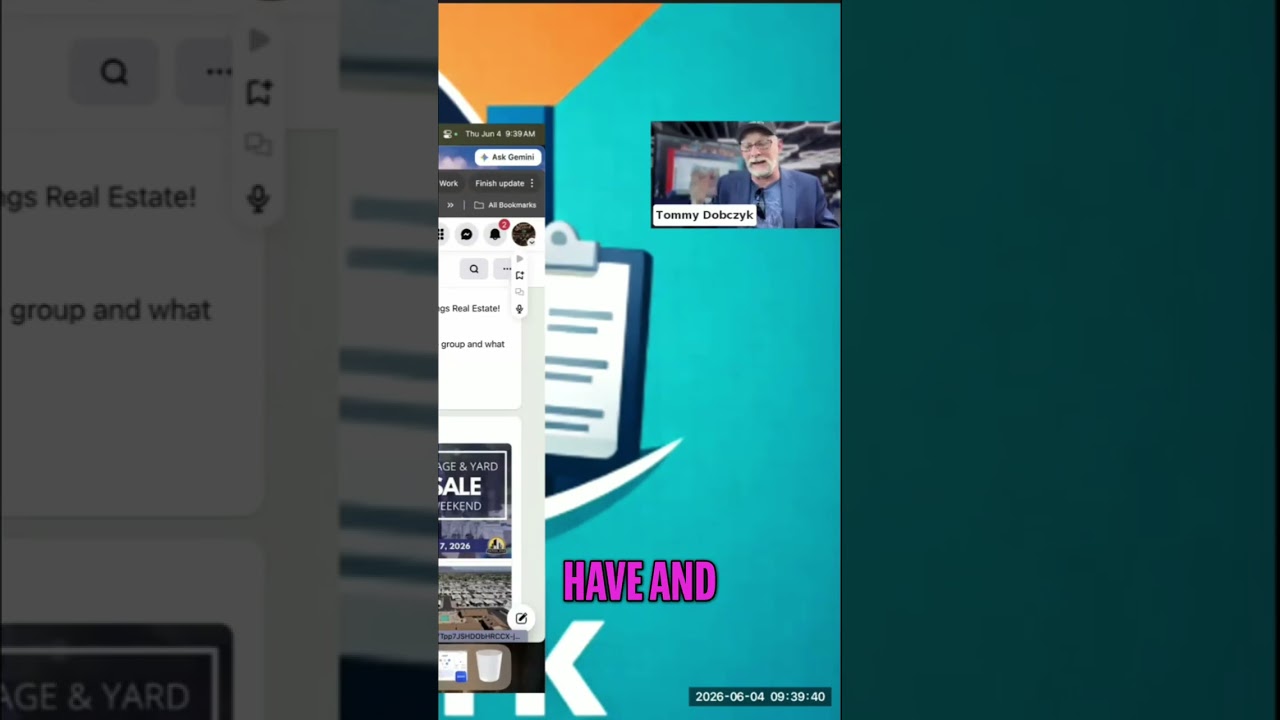
I have an account, so all this information is going to pop up. But if you don't have an account, then all this information down here will not pop up on CREXi. So what I normally do is I'll actually look at the OM, the operating momentum, and then it'll show— have all this information inside of here. And then I can download this and then run that into Deal Hunter by LandShark. So this is CREXi. And then another similar website is LoopNet. So on LoopNet, very similar process. Let's say I want to go and look into multifamily once again. They have all the starting bars over here. I click on multifamily, and then I'm just going to do nearby where I live, Los Angeles, and then popped up all these different multifamily apartments. And then it has these different blue zones where it's actually inside of it. But let's say I want to go closer to where Catherine and Tommy work. If I want to go into Scottsdale, I can go over here to Scottsdale, and this is the entirety of Scottsdale right here. But it's only confined multifamily into there. Now you see there's only 10 apartments. So if I click out of this, it's going to open up that buy box a lot more, and now there's 112. So let's use the map view as an overall, and then there's a sort feature where you can go through from newest, oldest, based on prices.