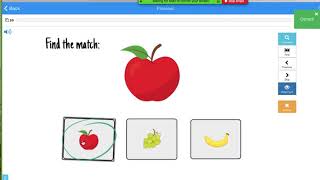
Learn how to share a Boom Cards deck with a student on Zoom by sharing your screen, giving them remote control to select answers, then taking control back when done. The presenter walks through each click in Zoom needed to set this up.
Chapters
I'm going to show you how to use Boom Cards with Zoom. Here I've already pulled up a deck that I want to use with my student. I've already shared the screen, as you can see here, and I'm going to give remote control access to my student by clicking up here and then choosing the student I want to give access to. Now it'll say "Waiting for my student to take control," which they will, and they will select the correct answer, and we'll complete our Boom Cards that way. Now when I want to remove access from my student, I'll move it— the cursor myself And I'll go up to the remote control again and abort control. And now I have full access again.