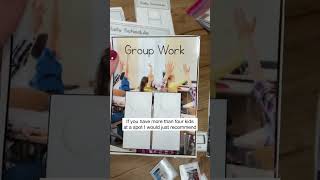
Four printable visual schedule formats using real photographs help students navigate classroom activities and centers. Students match small photos on their schedule to larger photos at activity centers, check in at designated spots, and follow mini-schedules with visual supports. Print duplicates if more than four students share a spot.
Chapters
So there's a few different layouts for the schedule page. Here's with 2 rows. There's a morning and afternoon option that you could post. There's a single row that could go in a binder, triple row if you have a lot of activities, and then this single one to post. So lots of variety there. Um, all of the schedule pieces are real photos. There's tons included. So you'll put them on the schedule and the students will match the piece to the matching little piece that you will be posting at the Math Center. So that's what the pages look like. Um, there's 4 check-in spots. If you have more than 4 kids at a spot, I would just recommend printing 2 of them. So that's where students will check in, um, and match the schedule page. The other cool thing that's included are these color-coded centers. So as you can see on this one, it has yellow, red, and purple center. So the student will take the yellow center picture, check into the yellow center page, and then there's a mini schedule, and there's a whole other set of visuals included for the mini schedules.