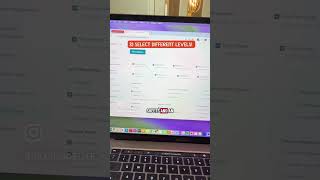
Learn how to use the Print Center in Curriculum Access to generate a single PDF with curriculum maps, worksheets, and activities for multiple student levels at once. Select your subject, pick the components you need, specify student levels like 1.5 and 3, and print everything together.
Chapters
One of our goals with our new Curriculum Access Portal was making it as easy to use as possible for you. And one feature that I'm super excited about is the Print Center. Let me show you how easy it is to print exactly what you want in one file. Here it is, the Print Center. Okay, so in the Print Center, you can select a subject and then go through and pick exactly what you want. I want the curriculum map, I want the data sheets, I want the worksheets, maybe I want an extension activity and the workbook cover. Great. Now I'm gonna go to Level 1.5, 'cause I've got a student in 1.5, and I wanna print the student worksheets, the pre and post-test, the data sheets, and an extension activity. Oh, guess what? I've also got a student Level 3, and I need the data sheets, the workbook cover, worksheets. I'm gonna grab some extension activities for him too. There's a lot in this one. And yeah, I'm gonna go ahead now and click Print Selection, and it's making me a file of all of that altogether. So multi-level classrooms, you're good to go. There we are, one file with everything.