Content Creation Made Easy

Sally Curtis shows how to turn one 5-7 minute video into a month of social content. Record once using the Inform-Entertain-Educate framework, slice it into three micro-clips with Perfect Recall, then create nine graphic tiles in Canva. Imperfect action beats perfection.
Chapters
Welcome to Content Creation Made Easy. I wanted to add this bonus module in there as another way to add value to help you have more time or gain more time back to spend it with either your loved ones and/or serving your clients better. So content creation seems to be an element that lots of people overcomplicate. So this is just a simple walkthrough of a few slides with a few little tips and ideas of what you can do as it relates to creating content, starting with video. So let me walk you through it. And by all means, as always, if you have any questions relating to this topic or any of the other topics, then do pop them into our community and into the group so I can answer them for you. So many, many people say that content creation is incredibly time-consuming and/or they spend too much time and don't realize how time— how much time they are spending. So how time-consuming it could be. So let me just help to simplify that a little bit for you. I'm doing this because I said these things to myself. When I first started building my consulting business, coaching business, as well as the speaking elements, and then of course the agency sides of my businesses as well. I would say, oh my God, I need to spend a couple of weeks getting my content strategy sorted or writing my content, or oh my God, I need to map it out and plan it out forever. And that just simply isn't the case. We have certainly talked about 90-day plans and 90-day strategies, knowing what you're selling. So that falls into this arena as well. I've even had more than one business owner that I've worked with say, but I want to get it perfect before I post anything. And that level of procrastination becomes very, very stifling. You've heard me say more than once, and my philosophy is imperfect action. Just get into action. That's where your greatest learnings will come from. And your greatest outcomes. So as I said, we can easily overcomplicate content creation, and I want to walk you through the simple way I've worked out to how you can create consistent content with ease, literally just involving a few minutes of planning, pre-planning each month. So consider the content that you've recently unpacked. So some of the stuff that you might have done through the Catalyst Program Profits section where you've actually unpacked some elements, or even if you've got some of that half-written content that's not quite finished but it's got some really good ideas in it, as long as you know and understand what your big word is, or your big theme, and then what the underlying key topics are underneath it, like we've previously talked about in some of the other modules in this program. Then you're pretty good to go, or at least to give it a kick up, a kick into gear, or a kick up the butt, as I was going to say. Basically, what I would get you to do is think about those elements, those key topics, and sort them into a bit of an idea around inform, entertain, and educate. They're a little bit, all a little bit different. You've heard me say educate, educate, educate, educate, so you know what those are. They're your teachable moments, your stories, etc., etc. Entertain is, you know, some fun things, some fun facts about you, some fun facts about the topic, something that's a little bit light-hearted, a little bit flippant, a bit more of an insight into you and your personality. And then inform is those steps again, potentially teachable moments, but it also involves recent statistics that you can do by researching, and we'll go over that in the Content Repurposing Academy live stuff as well. So information is more statistics, insights, data, that type of thing. Because these form the critical 3 buttons to make your content engaging, is to be educational, entertaining, and informative. So what I'm suggesting here is create 5 to 7 minute videos outlining each of the key topics that you've discovered from in that content that you've unpacked or that half piece of content that you've partially finished. This is where you find a lot of your big ideas and they harbour all of those little smaller content chunks. So what I'm suggesting here is create a longer video and talk through the hows, the whys, the whats, etc. Actually, it should be why, what, how of the big idea, and then you can break it down into smaller elements as well. And if you're like me, if you find speaking much easier, just speak to camera and then slice and dice the bits that are relevant again. Don't overcomplicate it for yourself. From each of those bigger videos that you do, it's very, very easy to break it down into 3 smaller pieces or micro grabs from the main video, e.g., the why element, the what element, the how element, or the story element, the teachable moment, the step elements, or the statistic element. Whatever it may be, it's really easy to grab those micro grabs Particularly if you're using the software I recommended, which is Perfect Recall, because it's just as easy as copy and pasting it. And again, we'll show you that tool in the Content Repurposing Academy as we go into the live side of things as well. So that's how you take one video and now you've sliced it into 3 smaller videos. Potentially, you can probably slice it even further than that. And from each of those micro grab videos, then you can create your graphic tiles, those small quote tiles. And if you've got 3 videos, you've got 1 large video, you've got 3 smaller videos. Now you've potentially got 9 tiles or 9 cards, as I've called it here. Sorry to be confusing, but you've now created 9 tiles. And those quote tiles are going to include the key phrases, the insights, the tips, the takeaways. This is what you're, you're doing now is creating that bite-sized content that we've talked about. It's simply taking a really emotive image that you can find, and I'll provide some of those image sites that I use as well, or photographs. You're adding your logo to it and you're putting that quote or that wording on top of it in Canva. So again, really simple. One large video down to 3 smaller videos down to 9 bite-sized graphic tiles for yourself. And that is how you very quickly create a month's worth of content. It's incredible how you can go about leveraging video content and how you can go about leveraging your content in general. You can do exactly the same thing for an article and articles that you've written. You can break it down in that way. You could do a video recording of the whole thing. You can then break it down into those smaller elements as well. So there is so much potential to repurpose your content. It is not funny. And as I said at the beginning, progress, not perfection. Practice, practice, practice. The more you do this, the more it will become easy and familiar for you to do. I didn't like doing videos myself personally for a very, very long time. I found it a little bit clunky and did have to do lots and lots of different takes. And now I can pretty much get on a roll on the second go. And so just practice your videos. The more you practice with, as with anything, the better you get. And so practice, practice, practice. So I hope that's given you a little bit of insight as to how you can create a month's worth of content very, very quickly. So do make content creation easy for yourself. It does not have to be hard. See you on the inside.
More from Sally





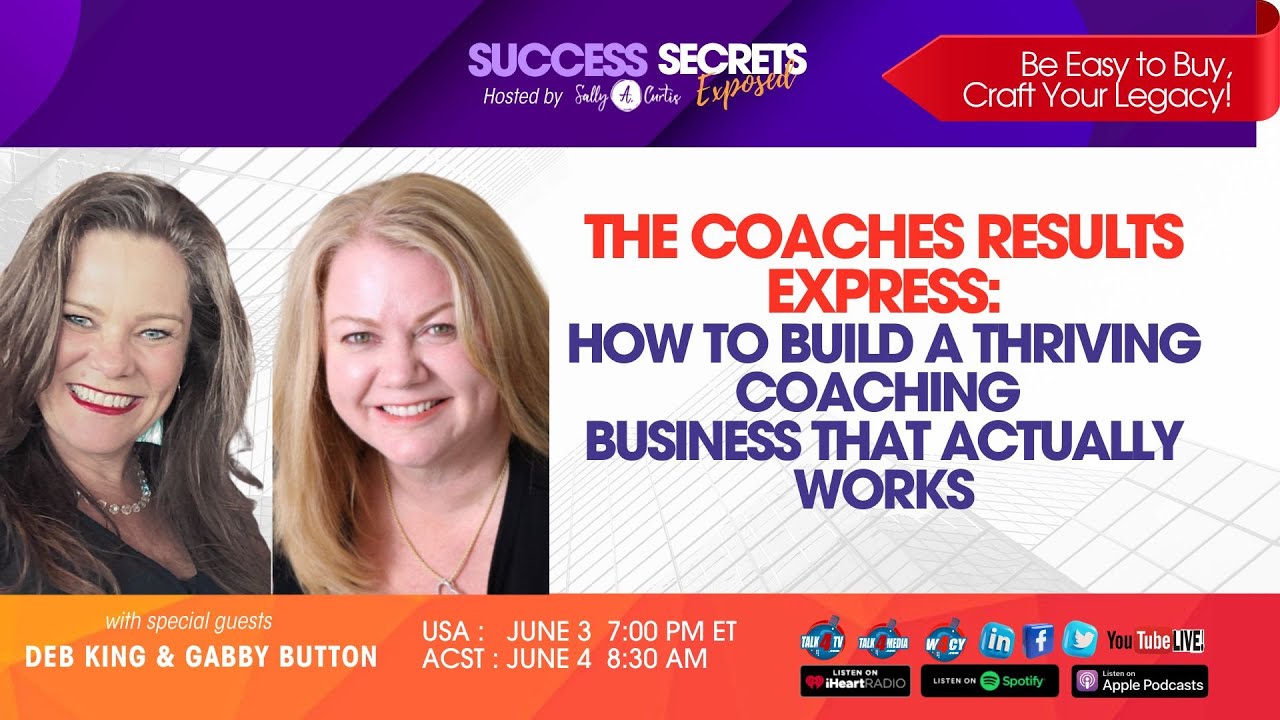
The Coaches Results Express: How to Build a Thriving Coaching Business That Actually Works