Takis Athanassiou shows how to add Drift's live chat to WordPress using Google Tag Manager instead of a plugin. He creates a custom HTML tag in GTM, pastes the Drift script, and sets it to fire on all pages. This keeps the site lightweight while giving you conversation tracking and lead enrichment.
Chapters
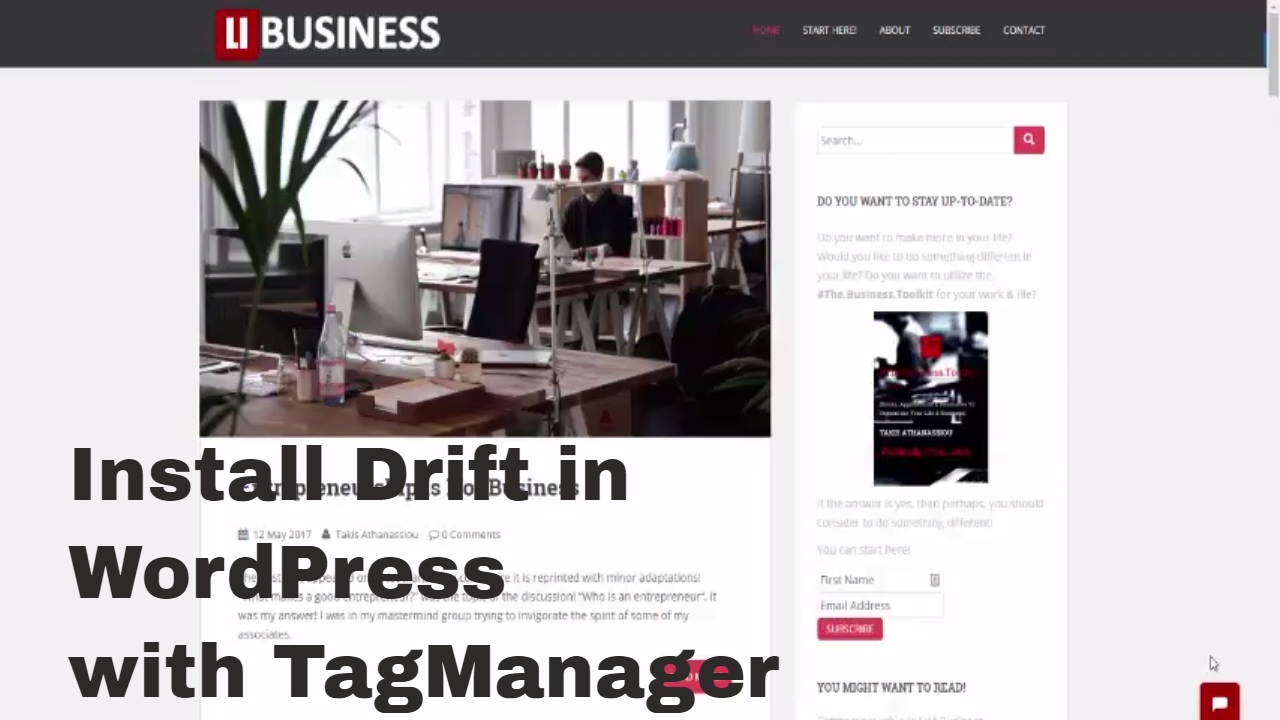
Hello everybody, I'm Takis Athanassiou from Ally Business. The decision is here that this is a new site that is developed by me, having as an objective to provide readily information about business, and more specifically small business. Today's topic is how to install Drift in your site. Well, Drift is an excellent chat tool. You can see it here. Everybody can use to communicate with you directly and find new clients or enhance your engagement. Drift is an excellent tool and can be integrated many ways. Of course, there is a lot of documentation on uDrift site. You can find the way you can implement best uDrift script within your website. I use WordPress, by the sounds, but having to do a lot of experiments implementation of this site. I have implemented this site using the Google Tag Manager. If you know a little bit about Google Tag Manager, you will see that it is a flexible tool that permits you to add a lot of scripts in your site. For me, for instance, this site contains, besides the digital tag, Google Optimize, Multicloud, and of course Universal Analytics. These are different tags and they are embedded here, and if you take a peek behind the scenes, you can find that the Tag Manager embeds a very small script within your site, and other than that, it makes everything else almost automatically. This is the user interface you use. To control everything that is in your site whenever you have installed the Tag Manager. So with Tag Manager, it's very easy to embed various tools in your site, as it is with Drift. Drift can incorporate it with a lot of things, and it has an extended API that can help you make a valuable tool in your toolkit. But one of the most important things is flexibility to implement it by various methods. Everything is controlled by the static widget. Which is in the case of WordPress can be installed either as a plugin or as a JavaScript in our cases. I choose JavaScript first because I don't want to have many plugins in my WordPress site, less management and less maintenance. And because Tag Manager provides a flexible mechanism of integrating various tools, and of course to have it on or off, the situation is very simple to integrate it. For instance, you just pick up this code You go to the Tag Manager, you add a custom HTML tag, and you just paste it in the code that they have provided you. The next step is to trigger it to all pages, and you're ready to go. This means that you have this box in every page of your site, which is a very cool feature because it permits you to talk with a lot of people. See? The second major feature of Drift is that it permits you to have a lead management and enrichment management in order to collect a lot of new features. If you go now to the Utdrift dashboard— sorry— you see that you have a complete management of what you do and how. And here are the conversations. You see, you can track the open conversation. This is what I just added. Cool, isn't it? Of course, these other things you can add by drift, but this is another topic. See you around then. Bye-bye.