Online Presentation Power Trailer - Stop Sounding Like You’re Reading on Zoom

TJ Walker shows why presenters sound robotic on Zoom and how to fix it: finish your thought before looking at notes, glance for under a second, then keep talking. The series teaches eye contact with the camera, natural delivery, and how to use notes without sounding scripted.
Chapters
More from TJ





The Breakout Cases - What Actually Caused Famous Speaking Career Breakthroughs | Ultamize
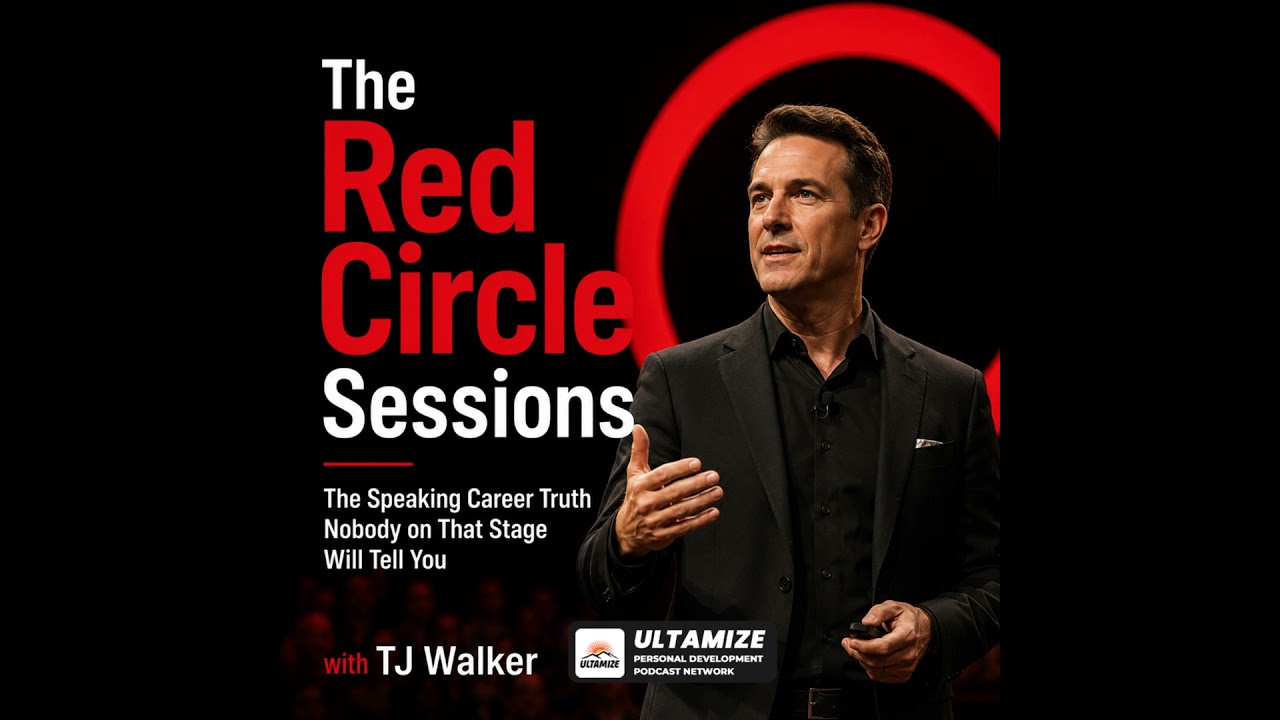
The Red Circle Sessions Finale - Build the Speaking Career You Came Here For | Ultamize

Two Stages, One Logo, Two Completely Different Realities - Main Stage vs Independent Events | Ult...

Pre-Reset - Why Repetition Builds Better Speaking Decisions | The Red Circle Sessions | Ultamize

Your Decision, Your Framework, and What Happens After - Build Your Speaking Career First | Ultamize

The Red Circle Sessions Trailer - The Speaking Career Truth Nobody on That Stage Will Tell You | ...

The Two-Minute Ultamize Reset - Your Platform, Your Audience, Your Voice | The Red Circle Sessions