TJ WALKER - THE HABIT INFLUENCER - Personal Development | LIVE STREAM
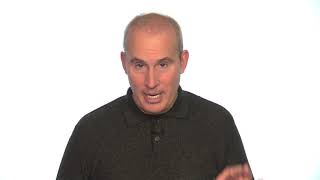
A short live-stream by TJ Walker offering practical technical tips for giving presentations that use laptops, video cameras, or video conferencing (Skype). Key advice: arrive early, restart and limit what’s open on your computer, test every connection, and allow at least 15 minutes to set up; ends with a brief plug for Walker’s media-training services and website.
Chapters
More from TJ





The Breakout Cases - What Actually Caused Famous Speaking Career Breakthroughs | Ultamize
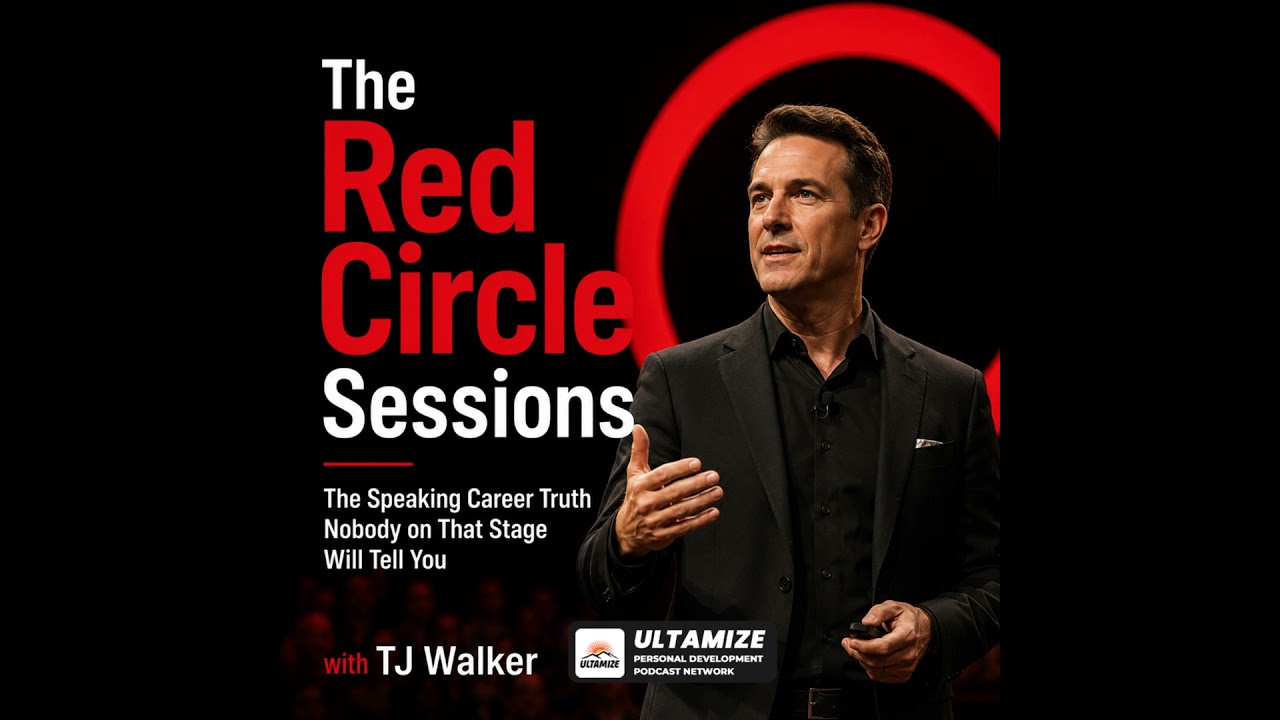
The Red Circle Sessions Finale - Build the Speaking Career You Came Here For | Ultamize

Two Stages, One Logo, Two Completely Different Realities - Main Stage vs Independent Events | Ult...

Pre-Reset - Why Repetition Builds Better Speaking Decisions | The Red Circle Sessions | Ultamize

Your Decision, Your Framework, and What Happens After - Build Your Speaking Career First | Ultamize

The Red Circle Sessions Trailer - The Speaking Career Truth Nobody on That Stage Will Tell You | ...

The Two-Minute Ultamize Reset - Your Platform, Your Audience, Your Voice | The Red Circle Sessions