TJ WALKER - THE HABIT INFLUENCER - Personal Development | LIVE STREAM
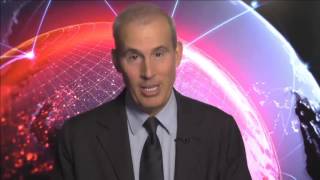
A short segment from a TJ Walker live stream giving practical PowerPoint advice: instead of using the 'B' black-screen keyboard shortcut during presentations, build your deck with blank (black or innocuous background) slides inserted between content slides. This simplifies advancing slides and helps keep audience focus on the speaker; Walker also recommends instructing slide creators to do this if they won't do it themselves.
Chapters
More from TJ





The Breakout Cases - What Actually Caused Famous Speaking Career Breakthroughs | Ultamize
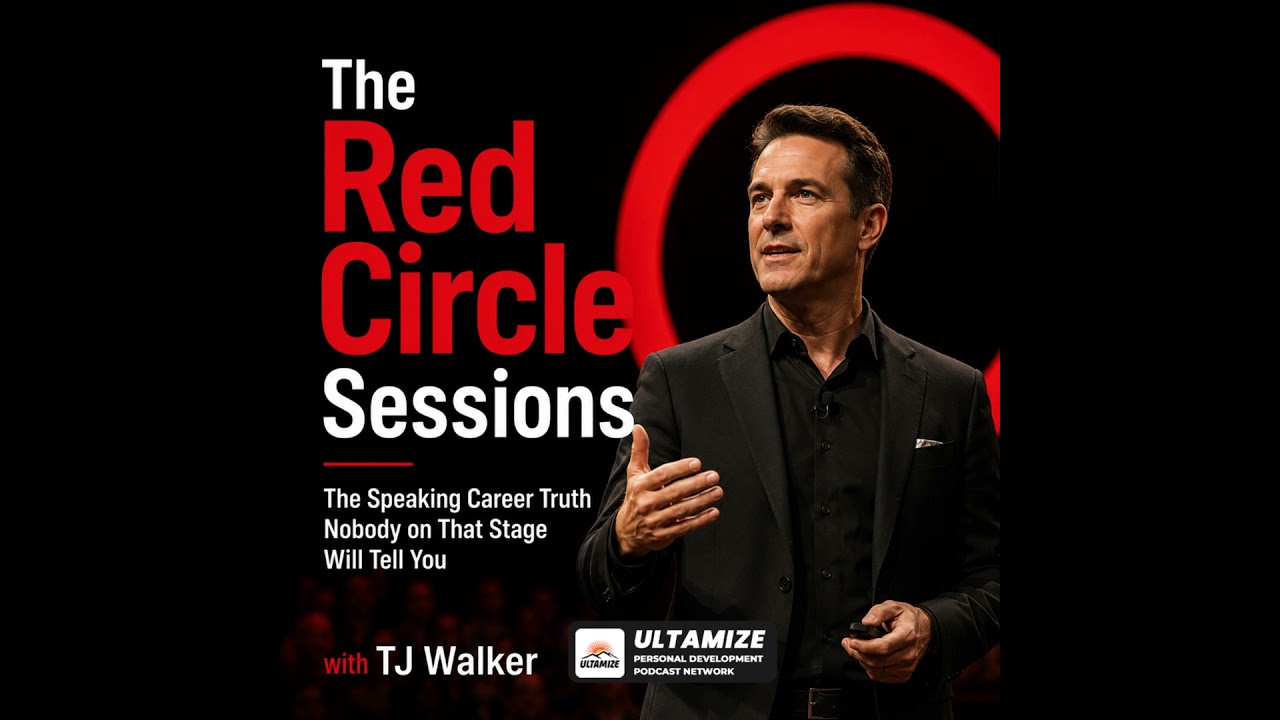
The Red Circle Sessions Finale - Build the Speaking Career You Came Here For | Ultamize

Two Stages, One Logo, Two Completely Different Realities - Main Stage vs Independent Events | Ult...

Pre-Reset - Why Repetition Builds Better Speaking Decisions | The Red Circle Sessions | Ultamize

Your Decision, Your Framework, and What Happens After - Build Your Speaking Career First | Ultamize

The Red Circle Sessions Trailer - The Speaking Career Truth Nobody on That Stage Will Tell You | ...

The Two-Minute Ultamize Reset - Your Platform, Your Audience, Your Voice | The Red Circle Sessions