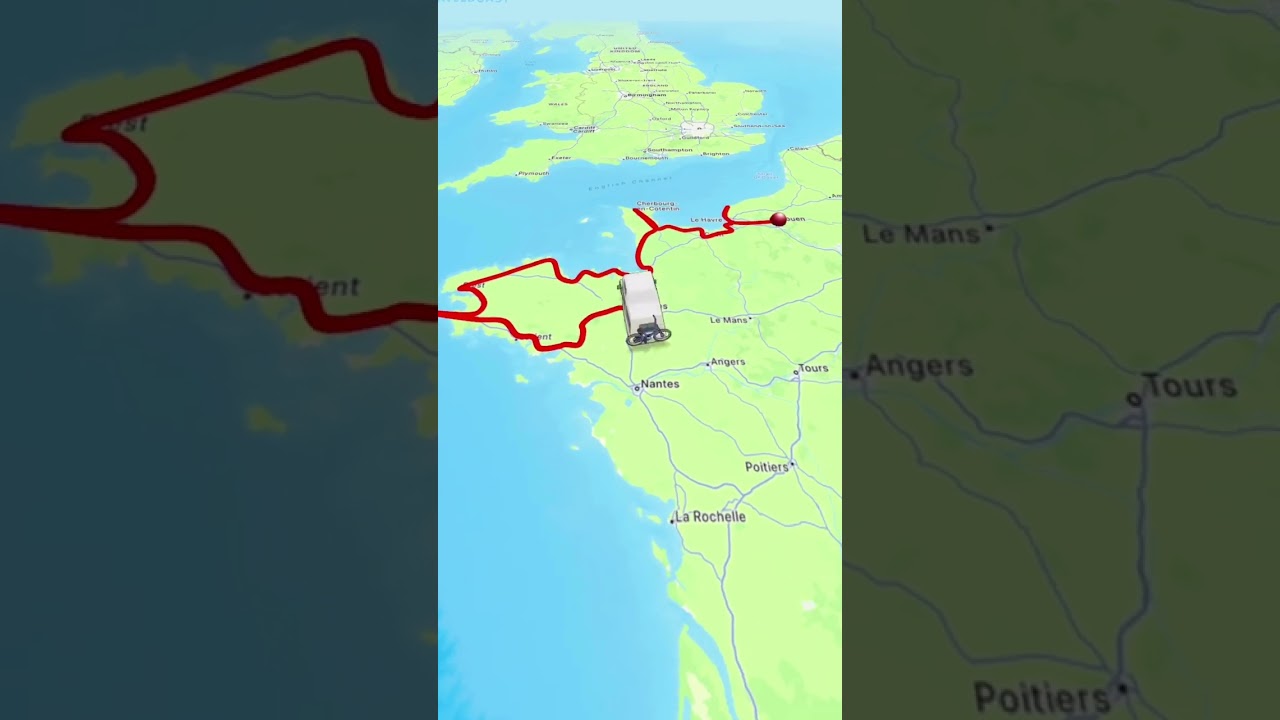
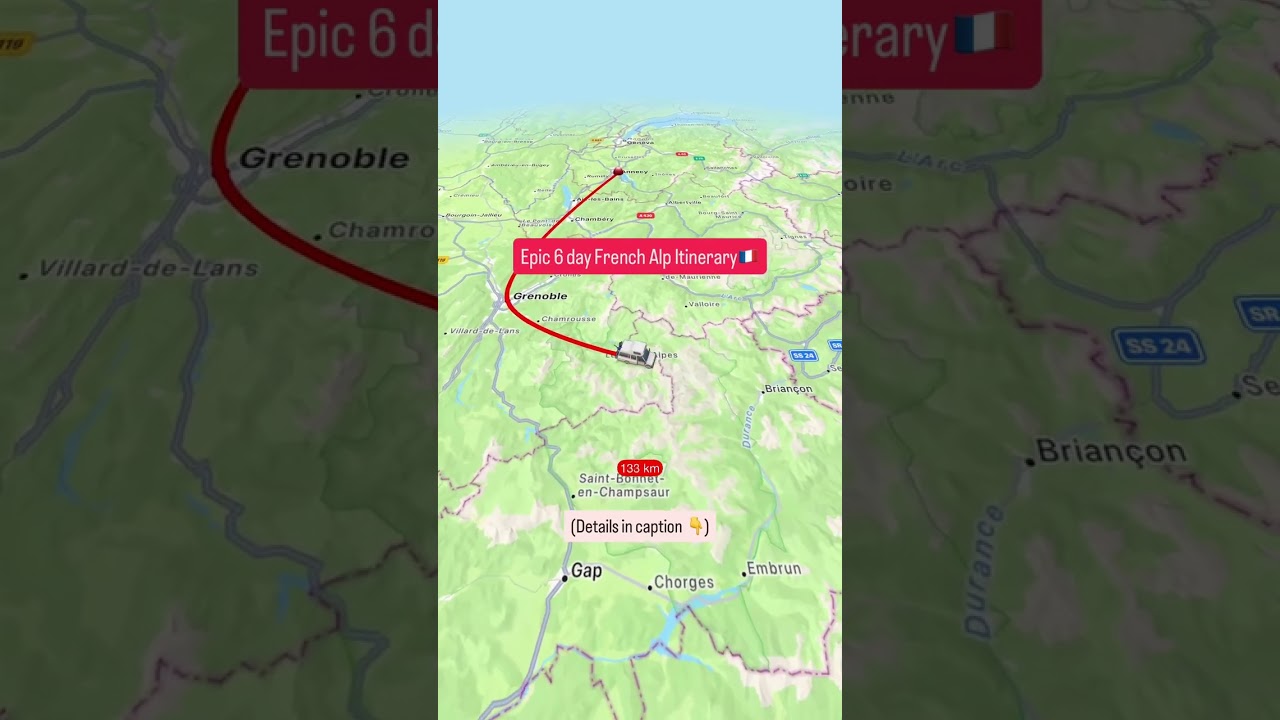
Kathryn Bird shows how to make animated travel maps for free with the TravelBoast app. Draw your route from London to Antarctica, tap to add stops like Buenos Aires, choose transport for each leg, and customize video length and overlays before saving to your camera roll.
Chapters
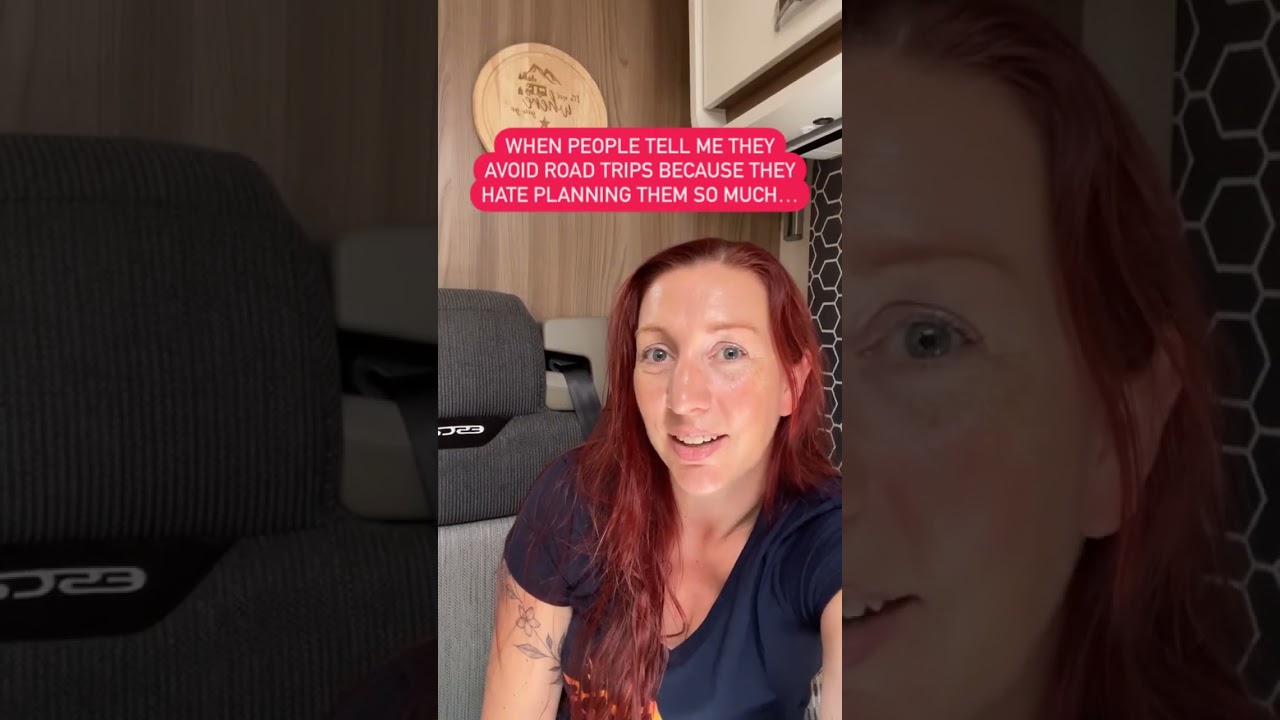
Lots of people have asked me how I created this map, so here's how I did it. It's an app called TravelBoast, and to use it, you put in your start point, so in this case London, and then you put in your very final destination, so Antarctica, and that creates a straight line. You then use your finger on your phone to drag it to any points in the middle, so for me Buenos Aires, then up to Iguazu Falls, and put in all your different destinations in the interim. If you do make a mistake and accidentally put a point on, you can just double tap it with your finger and it will delete it. Then go back to the starting point, press and hold it, and it will bring up all the different models of transport for you to choose. You can do that for each of the legs and create the different models that you want to use. Drag your final point to the destination and it creates your video. You can change the size of the model, the length of the video, and the aspect ratio, so whether it's for Instagram or for YouTube. You can also add in kilometres and any country flags, and then you just save it to your camera roll. Hope that helps.