UnumID's app lets vaccinated people display a QR code to get a digital credential, then show that same code to businesses for quick entry verification. Admins can manage verifiers, track verification counts, and handle billing through a portal.
Chapters
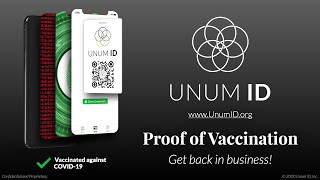
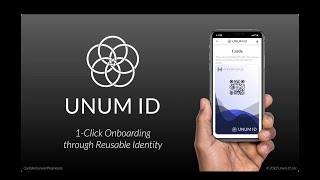
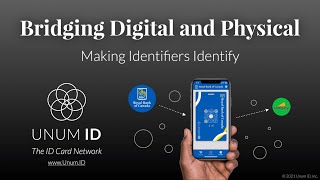
With UnumID, getting proof of COVID-19 vaccination is very easy. The user simply gets vaccinated, installs and opens the UnumID app, and shows this code to a staff member on site. The staff member opens their UnumID app, and you'll see here that they're an authorized issuer, meaning that UnumID has authorized them to give out proof proof of vaccination, and the staff member simply hits scan, scans the user's code, and agrees to issue a proof of vaccination credential. The user's app then updates, showing them that they have proof of vaccination, that they can use this to safely enter businesses of many types. Using proof of vaccination to enter businesses is also very easy. The user simply opens their UnumID app and shows their code to an employee out front. The employee opens their UnumID app, and you'll see here that they're an authorized verifier, in this case of Acme Inc., and they hit scan, scan the user's code, see that they're vaccinated, and let them in, whether it's a stadium, an office building, a store, or otherwise. Getting set up as a business is also straightforward. A customer admin registers the business online, adds employees as verifiers, and those verifiers install the UnumID app so that they can stand out front and scan codes. Business admins can access the UnumID COVID-19 portal. To log in, they also use the UnumID app. You'll see here that if they unlock it, they're an authorized admin of Acme Inc. To log in, they just scan this QR code and they enter the portal. Here they can add and remove admins and verifiers, see how many verifications they've done, access billing information, pay invoices, etc.