how i'm ACTUALLY building websites (real project)
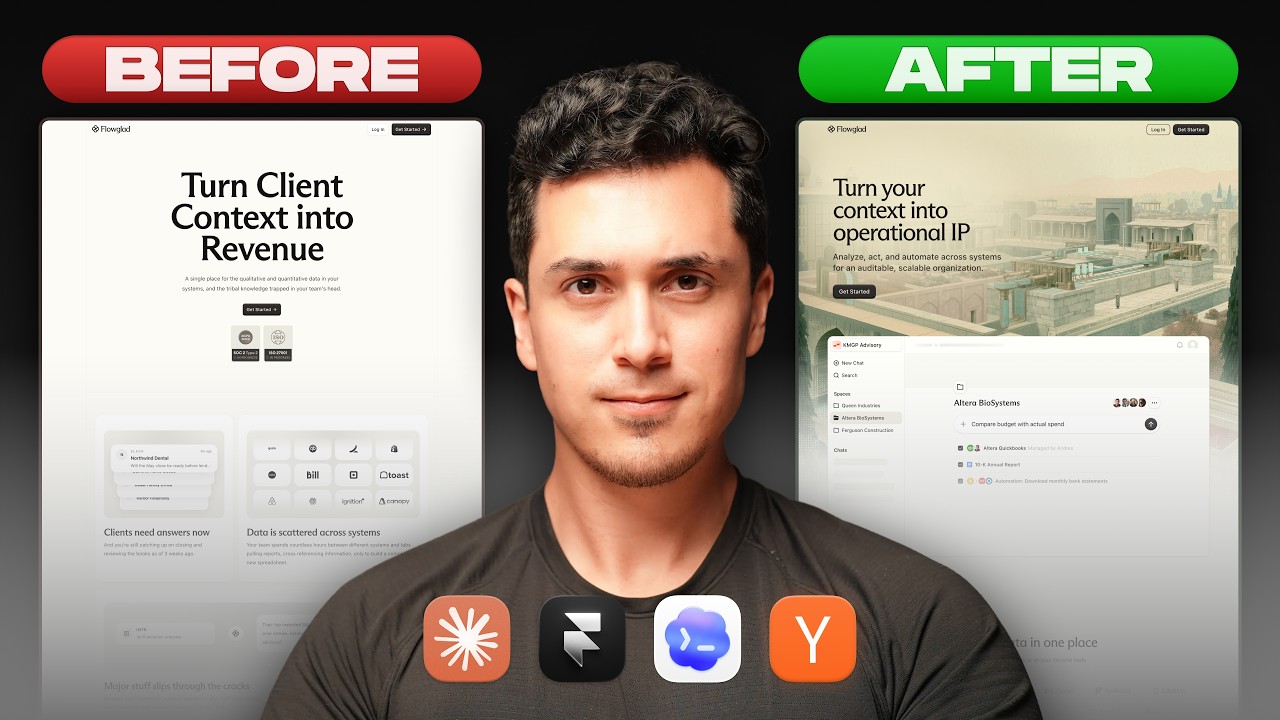
Andres Gonzalez, founding designer at Flowglad, walks through building a marketing website in Framer. He uses Claude-powered agents to sync design tokens between his product and site, Midjourney for brand images, and custom code components for interactive effects. He chose Framer over custom code for speed and the ability to integrate AI agents.
Chapters
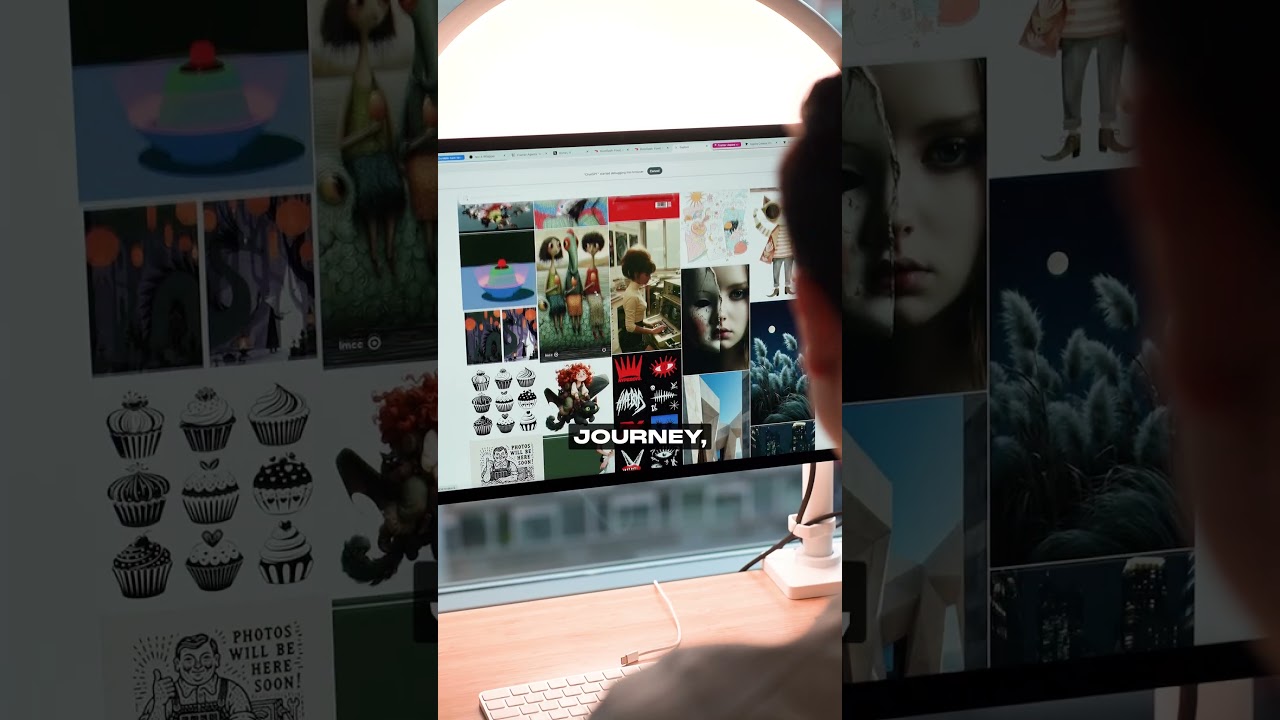
I want to show you how I turned this into this. Both sites were actually generated with AI, but one actually looks good. And in this video, I'm going to share with you the very real process I followed working at a real startup when redesigning and relaunching this site. You'll learn the exact tools, models, and prompts that I use, why I migrated my site to Framer above custom code environments or any other website builder, and how I'm using AI to go deep on quality, which is something I don't really hear much about these days. And if you don't know who I am, my name is Andres Gonzalez, but you can call me Batman. I'm the founding designer at Flowglad, a seed-stage startup based out of New York City. So I got some very real battle scars from trying all sorts of workflows and tools that could save you tons of time. Now, before you listen to some random guy on the internet, be warned, I never really know what I'm doing. I'm just trying shit out, experimenting, and pretending it was all part of the plan. All right, deal. Let's get into it. The model won't save you. Most tutorials or workflows often focus on how a new AI model one-shots websites like this. And while these examples can be really impressive, they aren't really practical for startups like Flowglad that have an existing brand identity and design system. And that's exactly my experience. Even though my agents had the exact components, color tokens, and design systems that our web app had, it struggled creating a good-looking marketing site. We added a design.md file and the web design skills that everyone was talking about, but in reality they confused our agents. Was it a skill issue on my part? For sure, that was part of it. But also I found myself adding multiple skills that had contradicting instructions, and suddenly I was spending more time reading, editing, and updating Markdown text instead of actually working on my marketing site. It felt like I was being productive but not really making any real progress. Which brings us to migrating to Framer. If you spent any time on YouTube, you probably know that there's thousands of ways to build a website. So what's the best tool for the job? And why not just use custom code? Aren't AI agents powerful enough that even non-technical folks like me can use custom code environments? And these are great questions. And I don't think there's like one correct answer, and I don't claim to be the correct preference and opinion on this thing. But what I will say is that Flowglide was initially built on Framer. It was a no-code website builder and it looked like this. Then we raised our seed round and I was hired as the founding designer and I redesigned our site and then it looked like this. Then we pivoted to Agentic Payments and I wanted our marketing site to be conversational. So we moved off of Framer and then it looked like this. We wanted people to be able to chat with our homepage and Framer couldn't do that out of the box. But in true startup fashion, We had another pivot and then our site looked like this. That was a serious downgrade. But this wasn't what made us move back to Framer. Clearly we had some better prompting to do, but we decided to move back when we just tried to change this headline. That's it. We just wanted to change a couple of words. See, here's what the process looked like. We had to create a new branch from main, tell Claude to update the headline, commit and push this change, then create a pull request, wait for that pull request to pass CI checks and go through AI code review, and then finally merge this PR into main and finally wait for it to deploy on on AWS. I barely understand what all of that means, and changing a headline was painful, time-consuming. And I know what some live coders might be thinking, why not just push to main, bruh? Well, because our marketing site was tied to our product monorepo, which meant we inherited all the quality assurance steps that our web app had. And when Framer finally decided to launch their AI agents that I could use locally in Framer, but also connect Codex, Claude Code, or any of my local agents to my Framer projects, it was a done deal. We migrated back to Framer because one, it was easy and quick to update our marketing site, which is where most of the work actually is. And it had the best-in-class visual website builder for people like me, a designer who cares about the details. And while Framer is sponsoring this video, that's the truth. We moved back because they had a superior product and tooling to help me get the job done. So let's talk about design system automations. While everyone is talking about one-shotting crazy and beautiful, stunning websites, there's a quiet workflow that hasn't really gotten much attention. Design system automations. You can use agents to literally automate the most tedious parts of creating and updating a design system. And personally, for me, this has been one of the most exciting things that I'm personally investing more time into learning. This is what I mean by going deep on quality. Instead of using AI to generate tons of pages and sections, focus on small atomic components first. And that's exactly what I did. I created the same exact color variables and components that exist on our web app onto our marketing site on Framer. First, I connected Claude to Framer using this prompt. After that, I prompted Claude to recreate the same exact color variables in light and dark mode, recreating the buttons and the exact hover effects, rounding, padding, and spacing. And then I prompted Claude to create a skill that can be reused later to automatically keep my design system updated. If I change the color in my web app, the agent should automatically update that color in Framer. And I know what you might be thinking, bro is using Claude code to update colors. Well, this design system automation gave me the foundation to create my dashboard in my hero section, making it responsive and setting the foundation for making it interactive as a thing people click on. So let's talk about low fidelity components. I admit this part of my workflow of mine might be strange or outdated or historic at this point, but hear me out. I don't use AI to generate entirely new sections. Well, I don't do it often. I actually like to browse through low fidelity component libraries like compo.dev. Design as a starting place. Call me old-fashioned. It helps me think through the specific layout I might want, and it gives me a predictable quality responsiveness and repeating nesting structure that I can personally tweak. And replacing components with my own is pretty straightforward and something that I can easily automate with Framer's built-in agents. Compa didn't pay me to shout them out. They're just a really cool tool that I genuinely like using. So let's talk about stopping the slop. One of the most common ways people can tell that site was vibe-coded is because there isn't any branding or images. Literally just adding a couple of cool images can add personality that makes a site stand out. For us at Flowglad, my boy Harrison is using tools like Midjourney and ChatGPT to create stunning images just like this. And it's actually really easy to find inspiration on Midjourney and start tweaking details, saving and reusing prompts, and creating a series of branded images that genuinely feel like we're creating our own little universe. Which brings us to custom code components, one of my favorite ways of building websites right now. I think one of the features that doesn't get much attention is the fact that Framer agents can literally create custom code components, and we've personally been loving it. We've used custom code components for hacking visual design and also for utility too. Specifically, we created this custom interactive SVG pattern that is supposed to add texture and elevation to our site. Then we use a custom code component to bypass Framer's SVG size limit, but don't tell anyone. We use it to create these prompt templates, but we still got to fix it to actually make it look good. And I've also just been experimenting with like a lot of custom code components just like this scroll effects and all these like things that you could do using custom code components that hasn't really been easily accessible before on a no-code website builder. And that's the thing about Framer, like you have the benefits of using a no-code website builder while also getting the flexibility to create custom code components. It's pretty sick. So one of the most important ways I'm building sites is literally putting together inspiration and improving my taste overall. There are 2 primary ways I'm doing this. First is X, formerly known as Twitter. I follow some of the most cracked designers on the internet and save their work to my bookmarks, and it's kind of insane. I'll be sharing a list of people that you should genuinely follow because it will improve your taste. At least it has improved mine. In another more practical way that I'm building inspiration or or taste is Mobbin. Mobbin is a library of real-world inspiration for different sites and web apps. I could literally scan through tons of real-world design patterns and examples of different flows, different designs, and it'll help me figure out what my own design patterns should look like. It's not sponsored, it's just a tool that I like using. So if you wanna learn more about how to use Framer's agents, click on this video. And if you wanna learn more about how to create super slick animated backgrounds, you should click on this one. God bless you. Batman out.
More from Andres

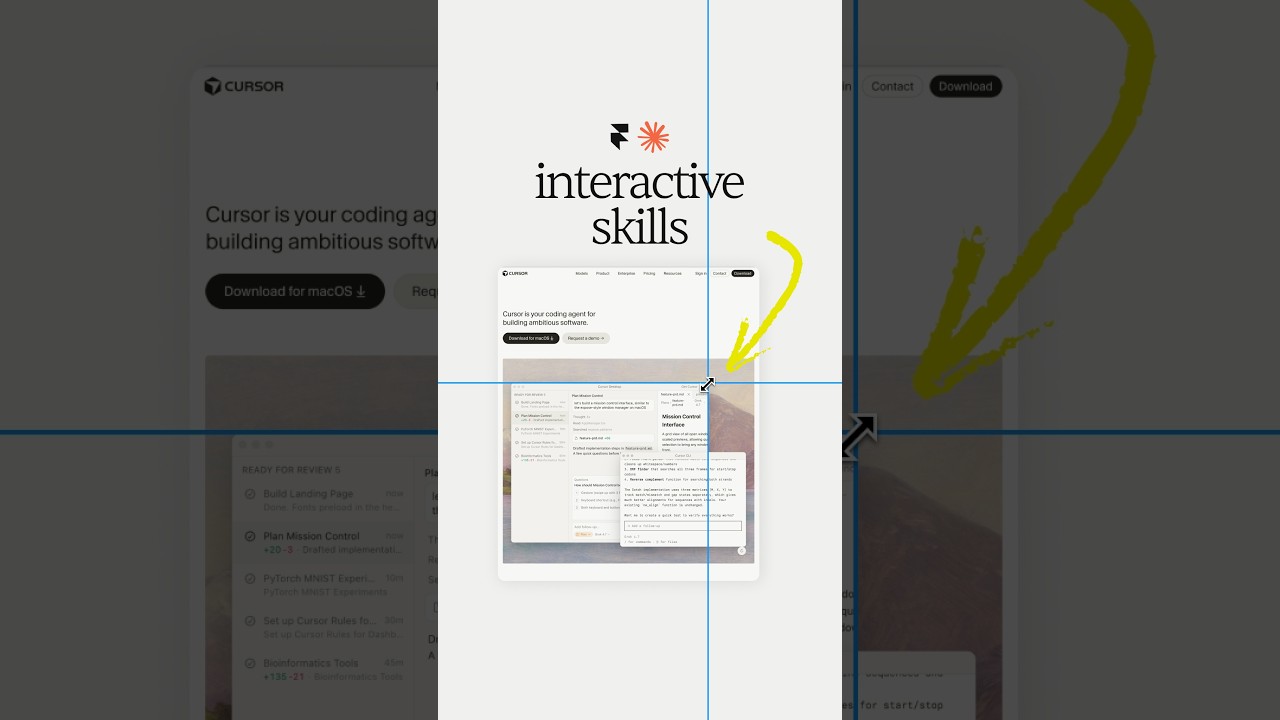

Claude Design, meet Aqua Chat (anyone else obsessed with Aqua UI 👀) #claude #design @claude #ad
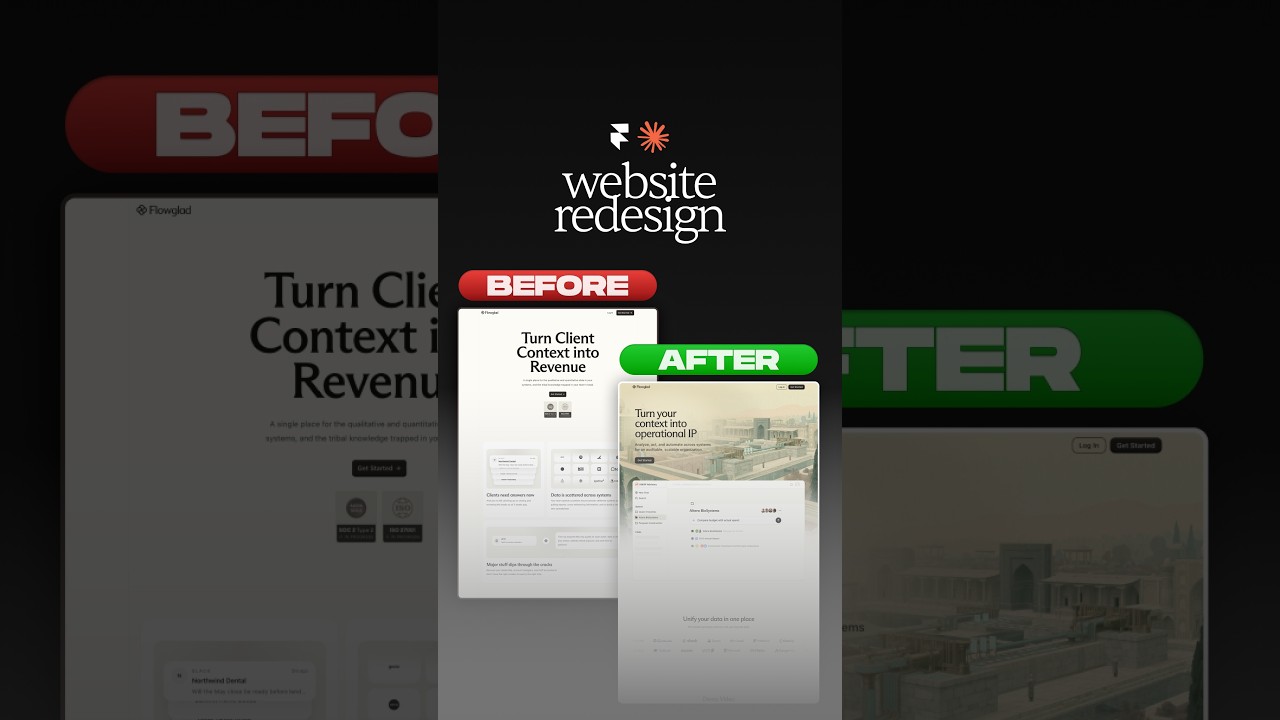
Website redesign for the coolest Y-Combinator startup everrrrr 😏#framer #webdesign #ad


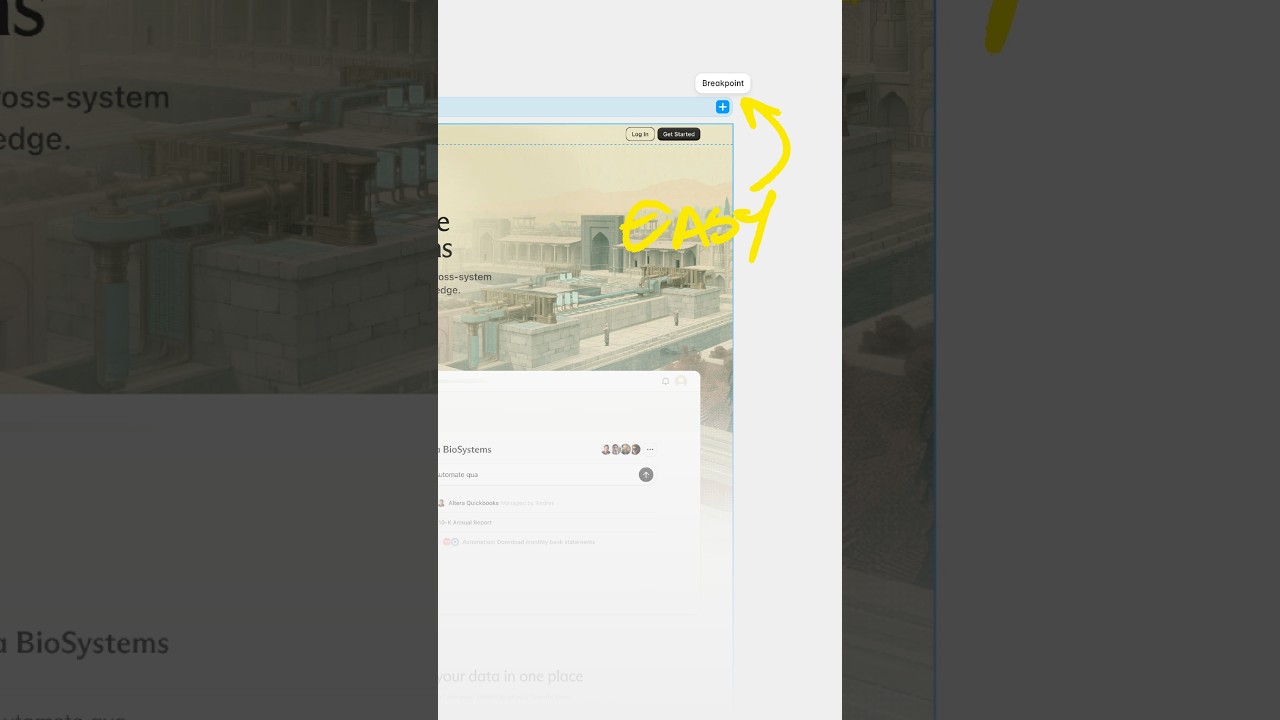
Break barriers by letting Framer agents' break points 😏 #webdesign #framer #framerpartner