Learn to build striking hero sections by sourcing images on Pinterest and Midjourney, refining them with ChatGPT and Figma, turning them into looping videos with Higgsfield, then uploading to Framer where AI agents generate responsive layouts you can customize.
Chapters
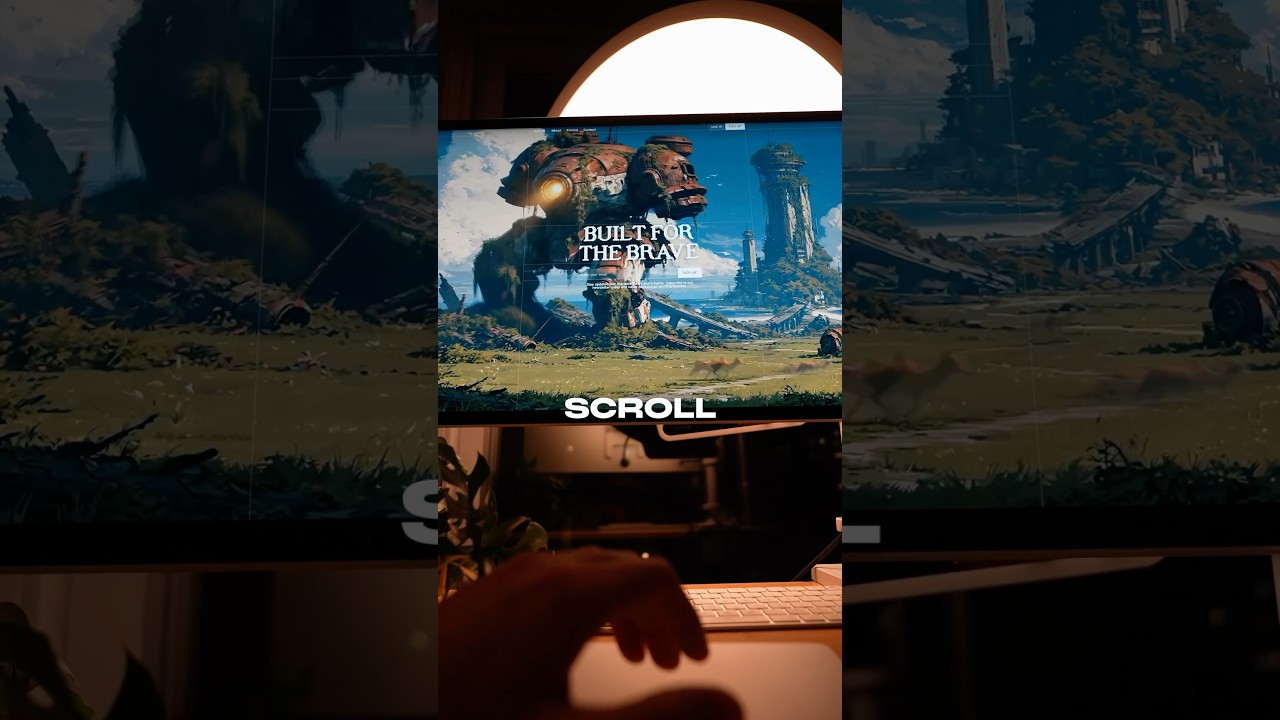
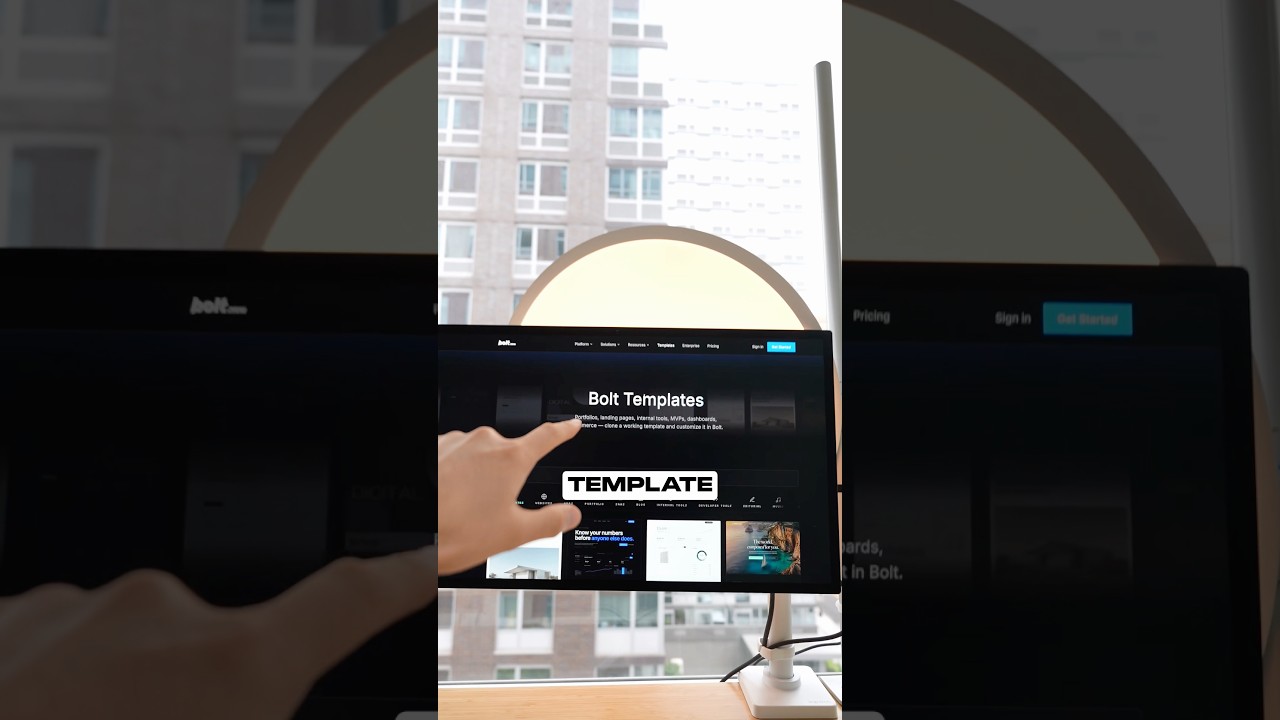
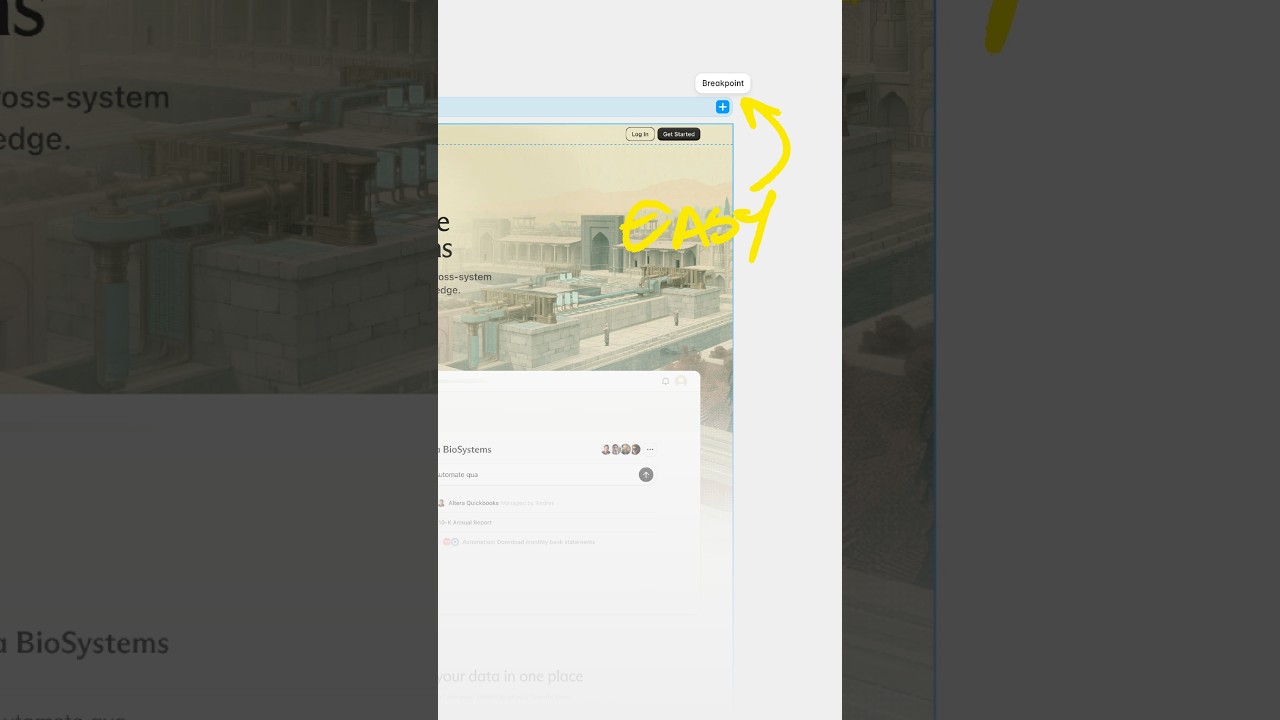
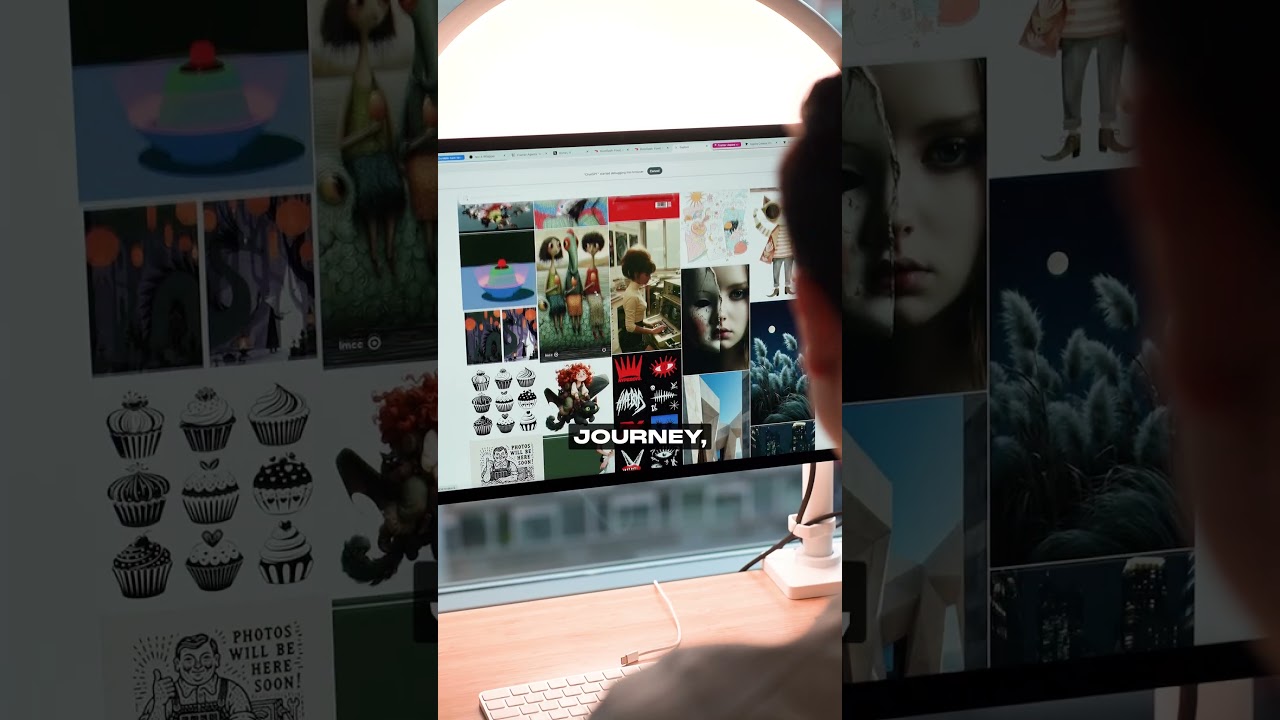
Why do some sites always stand out? Is it their specific color, typography, or spacing? Is it their art direction? And what do all these websites have in common? All these websites have beautiful backgrounds. And no, they're not just fun side projects. It's a pattern we actually see in the real world. Let's take a look at Origin, for example. It's a personal finance tool. Their hero section is literally just clouds and a blue sky with some text on top, and their hero section doesn't give any indication of graphs or UI. And when they finally introduce it as we scroll, it's always presented with some nice background images. It elevates the design. And setting this up is actually much simpler than you think. So in this video, I'm gonna show you how I find beautiful backgrounds, how I animate them in Higgsfield, and how I stitch it all together in Framer for a final website. And all you gotta do is call me Dark Knight Daddy. Whoa, whoa, whoa, whoa, whoa, whoa, whoa. Whoa, whoa, whoa, whoa, whoa. All right, let's talk about where I find inspiration for background images, arguably one of the most important steps in this process. Pinterest still remains one of the best ways I personally find background images for inspiration. Right now I can search something like background sky and go deep into a rabbit hole that gives me images just like this. And that's really the magic of Pinterest, is that you can go into those rabbit holes and like really fine-tune this sort of images that you're looking for because it shows you similar styles for each image that you're looking at. And Midjourney is a close second place where I like to find inspiration, but I find that their library can sometimes be limited because I can't go into those deep rabbit hole-like experiences that I can with Pinterest. So once I find an image that I like, I can remix the style and change it on ChatGPT or using Gemini or whatever sort of image model of your choice. Personally, I find ChatGPT usually does a better job of keeping the reference image closer to the original, where Gemini's Dano Banana 2 tends to do more aggressive changes. And if I need to resize or expand the image, I'm typically using Figma's built-in expand feature, which usually does a great job. And this is kind of an essential step if you're grabbing images off of Pinterest because most of those images are often in a portrait frame. If you want to put a background image on a website, you want to go wide. Usually what I like to do is just set the aspect ratio here to 16:9 and then drag proportionally, taking into consideration where you want to put the text and the CTA of the website. So another cool thing that you can do is you can actually lasso tool a specific element that you want to remove and voilà, magic. So let's take this to the next level by converting these images into videos using Higgsfield. I could use Minimax H3 and have this image be a start frame with a super simple prompt that says subtly animate, do not move the camera. Personally, I think Minimax has the best value and gives you that start frame control that Seedance does not. All right, now for the grand finale, bringing this together all in Framer. Framer is really cool because they have these built-in agents where I could start from a blank canvas and tell it to create this background video hero section And voilà, it just does it and it does it in a way that doesn't feel like AI slop. I personally use Framer for most of my websites because they get things like this really right. Like this responsiveness is nice. So let's bring that video that we generated from Higgsfield onto Framer. We're going to hit this upload tab and then just upload the video right here. Now, something that I noticed that generally most AI models do is that they put this overlay. And so I'll try to like tweak it, see if I can like make the overlay kind of work. But just the way that this image is structured, there's enough contrast in the black starry sky for me just to delete it. And then here I'm using Framer to basically change the positioning so it's at the top versus in the center, just so you could be able to read it better on smaller viewport sizes. And honestly, that's one of the reasons why I built most of my sites on Framer, is that I get the benefits of using the Framer agents, but then I could just tweak details on a canvas and then just see how looks just like this. Now, one thing that I noticed that it's missing is a chat composer, just like Origin Wealth has it. So what I'm going to do is I'm actually going to take a screenshot of their website and just tell Fable 5 to recreate the chat composer component and add it to our own hero section. Now, you'll notice that when it generates it, it's not going to be perfect, and that's why there's this agent-to-human, AKA me, handoff that's going would be happening in the next series of steps. Like for example, I wanted the buttons to be interactive, so I added a hover state. I wanted the chat composer as well to have a slight border when you hover on it to again make it more interactive. Now I could have prompted this, but it was just faster and easier for me to do it myself, like adding these shadows and figuring out the degree of how strong I want those shadows to be. Now for things that were more interactive, like for example this typing effect that I gave the agents to do and to also make it responsive. So when I actually start to type something, the button changes to an active state. That was also something that I just gave to agents. Now, once you have this set up, you could just repeat the process. Maybe this hero section describes a gamified learning AI platform, and maybe this one describes a cinematic video generation for couples who want to reimagine their love story. And shout out to Framer for sponsoring this video and making videos like these even possible. If you made it to the end, I got a special surprise for you. There is free links to all the websites that I just showed you here in this video so you could generate them for yourself, tweak them as you wish, and all sorts of resources and links down below in the description for you to dive into. As always, Jesus loves you, and Batman out.