How to Disable a Website in xCloud Hosting?
4 Apr 2025 · 0 min
0:20
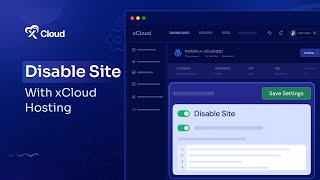
M Asif Rahman shows how to disable a website on xCloud Hosting and get it back online. You can either click a link on the disabled screen or toggle the option in the dashboard.
More from M

youtube.com
How to Deploy EmDash CMS in One Click on xCloud: A Fast, Lightweight WordPress Alternative
1d ago

youtube.com
Self-Host OpenPanel in One Click on xCloud: A Privacy-Friendly Google Analytics Alternative
1w ago

youtube.com
xCloud September 2026 Release Notes: Site Security Pro, AI Caching, Docker Backups & More | xCloud
1w ago







youtube.com
xCloud August 2026 Recap: App-First Deployment, 250+ One-Click Apps & DeepSeek Harness Hosting
1mo ago

youtube.com
Deploy Vaultwarden Password Managed on xCloud (Self-Hosted Open Source Password Manager)
1mo ago