How to Monitor Your Website's Resources with xCloud?
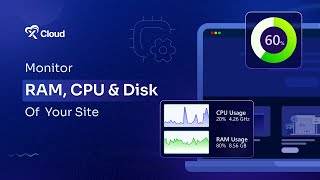
A short instructional YouTube tutorial by M Asif Rahman showing how to monitor a website's CPU, RAM, and disk usage using xCloud. The video walks users through: logging into xCloud, opening the Sites tab, selecting a site, navigating to the Site Monitoring option in the dashboard sidebar, clicking the Monitoring button, and viewing resource metrics in the Monitoring Stats panel (with a Refresh button to update data). The tone is practical and step-by-step, aimed at site administrators.
Chapters
More from M

How to Deploy EmDash CMS in One Click on xCloud: A Fast, Lightweight WordPress Alternative

Self-Host OpenPanel in One Click on xCloud: A Privacy-Friendly Google Analytics Alternative

xCloud September 2026 Release Notes: Site Security Pro, AI Caching, Docker Backups & More | xCloud







xCloud August 2026 Recap: App-First Deployment, 250+ One-Click Apps & DeepSeek Harness Hosting

Deploy Vaultwarden Password Managed on xCloud (Self-Hosted Open Source Password Manager)