How to Setup Your SMTP Provider with xCloud White Label?
16 Dec 2024 · 1 min
0:52
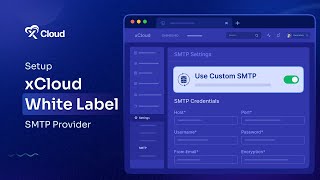
M Asif Rahman shows how to set up a custom SMTP provider in Xcloud White Label. Log into the dashboard, go to Settings → SMTP, toggle on custom SMTP, enter your host, port, username, password, email address, and encryption type, then save.
Chapters
More from M

youtube.com
How to Deploy EmDash CMS in One Click on xCloud: A Fast, Lightweight WordPress Alternative
1d ago

youtube.com
Self-Host OpenPanel in One Click on xCloud: A Privacy-Friendly Google Analytics Alternative
1w ago

youtube.com
xCloud September 2026 Release Notes: Site Security Pro, AI Caching, Docker Backups & More | xCloud
1w ago







youtube.com
xCloud August 2026 Recap: App-First Deployment, 250+ One-Click Apps & DeepSeek Harness Hosting
1mo ago

youtube.com
Deploy Vaultwarden Password Managed on xCloud (Self-Hosted Open Source Password Manager)
1mo ago