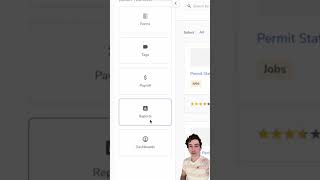
ServiceTitan tutorial on finding and cleaning up old unclosed jobs. Pull the Old Jobs report from Library → Reports, set the Job Start Date filter to your account start date, then run it to surface residue jobs that need closing.
Quick tip so it's a really common occurrence that over months and years of using Service Titan, you'll end up with some just old jobs that never got run or never got closed out or whatever. There's an easy way to find all of those so that you can periodically clean them up. First go to your settings and click on Titan Exchange. Then click Networks and make sure that you are subscribed to the Service Titan Best Practices network. Then click Library, select Reports and search for the old Jobs report. Click on that and then click on this pull button and that's going to pull that report into your account. Then click on Reports and search for that report that we just pulled in the old Jobs report. Once you've got that up, set the main filter to Job Start Date and then you want your date range to start one day in the past and go way, way back. Ideally all the way back to when you started on Service Titan. Click Run and you'll get a list of all of those old residue jobs that need to be dealt with. All right, goodbye.