How to Block Bots and Spiders from Google Analytics (in under 5 minutes!)
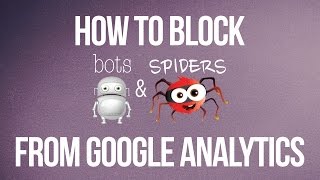
Short YouTube tutorial (Food Blogger Pro) explaining how to exclude bot and spider traffic from Google Analytics. The presenter frames the problem using a Food Blogger Pro member (Michelle) who saw a spike of 103 new sessions labeled as direct. The video then demonstrates the quick fix in Google Analytics: Admin → View Settings → enable "Exclude all hits from known bots and spiders" and save, so future reports ignore known crawlers. Also includes a brief channel plug (mentions 31 subscribers).
Questions this video answers
August 13, 2014.
31 people (subscribers).
103 new sessions.
Admin → View (third column) → View Settings → check "Exclude all hits from known bots and spiders" → Save.
Chapters
More from ChatFBP

One more reminder to tune in here to the latest podcast! https://pod.link/1014116331









A glimpse at our October coaching call all about returning to your blog. Replay on FBP!