Smartphone is all you need to get started on Youtube! (or is it?)
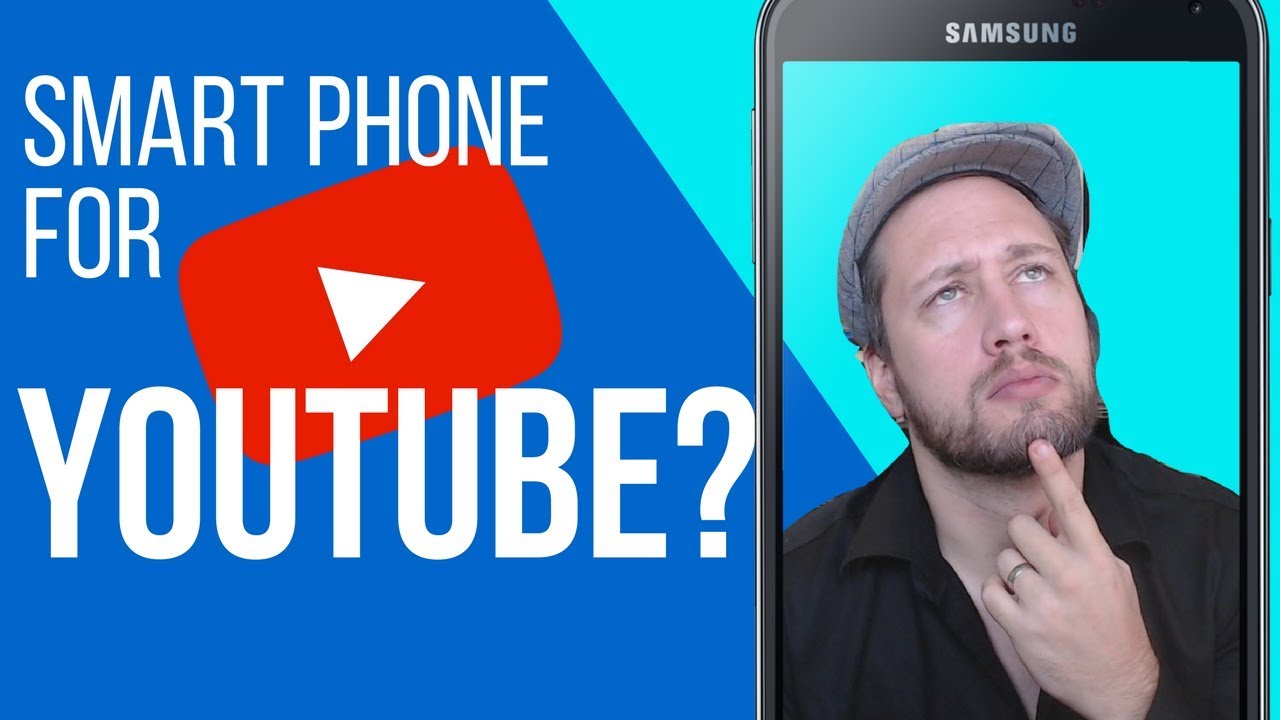
Dan Willis tested making YouTube videos with only a smartphone while traveling for work. He hit walls with audio in noisy spaces, mobile editing limits, and shaky footage, then recommended a lapel mic, tripod, and gimbal to fix them. A smartphone can start a channel, but he says a real camera setup works better.
Chapters
Is a smartphone enough to start a YouTube channel? Stick around, I'm gonna let you know what I found out. Welcome back, ladies and gentlemen. I'm Dan from millennialmotivator.ca, helping you learn how to create, engage, and inspire. If you're new to the channel, go ahead and click that subscribe button down there, the little bell next to it. You'll get notified when my next video goes live. Throw up a video here Monday through Saturday, with the exception of last week, on anything that has to do with growing your presence online to build your business and better engage your customers. What happened last week? For all of you guys that are fans of the channel and know what's going on, typically I put out a video every day, Monday through Saturday, every single day. Last week, however, I had to fly into the States. I had to meet with a bunch of different consultant clients that I work with, and I thought I'd be able to manage doing that work, being on-site, working with those teams, and shooting video, editing video, recording video, all that goes with that. The reality is this: I wanted to test whether or not a smartphone would be enough for me to shoot video on the road while I'm doing my business stuff. And I came to a couple different conclusions. Now, those of you that didn't see any videos last week know that obviously videos didn't hit YouTube, and there's a couple different reasons why. And I want to share my thoughts on this because from the start of this channel, I have vouched over and over again that all you need is a smartphone to get started on YouTube. And I want to give you guys my thoughts on this and break it down a little bit. So if you've ever considered starting a YouTube channel, solely with a smartphone, stick around. I'm gonna break this down for you. Okay, point number 1 is gonna— wait a second, I'm gonna put a disclaimer on this. Starting a YouTube channel with just a smartphone is better than not starting a YouTube channel at all. Okay, get that out there. I want to be clear on that. Okay, now with that being said, I found after having the experience of shooting with a camera, shooting with a desktop camera, having my setup here in the office, I found switching to a smartphone to have a large learning curve, as any new thing does. But there are a couple key things that got me stuck that I realized you need some additional things if you're gonna make a smartphone work for you on YouTube. So the first one that I found, guys, and this is a big one, is the audio. Here in the office, I've got a controlled space, so a cell phone would work just fine for a controlled space like this where there's not a lot of sound. I can kind of buffer it by closing the door. I can control it that way. When I was out and about though in the States— cars, people, whatever— the smartphone mic picks it all up. And so having that level of noise was a big issue, and sound is a big deal when people are listening to a video. I know myself, I'm still working on getting the audio perfected after 100+ videos. Audio is so key when you're shooting, and you are immediately off to a really tough start with a smartphone only. Now, that being said, there are attachments you can get for a smartphone that are a direct mic. You can have Bluetooth-connected lapel mics. I'll put some of those down in the comments below for you guys to check out if this is something that you're struggling with, but audio was terrible for me when I was out and about. There was lots of things happening. The smartphone just didn't do the audio justice, and it created some really muffled or crowded audio on the video. So that was a big sticking point for me of when I put out the videos, I like people to be able to hear me at the very least, and that was really hard for me to narrow out. Now, that being said, a lot of people would suggest, well, just filter that stuff out in the audio or in the editing process with the audio. That kind of takes me to my next point. All right guys, so audio was one issue, editing is the next. Editing on just a smartphone proved insanely difficult. So I came to a couple different conclusions in regards to, uh, smartphone YouTubing, and one of them is this: you have to be a one-take guru if you're gonna use a smartphone. Okay, one-take guru. You You get in, you shoot it, that's it. You don't need to segment, piece, alter audio in any way. The lighting was perfect. You managed to shoot the perfect one-shot video for your YouTube. Congrats, smartphone is for you. However, that being said, most of us aren't gonna shoot videos that way. We're not gonna be able to compile a single one-shot. We need several different shots. Some of us like to put B-roll in there. You've got the audio issues that I mentioned. Sometimes there's lighting issues that you wanna be able to adjust and fix. And Adobe Clip, I get what it's trying to be, I get what it's trying to do, to do, and if you absolutely had to edit with it, it's probably the best of a bunch of bad options. But that being said, it doesn't really serve the purpose. I highly recommend, as I always have, go out there and get an actual editing software. For me, it's Adobe Premiere. I love it, and Adobe Clip just pales by comparison. It doesn't give you the options, it doesn't give you the flexibility, it doesn't give you the control. And then actually exporting the file, it's just a huge waste of time and drain on a smartphone where a desktop obviously does a much better job of it. So the editing is a huge part of why smartphone shooting became difficult. And again, please remember that disclaimer that a smartphone video shot and edited on Adobe Clip is better than no YouTube channel whatsoever. Okay, so the other thing that smartphone would be great for and is now an option is going live. Okay, so if you have that capability, you've got the data or you've got the location with a great Wi-Fi, I highly recommend live as an option for smartphone just because it gives you that real-life feel. But what I found with live was there weren't any— there were additional problems with that outside of the audio and the lighting that we had already mentioned, and that is control of the camera. Okay, now control of the camera for people that I've said you just need a smartphone becomes difficult because Because shooting like this is obviously going to be a bit of a headache, and you won't always have somebody there to hold a camera and film you through a whole live shoot, especially since I know my lives typically be— typically tend to be a half hour to an hour long, and the reality is that's not something that you're gonna wanna hold your arm up for the entire time. So there's a couple of different solutions for that. Let's get down to that. So guys, as far as how you're gonna set it up and control it, there are a couple different options you have available to you. Okay, one is the Joby, so that— let me grab it for you here. So one is the Joby, okay guys, and this little guy here is a great tripod you can set up on the go. It's got a piece that goes in here, you can screw it in and just put your phone up, bam, you've got a nice little tripod set up there and you're ready to roll with it. The other option that you've got available to you is you can get a gimbal like the Zhiyun Q that we Showcased a couple of weeks back here. Again, I'll put links down to this stuff below, guys. So the Zhiyun Q allows you to— it's a gimbal, it's a 3-axis gimbal, so it allows you to move and transition smoothly without the video footage being all choppy. Okay, which I found was a major issue because I like to walk and move and talk as I shoot, and I often found myself as I was trying to shoot the first few videos, I would be moving my hand while I'm talking and it made the video this really gross seasick kind of feeling. So the Zhiyun Q would have been a much better option to shoot with, just giving it that stability if you are a hand talker or yourself shooting. So tripod is an option, guys. The Zhiyun Q is an option. Selfie stick, if you absolutely had to go that route, could work. But again, it is a major hassle and it is a major learning curve. To get that feel and to get that right. So what are the takeaways that I've got by and large for is a smartphone all you need in order to create a YouTube channel? Number 1, can it be done? Yes, it can be done. Would I still recommend it? I would still recommend getting started with just a smartphone over not getting started at all. Okay guys, I highly recommend you get started and improve as you go. But if you had the choice between a home setup or an office setup or a stationary setup or a camera setup, all of those I would personally prefer to the smartphone solo for the reasons of poor audio control. And while there are exceptions, you can alter your smartphone, just a smartphone enough isn't to get there— isn't enough to get there. So you're going to have to make a point to buy some additional add-ons in order to make the smartphone work for you. Lighting— lighting is another big one. Lighting you can't control. I know here in my office I've got it set up so that there's a window here with natural light right in front of me that allows me the ability to speak in a well-lit environment, whereas on the road that's not really an option, and the smartphone doesn't do a great job of really controlling your lighting. Last but not least, it's the editing process. Editing on a smartphone I found to be extremely difficult. There weren't a lot of great options on it. Can it be done? Yes. Is it optimal? No. The options inside of an actual piece of software like Adobe Premiere are far greater than what's available on something like Adobe Clip. So you can't really fix your audio well, you can't fix your lighting well, you can't edit properly. The export time takes an exorbitant amount of time because it's operating off of your, your smartphone, and it also ties up your smartphone while you're doing that. So I just These things are major sticking points for me, guys, and I am gonna still tell people that you can start a smart YouTube channel with just a smartphone, but I don't advocate for it as hard as I used to, guys. It's a very challenging process with a very steep learning curve. I know there are people out there that do it and they rock it, and good on them, but for me, as somebody who was fairly new to YouTube at the start of the year, coming into this channel, trying this for the first time, my verdict on it is it's very difficult, has a very high learning curve. It's better than nothing, but there are a lot of other better options out there. Question of the day is, let me know what you think down below. Have you shot YouTube video with just your smartphone? Do you think that these are reasonable conclusions that I've come to? Let me know what you think down in the comments below, and I will catch you tomorrow with another great video. See you then.
More from Dan

ready and prepared are not the same thing. #motivation #dothingsyoudontwanttodo #pushharder
Solitude is your mind gym. Never skip brain day!#fitness #motivation #fitnessmotivation




The Key to Lasting Change: Why Sustainable Growth Always Beats Monumental Leaps