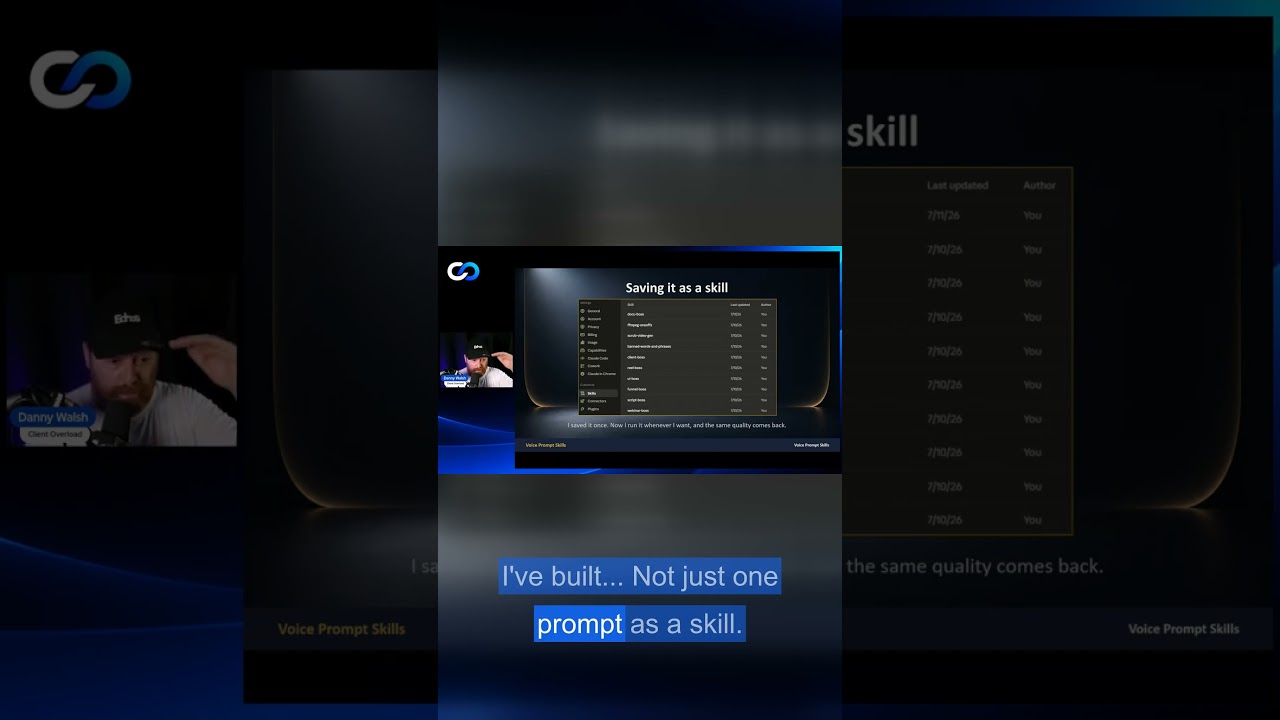
Danny Walsh presents the SLORE framework (pronounced "slow") for better AI prompting. Skip voice input and you get vague queries with poor results. Lazy one-line prompts copied from YouTube work once but can't be repeated. Use spoken words to clarify what you actually want.
Chapters
and I brought this down into a little framework that you can, you can memorize. So write this down, right? S is for you skipped your voice. You go on there, you type, my fingers are sore, I have to press delete a few times, I don't really know what to type. Does anybody sit there and think, I don't know what to type? They call it writer's block for a reason. You sit there, you look at the thing, you're like, oh, I don't know what to type. Is there anybody here that doesn't know what to say? You type, you type less. Less means less. If you give it 2 lines, you get a poor response. You try doing the same thing with voice and articulate what it is that you want, like I'm talking to you right now, and you see the difference in, in 30 seconds. So you don't skip the voice. Leverage the voice. Then the L in S.L.O.R.E. is for lazy prompts. Right, so you do the one line, no detail, generic in, generic out. You try and find a prompt off some YouTube video. Ugh, gotta go and find this thing. So you have to go and research it, you have to go and look for it, you have to— oh, what, what does even a good prompt look like? And you just blame the tool, right? So you're skipping the voice, you're lazy in what you're asking, and then you get the, the one-offs. You do one great thing with AI and you can't remember the prompt. You can't remember what you said, you can't remember what you typed, and you did a great design, or you did a great video, or you did a great social media post, great email that time, but it never happened again. You've got to force the habit of no longer doing one-offs, no longer being lazy, and no longer typing