The Correct Way to Play Melee in Widescreen
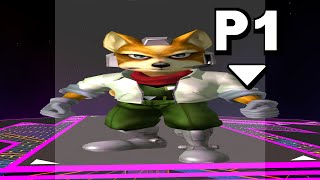
The video explains that Super Smash Bros. Melee, originally a 4:3 game, can be displayed in 16:9 widescreen using the Slippi‑enabled Dolphin emulator, but the built‑in "Widescreen Hack" should not be used because it breaks stage backgrounds, misaligns HUDs, and truncates hit‑flash effects. The presenter walks through the proper setup: in Dolphin's Graphics → Enhancements, uncheck the Widescreen Hack; in General, set Aspect Ratio to "Stretch to Window"; then apply the "Optional Widescreen 16:9" Gecko code to the Melee ISO via the Properties → GeckoCodes tab. The description below the video provides the code and a tutorial. Following these steps restores correct stage backgrounds, HUD alignment, and full‑screen hit flashes, delivering the intended widescreen experience.