How to save camera settings on a Nikon Z6 II so you can hand it to someone else with back-button focus already disabled. Configure your exposure mode, focus settings, and aperture, then save the whole setup to a User Settings slot in the menu. Switch profiles instantly when you pass the camera over.
Chapters
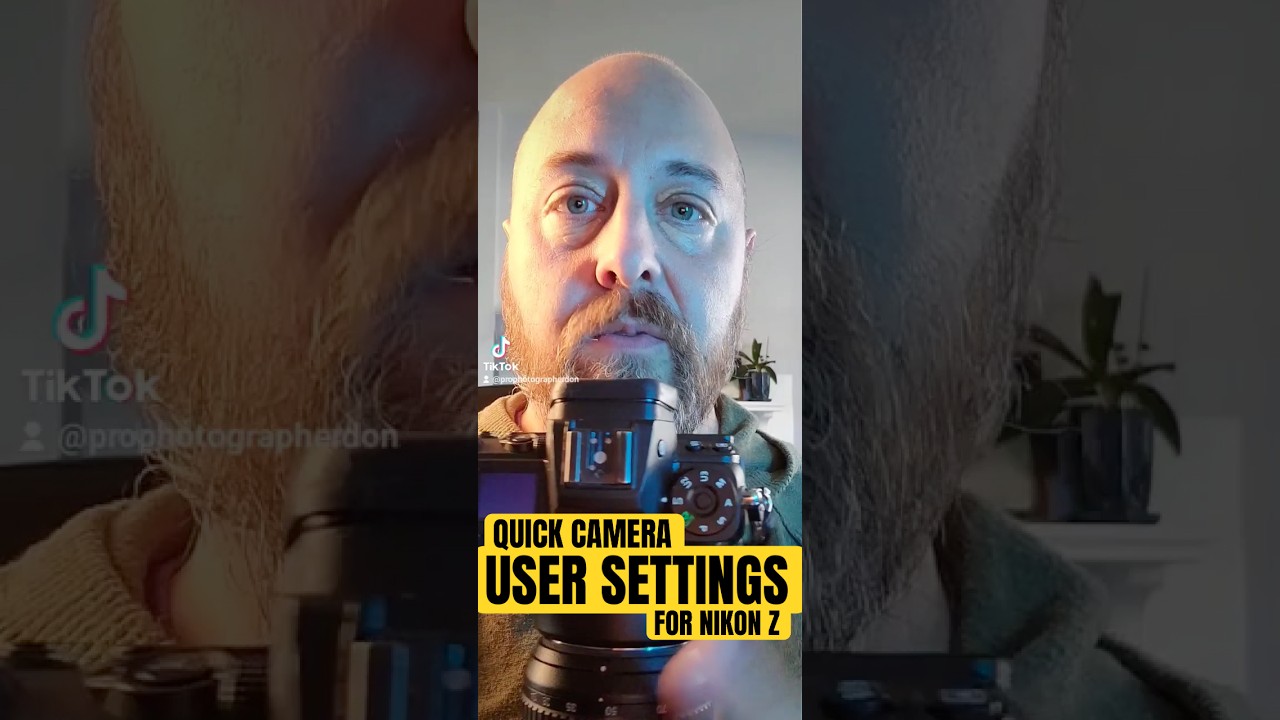
Is there a way to quickly turn off back button focus on your camera if you want to, say, hand it off to somebody else to do a group picture? That's the question that came to me from Nitto— sorry if I'm butchering your name— last night via email. And the answer is yes, there is. So I have the Nikon Z6 II here, and there are user settings 1, 2, and 3. So if you don't already use those, what you can do is set up your camera the way that you would want the person to who's going to take that picture to have it set up. So in manual with auto ISO where you're setting shutter speed and aperture to something that's going to be able to get the group in focus and not have a bunch of motion blur, or aperture priority, whatever it is, you set it up the way you want it in the camera, turn off back button focus, then you go into your menu setup menu and there is a save user settings there. You click on that and you just save it to User 1, User 2, or User 3. And that's how you do it. So if you have any questions, let me know. Thanks.