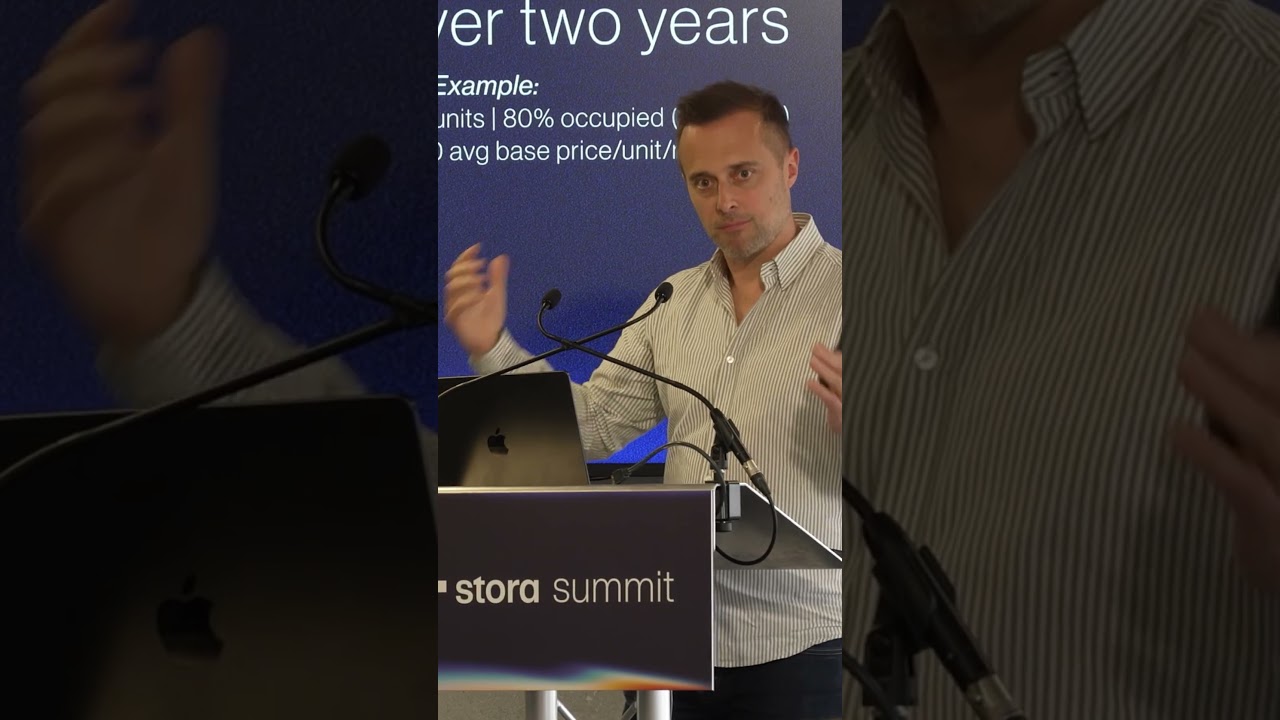
Stephen and David walk through Stora's new features: Grid Mode for flexible storefronts, a hidden-sidebar booking portal, and pre-fill integration that pulls form data from external sites. They also demo two pricing modes: price-reveal (leads see prices after signup) and request-a-quote (collect leads without showing prices).
Chapters
Hi everyone, it's Stephen here, one of the co founders of Stora, and I'm here with our head of product, David. And we just wanted to chat to you today a bit about some of the new features released in Stora over the last six months. Specifically, we're going to focus in on the storefront and the flexibility, I suppose, that we've introduced with various features throughout the year. There's quite a lot of flexibility now which allows you to tailor it to your sales process no matter what it is. And we thought it'd be best to just record a short video, chatting through it, so you can understand a bit more about the options available to you. So the first option we wanted to chat about is our new unit, Grid Mode on the site pages. David, do you want to chat us through that?
Yeah, absolutely. So, yeah, Grid Mode is something that we've introduced recently that gives you more layout options, which we hear all the time from customers. They want more layout options on the storefronts. So the reason we made Grid Mode is some of you have actually qu quite a lot of units and a lot of choice for your customers when they're visiting your storefronts. And what Grid Mode gives you is not only an extra layout option, but it makes the content more digestible and easier to consume for your website visitors. So they'll be able to find the perfect unit. So it's easy to turn on. You just go into your. Into your storefront settings and you'll see an option for list mode, which is the default which you're currently used to, and there'll be an option right next to it called Grid mode.
Yeah, and it lets you as well, I suppose, change between layouts for groups as well. So groups in store, if you don't know, let you group different unit types. So you could say like this, have 35 square foot upstairs and downstairs. And here you can see we're using the old list mode for the actual representation on this page, which means you get a nice differentiation when you click backwards and forwards between the two.
Yeah, nice state change to the customer. Yeah, absolutely.
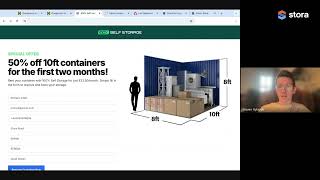
And there's another feature here which is hiding the sidebar. So if we go here, you can see this is the same page, but the sidebar has been removed. And the great thing about that is if you're using Stora alongside an existing website for bookings, which quite a lot of our customers do, this can sort of, I suppose, make them more focused experience for your own potential customers, not making them see information that they may not need, they may have seen previous in the journey. And so this is a more focused booking portal like experience. So next up we have another example website that we've created. So we hear from customers who use their own website that they might have their own form which is collecting a lead, for example, and then they're submitting that form, sending the visitor to Stora to complete the booking. And while that's, you know, no problem, you can do that with Stora. One problem at the moment is you have to, you have to fill in the form twice, potentially the same information. So you might be adding your name, email, phone number, etc to both forms. And that's obviously not ideal for the person trying to book. You want them to have as little friction as possible. So we've made that possible to reduce the friction and have the form pre filled in upon submission. So you can see here in this example, this form which I filled out, if I click reserve on this, this store website is pre filled. So that's just this system we've developed. It's not a feature that you can sort of use out of the box, but if you get in touch we can help you set that up. It will require a web developer on your end, but it's all entirely possible if you're using your own forms.
Yeah, simple bit of programming on your web developer's front, it won't be that difficult, but yeah, much more seamless experience. Again reducing friction and it saves you having to ask the customer to do something twice, which is always frustrating. So yeah, pre filling the form is a nice feature.
Next up we want to talk through, I suppose, some of the pricing modes. So we just showed you different ways to get online bookings via different layouts, existing websites. But we also have other pricing modes in store. We're well aware that not all self storage operators like to give away their prices necessarily straight away. They might want to capture a lead first. And this is what this mode is. So as you can see here, this person here, sorry, in this account every unit doesn't show prices. So in order for the customer to see the prices, they have to fill in the form which will reveal the prices to them and then they can book online. And that's just one mode that we have for pricing. We also have another mode which is request a quote mode. So I'll show you that in this example. So again on this website we have different units and there's no prices. What the operator can do is then collect their lead details and get the code. So I'll fill this in A bit. If you want to talk about the.
Benefits, David, the key differentiator, or the key difference between the last mode, which is price reveal mode, and this mode, is that at the end of this, the customer still doesn't see the prices, but you still get the lead. So what's great about this is again, not everybody's sales process is different. So some people want to nurture the lead, have a more human touch, get in touch with the customer, explain to them the benefits of self storage, explain to them how it all works. Because not everybody knows how self storage works. This is a good option for that type of sales process and that type of workflow. So, yeah, this request, a quote mode, it lets you fill in the details, doesn't reveal the price, but what it does do is it takes that lead information and adds it to your back office pipeline. So you, you can take that lead and then nurture it using our prospects and deals feature.
Yeah, so if I refresh this page, you'll see that was my form submission that's come in as a prospect. So this is our prospecting system where essentially you'll get notified immediately about that as well. You'll see it on your home screen that the leads come in and it's really up to you then what you do with that information. You can phone them, email them whatever you want, you can convert them to a deal if you think there's a potential for them to become a customer. It's really up to you. What, what way you take that one forward. Yeah, so I suppose that's, that's, that's the gist of what we wanted to show you today. Various different modes, how you can use Store alongside an existing website or if, even if you're just using Stora, different ways to use it. If you have any questions about any of this, then feel free to reach out to us. You can get us on email at producttore Co and thank you very much. We'll hopefully do a few more of these videos in future just to reveal a bit more about how Store works.