How to Use ChatGPT Effectively: The Importance of Stating Your End Goal
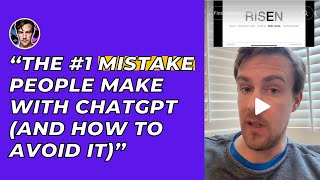
Part 5 of a short tutorial series (R I S E N: Role, Instruction, Steps, End goal, Narrowing) instructs users to always state their intended end result when prompting ChatGPT. The presenter (Kyle Balmer) gives concrete examples—ask for output in a table or state that you want a cover letter—and directs viewers to a downloadable guide via the comments link.
Chapters
More from Kyle

What’s the number 1 reason for not starting a business? I polled my 60,000 newsletter subscribers

Is ChatGPT dying?? Goldman Sachs published this chart showing traffic to the chetgpt website
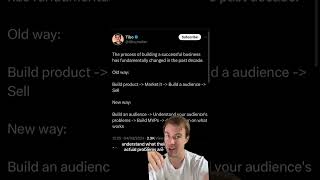
The new way to build a business : audience first! Inspired by Tibo - follow him on twitter
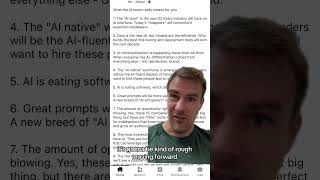

How to grow on social media? I stalled out in growth the last month - and have finally started again

Is gen AI a dud? Kinda hard to reconcile with the massive productivity gains some of us are already


Companies banning AI is a massive opportunity for you as an AI expert Doesn’t make sense? It’s

Quick tip on using AI for personal development and making hard decisions Have it act as you in the

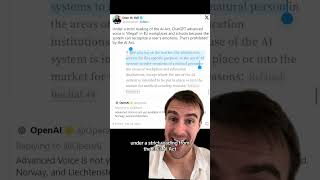
Is ChatGPT’s new advanced voice mode illegal in the EU? It’s ability to detect emotion is a no no