How to leave really diverse comments with AI on LinkedIn - 129 LinkedIn Live 2024 with Joe Apfelb…
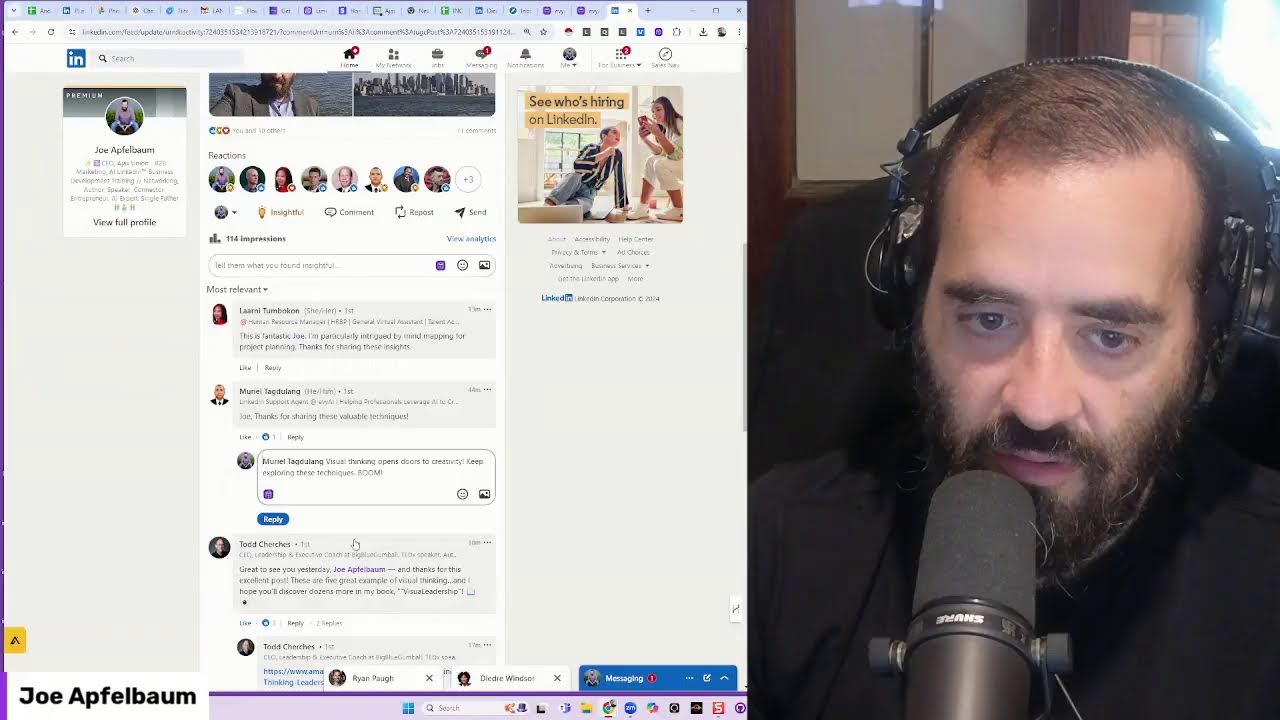
Joe Apfelbaum demonstrates Evvy AI, a tool that generates diverse LinkedIn comments using different personas like analytical, empathetic, and philosophical. The tool lets you manage over 1,000 profiles and switch between ten pre-built comment styles, from nature metaphors to travel references.
Chapters
Welcome to another edition of Joe Apfelbaum going live on LinkedIn, YouTube, Facebook, and all the other places. So if you wanna leave really smart comments on LinkedIn, one of the things that you need to start doing is using Evvy AI. Evvy AI is a LinkedIn AI assistant that'll help you take your comments to the next level. So when you log in, just click on login, go to your saved profiles. If you already save profiles, this is a really easy way for you to be able to stay top of mind with specific people. So in my case, I've saved over 1,000 profiles for people that I want to stay top of mind with. It's really hard to be able to stay top of mind with everybody, but if I want to stay top of mind with these people, it's easy for me to click on this link and be able to determine if they recently posted. And if they did post, like for example, Ryan posted a week ago, I'm going to go ahead and generate a comment on his post. And I gave the AI very specific instructions to make the persona really, really diverse. And I'll show you what those instructions look like. But what a delightful journey. It's like watching a beautiful melody unfold note by note, creating a symphony of relaxation, rejuvenation. Ryan, your travel experience— expertise truly transforms into forgettable memories— into unforgettable memories. Here's so many more adventures to inspire and refresh. Okay, so I just left him a beautiful, beautiful thought there. I'm gonna go in here and leave another one, and you're gonna see how diverse this comment is compared to the previous comment. It's gonna be completely different, completely different. I'm gonna show you the persona That I just created. This post feels like a sculpted, incredible bit by bit. Each sunset is a reminder of the beauty in transitions. Happy planning for your next adventure. There's so much potential waiting to be explored. And I'm gonna say, I love the way you speak, Ryan Spear. Next. Okay, so I just added that. Um, over here, he posted this a month ago. I'm gonna go ahead and drop a comment on this one as well with my diverse persona. And I'm going to go ahead and generate this. Your journey feels like embarking on a mountain with each connection making you step closer. Excited to see how your collaborations blossom, Ryan. Okay, and I'm gonna press comment. And now I just commented on all his posts using this really diverse persona. So what does this diverse persona even look like? And by the way, if you're, if you're on this live, um, give it a like right now. Just go, go to the live, give it a like. And hit that repost button if you can. Um, this is how you hit the like. You just hit the heart, heart, heart, the light bulb, light bulb, light bulb, the celebrate, celebrate, celebrate. And let's just do this all together. Celebrate, light bulb, heart, support. Let's see if we can get all of them going and see how many of them we can do all together as a team. Let's see how we can make it just beautifully fly. Guys, come on, just click, click, click, and let's see how that works. Um, right now I'm the only one doing it, and it might be delayed, but I'd love to see this stuff fly. And the more we get here, the more likely we are to, um, to have fun. Also leave a comment with the word diverse. You go to the comments, just write diverse if you want to be able to leave more diverse Comments, and I'll send you the prompt that I just created, the diverse prompt that I created to have really diverse comments. So go ahead and write diverse in the chat, and I'd love to see you guys, um, in the comments. I only have a couple more minutes to kind of share with you guys, but go ahead and click that little, uh, like, click the support, click the love, click the insight, click the funny, click the repost button if you wanna repost. I'm gonna log into Tammy's profile real quick. Let's see if I have Tammy's profile here. Tammy LinkedIn. I'm gonna go in here and I'll show you what it looks like when Tammy is able to find my profile, see that I'm live. Let's see if the header changes. The header didn't change. See that I'm live. You see, she's on the live right now. And then she'll click on the like button, the, you know, all this stuff here like this, the round of applause. And then she can hit the repost button and then hit post. Repost without adding your thoughts. If you repost this without adding your thoughts, all new comments and reactions will remain added to Joe's post. Yes, repost. Okay, good. So let's see what it looks like on comments on Tammy's profile. View profile. Um, and I see— I'm not seeing the engagement from you guys, the likes and the comments over here, but I can see Tammy sees it. So look at that. Let's see, Tammy reposted this. Let me look at the comments, and I see diverse, diverse, diverse, diverse, diverse, diverse. Hey MD, how are you? Good to see you. All right, so, um, let me just quickly show you how— what it looks like, and I'll send you guys the comment. Also, let me know What is your preferred tone when you're leaving a comment? So if I'm on LinkedIn right now, I have a lot of tones. So pick a tone that you would like. So let's say, for example, I go to Tammy's profile and I want to leave a comment on her most recent post over here, which is this post here. I already left a comment. Most of you have not left a comment. This is from 25 minutes ago. That's why I see Alarni already left a comment. I'm going to click on this here. I got tones. I got analytical, assertive, authoritative, challenging. In the comments, tell me which one of these you like the best. Is it curious, educational, empathetic, friendly, funny, happy, informative, informational, metaphorical? I like metaphorical. Tell me which one you like in the comments. Motivational, narrative, normal, persuasive, philosophical. I'm going to do philosophical. I'm also— I can address misconceptions, build relationships, encourage action. Establish expertise. I'm going to hit generate and I'm going to use my diverse persona. This approach to networking feels like planting a seed in a garden. Each note you take nurtures a connection, blah, blah, blah. You see that? And so I just left a very thoughtful comment on Tammy's profile over here. And I did it twice for whatever reason. I'm going to press delete, delete. Um, and now I can refresh the page just to kind of see this post. And you guys can go ahead and leave a comment as well here. Yeah, so that's that. What is this here? Explore more. Oh, now they put explore more under a post. So you get one post and then you get explore more under. Ooh, that's interesting. I haven't seen that, the explore more thing. But I'm gonna leave a random comment on a random post related to explore more. Ooh, this is new, brand new on LinkedIn. Look at that, we're exploring new things on LinkedIn. Okay, Jonathan Lightfoot says, this is inspiring insights as a connector. So when I'm replying to comments, to people's comments, what I do is I have a separate reply persona as well. So if I scroll down to my Joe Apfelbaum reply persona, I have a comment reply persona that says, don't mention the person's name, and then just keep it really short and end it with boom. I'm gonna press reply and it just does it like that. I wanna reply to Honey. I could just quickly go here. It already mentioned Honey's name, so I just hit the reply button. I hit generate, insert, and I press reply. You got any fun stories about using it? Let's see. I'm gonna hit reply. Joe said thanks, blah, blah, blah. I'm gonna hit go. Sketching ideas brings to life. It's amazing how Simple doodle, blah, blah, blah. You see that? Todd Church has said, great to see you today and thanks for the excellent post. These are 5 great examples of visual thinking. Hope you discover a dozen more in my book. Okay, so I'm gonna hit generate. Visual thinking opens that up. I'm excited to explore more ideas together. Okay, I'm gonna press go. And Marielle, I'm gonna reply to Marielle's comment here. Okay, fantastic. I'm particularly intrigued by mind mapping. Okay, I'm gonna rest here. Mind mapping truly can unlock your creativity. So I just replied to all of them using it. So let's quickly check these. I know we only have a minute left, so write diverse in the comments if you want to see it. But if you go to my pro— my personas right over here and you click on a diverse persona, I say you are professional comment creator. Creator. You read and post the comment that you come up with. I'm gonna fix this. Here are 10 things. Number 1 is book recommendation. Number 2 is nature metaphor. Number 3 is random thoughts on creativity. Number 4 is music inspiration. Number 5 is simple reflection. Number 6 is artist metaphor. Number 7 is travel reference. Number 8 is book insight, gardening analogy, and random curiosity. And you can mix and match any of these and add as many more as you want. But that's the idea for this diverse persona. If you want to see all of my personas, make sure to go to our free Skool community. That's skool.com/evai. You can log into your Evai account, click on community, and click on discover our community, and then you can log in. We have 462 members. If you go to the classroom, we have lots of trainings available. If you go to the community and you just search persona, you can find all the different personas that we have here. You see persona question, different personas. What are the personas you're using with AI? So go ahead. We have 10 different personas, 10 AI personas with Evie AI, and I give you a list of all of them here with the exact personas. So I'm gonna be posting this persona again in the community. Thank you very much for watching this short live. It was under 10 minutes. I appreciate you all and we'll see you on the next one. Make sure to hit that repost button.
More from Joe




How to Beat the Algorithm: Remove Hidden Watermarks & Scale Content with evyAI






