In this LinkedIn Live session, Joe Apfelbaum walks viewers through a repeatable system for turning LinkedIn polls into a lead‑generation engine and amplifying visibility with AI‑assisted commenting. He demonstrates how to create a poll, read its vote breakdown, copy the poll link, and promote it across groups, direct messages, WhatsApp, and other channels. He stresses the necessity of active promotion rather than passive posting. Joe then shows his daily workflow: checking LinkedIn analytics (comment count, post count), selecting a collaborative article to contribute to, and using the Evy AI tool to automate strategic comments on target profiles. He integrates Evy AI with Sales Navigator alerts to generate personalized comment drafts and quick‑reply messages without leaving the LinkedIn interface. By building and using curated lists of prospects, Joe sends individualized poll invitations and follow‑up messages to first‑degree connections who have previously voted, turning poll participants into warm leads. He highlights the importance of consistent, targeted commenting (minimum five comments per day) to increase profile exposure, and demonstrates how to quickly reply to poll voters and engage with their content using AI‑generated snippets. The session concludes with a call‑to‑action to try Evy AI (evyai.com) and a reminder that polls, when combined with systematic outreach, can identify client interests, qualify prospects, and drive revenue.
Chapters
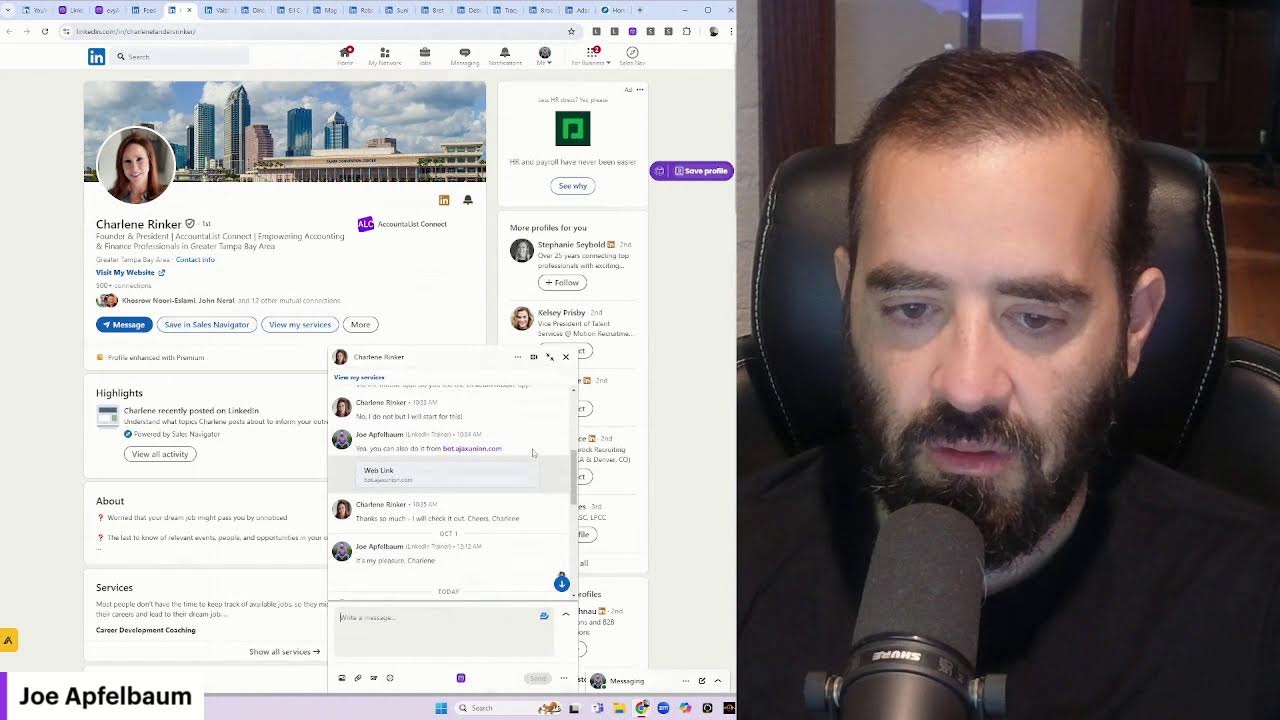
It's a wonderful day in the neighborhood, a wonderful day in the neighborhood to use polls and surveys on LinkedIn. So let me show you what a poll looks like on LinkedIn. This here, my friends, is a poll. Voted. Looking forward to what's to come. Thank you for sharing. Boom. Okay, I'm going to click on reply. I'm going to click on view votes, and let's just see what people want to learn. So for example, I got 4 people that want to learn LinkedIn hacks, 1 person that wants to learn AI automation, and 2 people that want to learn marketing and networking. Now what I'm going to do is I'm going to copy the link to this poll. And first of all, I do polls every single week. So if you take a look at all the polls that I've done, you can go through here and see how many polls I've done and what the polls were about. So you can learn how polls work. Now you got to promote your polls. You can't just put up a poll and hope for the best. You just got to let people know about your poll so people actually vote on your poll. And if you're not promoting your poll, people are not going to see your poll and they're not going to promote your poll. There are many ways to promote a poll, letting people know about it through the DM, letting people know about it through WhatsApp. Um, letting people know about it through different factors will help you be able to get more out of your poll. So my recommendation is to use Evie AI to comment and reply to comments, and I'm going to show you exactly how I use this poll right now. This is a great poll to learn more about what you should be posting about. You wanna know what your clients care the most about. So what do your clients care the most about? Do they care the most about LinkedIn? Do they care the most about AI automation? Do they care the most about marketing and networking? Or do they care the most about learning hacks? It looks like in this case, most people care about learning hacks. I want all of your LinkedIn hacks. Some people want to learn AI, some people want to learn LinkedIn, some people learn networking. There's a lot of things that you can teach. What are some things that you can teach on LinkedIn? And then are you using polls effectively to identify who your ideal clients are? You see, for me, before I sell anything, I take a moment to identify what do my ideal clients want? On LinkedIn. And once I identify what they want, then I could help those clients get what they want. But if I'd never sent a poll to anybody like this, you see that I'm going to search group over here just to kind of see all the different groups that I can technically be part of. So over here, you see that I'm going to share this in the group just like this. I'm sharing this in all these groups to let people know that they could check out this poll. When did we share this video here? I don't even remember sharing that video. Someone shared that video for me. Okay, bottom line is I have a solid poll. I share the poll with all these people, and I'm gonna go ahead and share that poll with him. If you have people that you wanna share stuff with, then create little groups of people that you can share those things with and then send it to them in the DM just like this. You see that? Um, okay, so let me show you my daily stats so you can see what I did yesterday. So if you go to your own profile and you scroll down to the bottom over here Um, where it says Stats, View Analytics, you'll notice that I did 54 comments yesterday. You see that? These are 54 comments that I left yesterday, and I did 5 posts so far this week. So today's goal is to do a contribution. We're going to do— we're going to contribute to a collaborative article under Sales, under Sales Prospecting. We're going to pick the one with the least contributions. So we have one over here that has one contribution. I already gave it a contribution, so I'm not going to give it another one. Go back here. We're going to go to this one here. You're facing gatekeepers. I already left one for that. I'm going to go to this one from 2 days ago. Okay, I did not express my ideas related to sales prospecting in this world. So I'm going to go ahead and add this. Reviving a dormant sales lead requires the approach. So what tool am I using right now? I'm using a tool called Evy AI. This is the AI for LinkedIn. You see, now Evy AI allows me to be able to see who in my world has posted so I can strategically comment on their posts. So if I go to my saved profiles, I can select from a list. You see it says select list. So I could pick a list or I could just pick anybody on this list. For example, David Alto. I'm going to go ahead and see if he posted recently. And if he did post recently, I see he has 7 people who commented on his post over here. I'm going to go ahead and leave a comment on his post as well. You see that? I'm leaving a comment on his post to show him that I actually support him. And even though he has 137,000 followers, his posts only get a handful of comments. You see that? A handful of likes, handful of comments. So just because you have 100,000 followers, it doesn't mean that you are a super popular person and that you're going to get tons of engagement. As a matter of fact, I know people that have a million followers and they get a handful of likes. It has to do with your strategy more than anything else. What is your strategy? How are you doing what you're doing? Okay, moving on. Let's just see what else is going on over here. Let's see who else posted recently. So I got this guy Martin. Zach, Neil. Let's check out Neil's profile here. Okay, I see Neil posted 15 hours ago. I'm gonna go ahead and leave a comment on Neil's profile. So if you're not leaving 5 comments a day, then you're missing out. Look how long it takes me to leave 5 comments. If you're doing things strategically, there's many places you can go to find people to comment on. There's your notifications. There's your feed. There's your Evy AI lists. There's many places to check. There's Sales Navigator. I'll show you where in Sales Navigator you look. I want to click on Sales Nav. Click on my alerts. You see Iris Lotowitz posted 2 hours ago. Right from within Sales Navigator, I can click on the Evy AI icon. I can hit generate. And I could say top of mind with this client. I'm gonna press Insert. Like Brynn shared a post, I'm gonna go ahead and comment on her post as well to remind her that I exist. Just like that. I'm gonna click on Tina's post from 13 hours ago, remind her that I exist. Just like that. And then I see other people who commented on her post as well. Those people probably also have a post. So I'm going to go ahead and click on their profile and find their recent posts and then leave a comment on their post as well using Evie AI without even leaving my workflow in Sales Navigator, just like that. And if I do this 5 times, I already did this more than 5 times, but if you do this 5 times, every single day, you're going to get so much more exposure to your profile that you probably didn't have before. So making sure that you're consistently leaving comments on people's posts, on the right people's posts, that is epic. And when the alert's done, you just close it off. You don't need to keep the alert on, but you just get an alert for what the people did over here. Then you go ahead and just leave a comment. Jeff, your insights on self-limiting beliefs resonate deeply. Boom. See that? I'm done with Jeff's post. Boom. Just cancel it just like that. I want to view a post. I want to comment on it. Boom. Just like that. All within the LinkedIn ecosystem. This saves me a ton of time. So if I go to my recent notifications, you'll notice I have tons of people here that have been posting, and I have not been commenting on their posts. So if you spent some time each day as a sales professional, Commenting strategically with Evy AI, it would be a game changer for you. So try it out today, evyai.com, E-V-Y-A-I dot com. Check out the blog. We have lots of really powerful tips on the blog, like how to grow your connections and so on. And you know, the beauty of polls is you can go back to the people that voted on your poll in the past. So for example, I have this poll here and I want people to vote on this poll. So what I can do is, I'm going to reply to Tammy and Julia here. I'm actually going to use Evie AI. I have a special thing called Joe Apfelbaum comment reply that will read her post, not include her name, and share a short comment reply just like that. That's awesome. You see that? Same thing with Julia. I'm going to create a short comment reply. Just like that. I'm also going to quickly look at her posts. See, she posted one day ago here. I already commented on that one. Okay, I'm gonna go back here. Okay, I love this. I am loving this. It looks like I got a couple people that commented on my post. I'm gonna give myself a little heart just like that. Um, so if I go to my Making a Plan for What to Teach on LinkedIn, Learn LinkedIn hacks, learn AI automation. So I'm going to go back to my Mojo polls right over here, and I'm going to go back to the people that voted in my previous poll. And I can send each one of these people a message that says, thank you for voting on my poll recently. You see that? Um, look at this. These are all the people that voted on my previous poll that are first-degree connections. Okay, so I'm going to close this out just to kind of show you, give you an idea. So these are all the people. So Charlene Rinker, uh, hey Charlene. Hi. You might find that poll interesting. Okay, uh, let's see what we— what our conversation was about. On September 30th, we had a whole conversation. That's awesome. Um, but this way I'm able to go through each person Let's see what else we spoke. We haven't even spoken. You might find that poll interesting. Just like that. Boom. And so promoting your poll to each individual person is powerful. Now I also have lists of people that make it really easy for me to promote my poll. To those people, but chances are these people want to hear from me and they want to be able to understand what is the latest poll that I've been, that I've been posting because they've already voted on my polls before. See that? So I'm going to send these messages to these people to make it really easy for them. To get the rolling going. And then we'll continue the conversation after. But all these people are already going to be inside my recent messages. I'll show you what I'm going to do after. Check this out. I'm going to go to each person just like that. And then I'm going to follow up with another message. But in order for me to quickly follow up with another message, I'll show you how I do that. So for example, Adam B. Euro, I'm going to go to messaging. I'm going to click on new message over here. Adam Euro, Adam B. Euro. I'm going to send him a message here. And here I'm going to say, that is my latest Poll. Feel free to vote and leave a comment. Okay, so now I'm going to send this to him, to Adam, but I'm also going to send it to Brooke. I'm also going to send it to Tracy. I'm also going to send it to Deborah. You see, and Deborah already gave it a little butterfly here. I'm also gonna send it to Suna, to Robert, to Magdalena, to Ellie Cohen, to Dino. Over here I already said that. Charlene, I already said that. And to Naftali. Okay, so I just sent a message to 1, 2, 3, 4, 5, 6, 7, 8, 9, 10, like a dozen people, and now People are there. I'm going to say thank you so much. Okay, and you can tell she's active because she has a little green dot by her name. Now what I'm going to do is I'm going to go ahead and return the favor and leave her a comment on her post as well. You see that? I just left her a short little comment on her post. And again, I'm using Evie AI to do that. That helps me. That saves me so much time. So now you learned how to use polls, qualify people, make more money, and grow your business. Thank you for watching this. Let me know what you think.