Want to learn how to use Canva and AI for Images? #shorts
16 Dec 2024 · 1 min
1:00
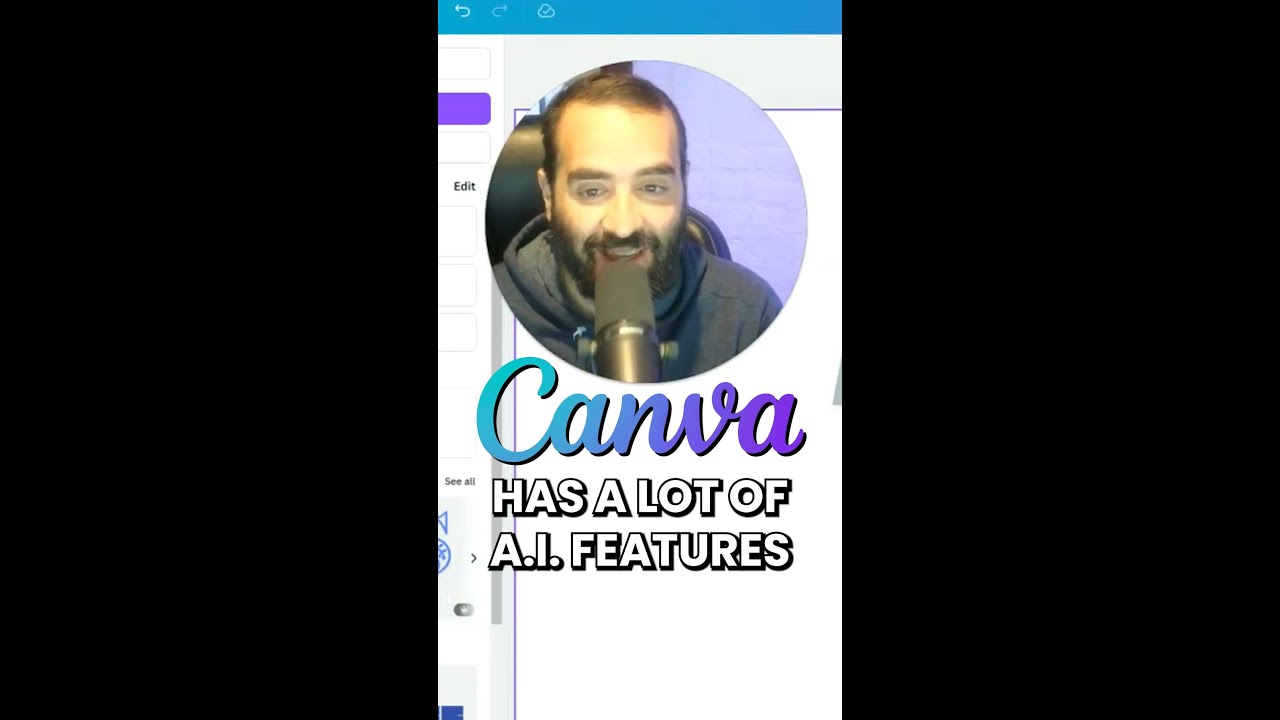
In this short instructional video, Joe Apfelbaum walks viewers through creating a 1080 × 1080 Instagram square in Canva and leveraging Canva’s AI tools. He starts by opening a new design, selects the "Magic Media" feature, chooses a style (e.g., Psychedelic), and types a prompt ("mushrooms and AI") to generate four AI‑generated images. He then demonstrates how to edit a generated image using the "Magic Eraser" to remove unwanted elements. Finally, he shows the "Dream Lab" app, where users can type a prompt such as "a house with a tutor," create the design, and edit it within Canva. The video emphasizes practical, step‑by‑step UI actions to help viewers quickly gain value from Canva’s AI capabilities.










