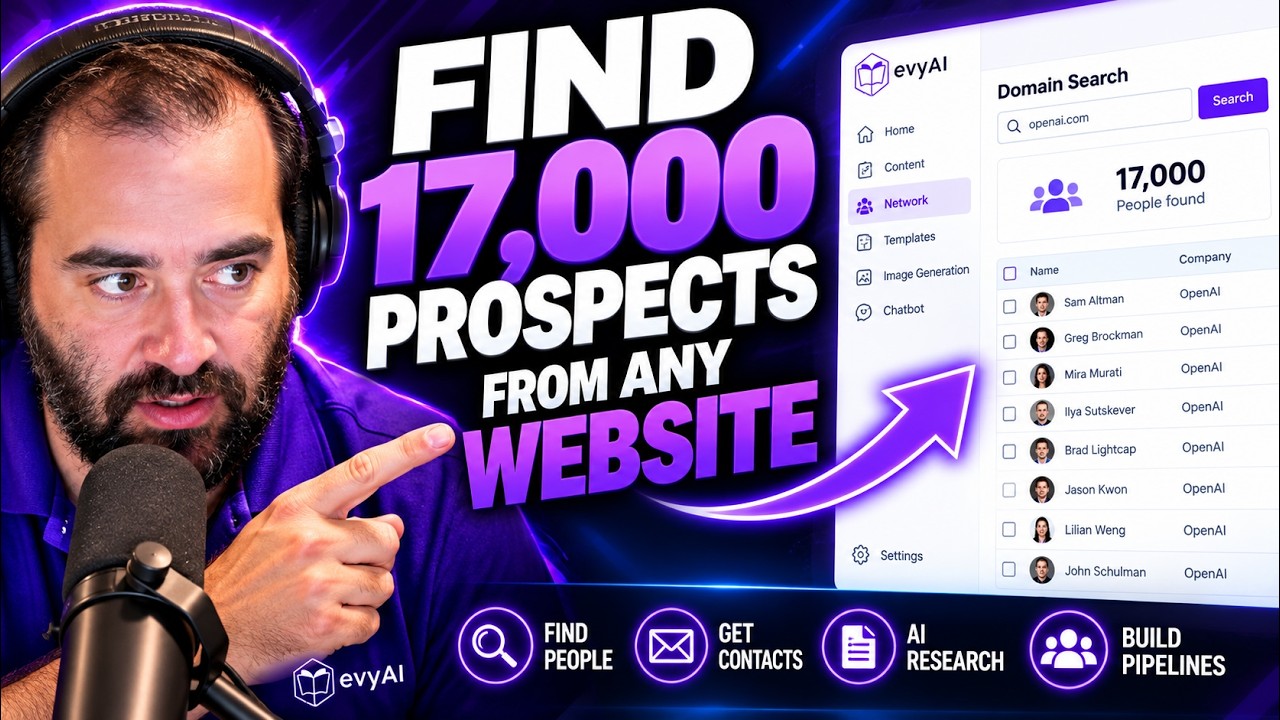
In this 2026 product demo, Joe Apfelbaum walks through Evvy AI's browser side‑panel, highlighting its navigation tabs (home, content, network, templates, image generation, chatbot, settings) and demonstrating core capabilities. He shows how to perform a domain lookup that returns up to 17,000 employees, enriches contacts with email and phone numbers, and saves the data. He then uses the Idea Generator, configuring goal, tone, persona, style, and LLM to automatically draft a LinkedIn post about exercising before a LinkedIn Live. The demo adds an image that the generator references. Apfelbaum explains the proprietary research agent integrated with the chatbot, which can retrieve detailed contact information and conversation starters for any person or domain, and notes the future shift from external to internal agents. He also demonstrates exporting enriched contact data to a numbered CSV with multiple columns (first name, last name, company, email, website, LinkedIn, Facebook, phone, bio, etc.). Interspersed is a promotional voice‑over (Speaker C) that markets Evvy AI as an AI‑powered sales assistant that drafts posts, comments, direct messages, and organizes networks, ending with a call‑to‑action to claim a free account. The demo emphasizes how Evvy AI streamlines networking, outreach, and content creation through AI‑driven automation.
Chapters
For example, if I want to look up this domain, I could just click on this, and then I could put in the domain here, and it shows me the 17,000 people that work there. And if I click this, it's right on the side. There's the homepage of the side panel. There's the content. The network, the templates, the image generation, and the chatbot. That's the navigation all the way on the right. On the bottom, we have settings where you can make it bigger and smaller, the text. And then there's also the ability to manage your account subscription or log out right from here. So if I want to generate an idea, I click on idea generator. Give me ideas related to business networking. Now I can select my goal. Let's say, for example, I want it to be educational. My tone, I want it to be curious. My persona, I can train it based on my identity of me being the CEO of Evvy AI. And then the style is I can tell it what type of style I want. Create a post about the benefits of exercising before you do a LinkedIn Live, because it helps you be able to be healthier and think better and think more clearly and so on. And then it'll just create a post about that. You see, it'll consider my goal, my tone, my persona, my language, my LLM. If I wanna add an image, I can add an image and then it'll reference that image in the generation.
Struggling to stay consistent on LinkedIn without spending hours typing out posts and comments? Meet Evvy AI, your personal AI-powered sales assistant built right into your browser. Evvy AI drafts authentic posts, writes thoughtful comments, Crafts high-converting direct messages and organizes your network in seconds, all using your natural voice. Stop ghosting your audience and start booking actual clients. Claim your free account today at evviai.com.
And this will research this guy using our own proprietary research agent inside our chatbot. We're going to be connecting the network to the chatbot. So that you could research anybody using our own chatbot. Right now it's using external chatbots, external agents, but it's going to use our agents moving forward in the future. You see that?
Yeah.
It found his email address, his phone number, conversation starters. If I have, let's say for example, a domain name I want to look up, let's say I have a specific domain name I want to research, um, I can take any domain name. For example, let's say this domain name. I have a domain name over here. So for example, if I want to look up this domain, I could just click on this. And then I could put in the domain here and it shows me the 17,000 people that work there. And if I click this and I press save, it enriches it with their email and cell phone number. I could also use all these AI agents to research these people. You see, first name, last name, company name. Email, website, LinkedIn URL, Facebook, phone number, bio. Look through the whole PDF, find every possible thing that you can add as a category, as a column, and make me a CSV. It's only like 50-something people here, so just make it good, make it numbered, and make me a nice CSV that I can check out. Want to make networking easier and more effective? Try Evvy AI. Your AI-powered sidekick that helps you connect, engage, and grow your network faster than ever. Click the link and start building smarter relationships today.