🎬 ¡Cosas de Blender que NO Conocías! Parte 4: Visualización en el Viewport 🎬 #shorts #blender
19 Jun 2024 · 1 min
0:33
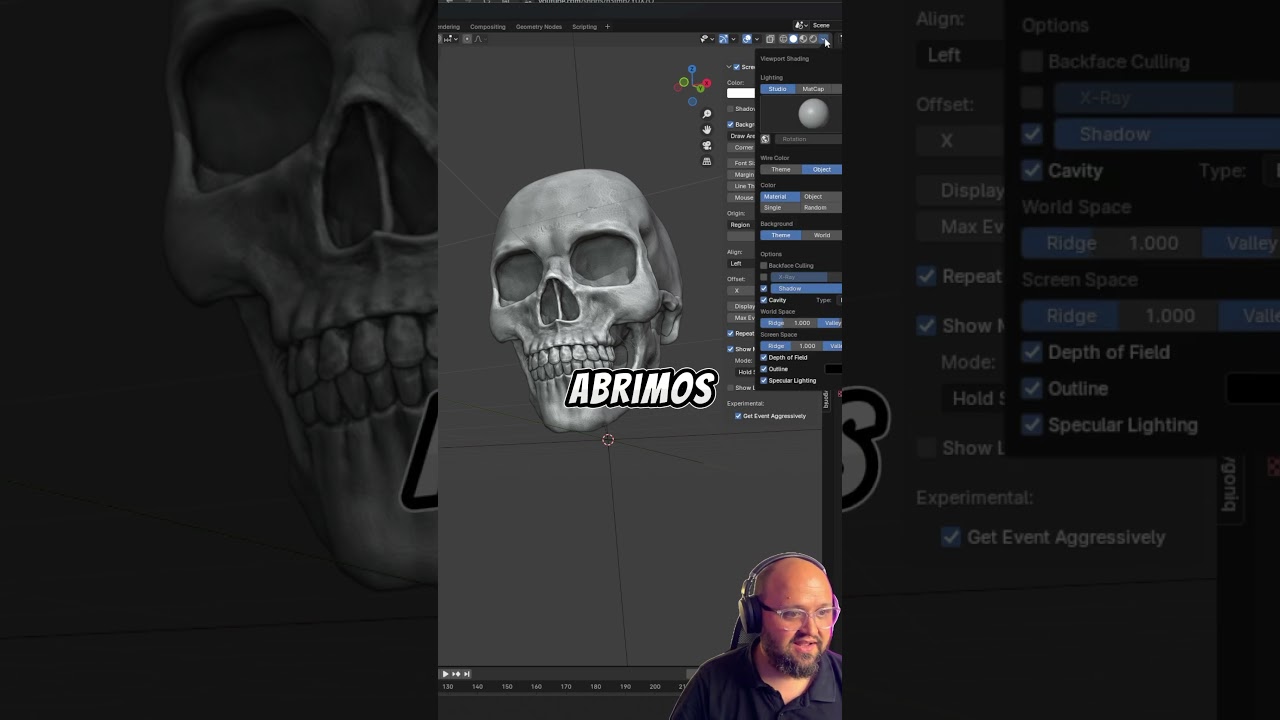
In this Spanish‑language YouTube short, the creator demonstrates how to dramatically alter the look of the Blender viewport. By opening the Viewport Shading dropdown and activating the options Cavity, Outline, Specular Lighting, and optionally Shadow, the scene’s appearance changes dramatically. The speaker also shows that selecting different matcaps can give objects a completely new visual style. The tip is presented as a quick, visual “before‑and‑after” transformation, and the video ends with a call to share the tip with other 3D fans and to follow the channel for more content.