¡La CLAVE para animaciones INCREÍBLES en After Effects que NADIE TE ENSEÑA! 🎯🔥
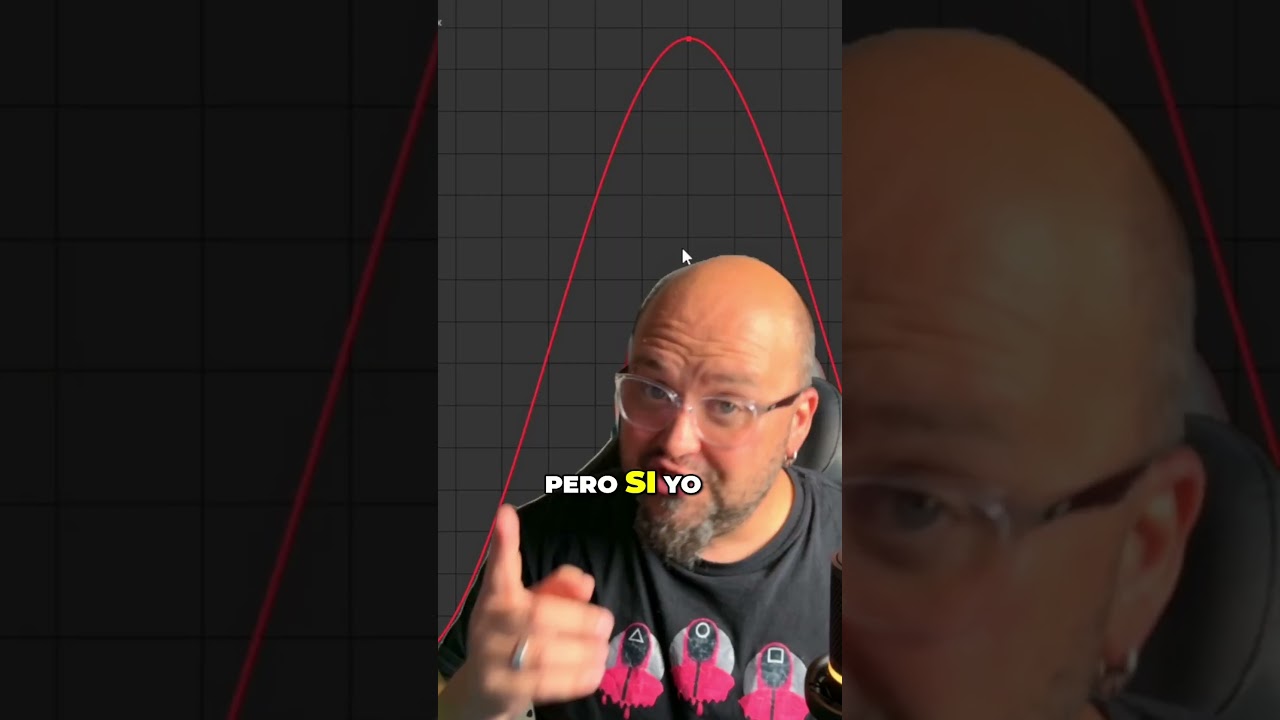
In this Spanish‑language tutorial, the presenter warns viewers that mastering keyframe interpolation is essential for creating high‑quality animations in Adobe After Effects. He demonstrates the workflow step‑by‑step: selecting a property (position), applying Easy Ease with the F9 shortcut, opening the Graph Editor, switching to the Speed Graph view via right‑click, and then manipulating the speed handles to shape the motion curve—e.g., making the animation start very fast and brake sharply at the end, or the opposite. The tutorial emphasizes that these adjustments control how smooth or abrupt the motion feels, which explains why some After Effects animations look great while others look poor. Finally, he advises saving the project to retain the technique and sharing the tip with peers who are still hesitant to learn After Effects.