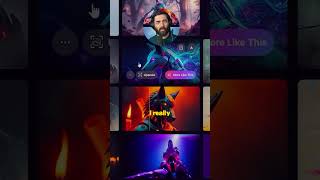
Matt Wolfe demos a new Leonardo AI feature called Flow State that removes the need for detailed prompt engineering. He shows a hands-on walkthrough: typing a simple seed ("robot"), generating an infinite-scroll of images, and refining results by selecting "more like this," which updates style and tones.
Chapters
There's a new and totally unique way to generate images with AI. Totally eliminates the need for things like prompt engineering. All you need is sort of a fuzzy idea of what you're looking for. The new tool that I'm talking about is called Flow State and it comes from Leonardo AI. In order to use it, you're going to head over to Leonardo AI. You'll see this option for Flow State. Once you're on the Flow State page, it actually starts you off with some inspiration to choose from. I'm just going to type a robot. We'll click Generate. It's like an infinite scroll where as you scroll, it just keeps on populating with more images. I really like the aesthetics of this image right here. So if I click more like this over on the left, you'll see it update the style to light art and cool tones. You can sort of let this tool figure out all the details for you as you go. This was a sort of game changing way of generating images. You no longer have to think about putting all the details of what you're looking for in an image. You can sort of let the image flesh itself out based on just diving deeper and deeper and deeper.