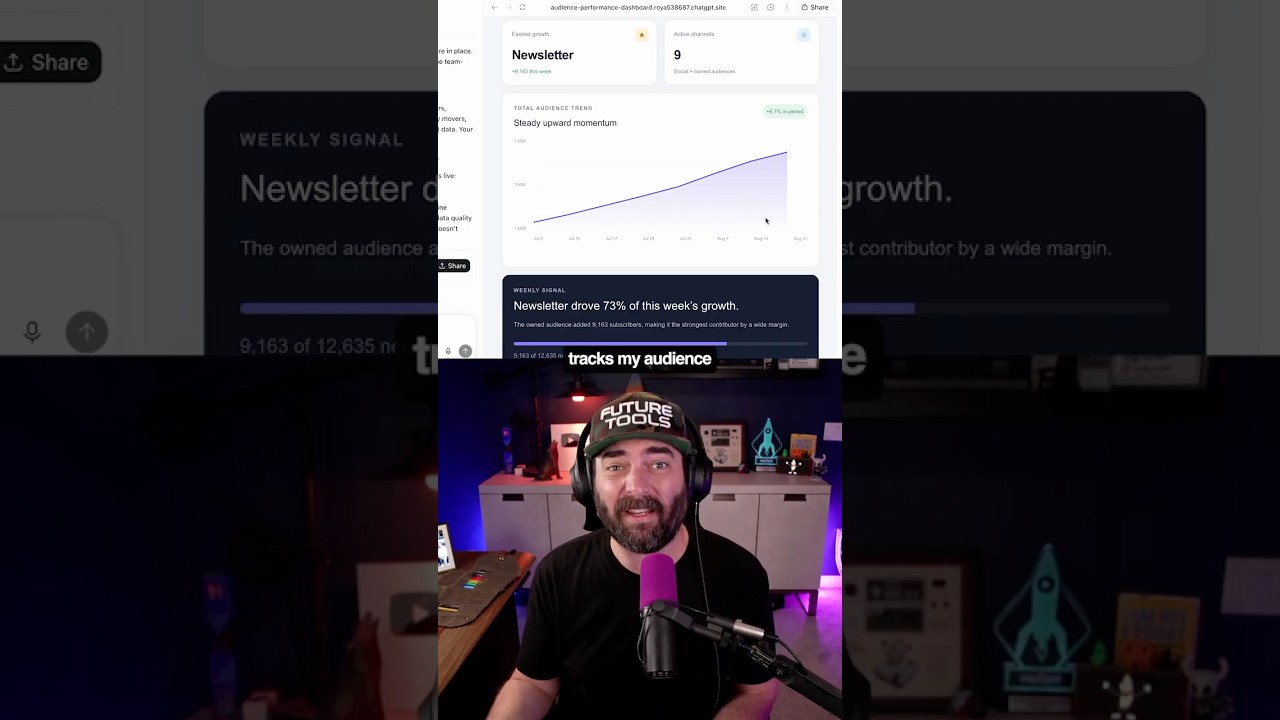
Matt Wolfe shows how to build a content-creator dashboard in ChatGPT using Codex and Sites. One prompt turns a spreadsheet into a shared tool that pulls analytics from YouTube, newsletter, Instagram, LinkedIn, TikTok, X, Threads, and Facebook, with Sites handling hosting and authentication.
Chapters
I turned this boring spreadsheet into this custom dashboard that's the ultimate content creator hub. And here's how I did it. I went to Codex inside the ChatGPT app and typed @sites into the prompt box. Then I typed the rest of my prompt, and then it got straight to building. The data tracks my audience across YouTube, my newsletter, Instagram, LinkedIn, TikTok, X, Threads, and even Facebook. And I can share that dashboard with my whole team. So instead of digging through 8 different apps, my team can easily track our audience and growth for each platform. And Sites handles all the annoying stuff for you, like hosting and authentication and even the database. I can also connect it to a custom domain, and Sites analytics lets me track things like visitors and page views. And with the new WebMCP, you can actually build specific actions into your site that compatible AI agents can use directly instead of having it just blindly click around trying to figure out your interface. So you can basically build these tiny pieces of custom software for yourself or your team without dealing with all the infrastructure normally required. If you want to try Sites for yourself, you can download the Codex app at the link in the caption.