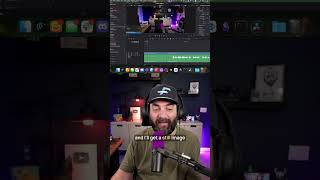
Matt Wolfe shows how he uses AI video generators to create YouTube intros. He records two frames of himself, exports them as stills, then feeds them into Leonardo or Kaling Video 3.0 with a prompt like "claw comes down and picks up the person." The AI fills in the motion between the frames in seconds.
Chapters
This is hands down the most common question I get asked. What video generator do you use for your intros? Here's a few of the intros I've done recently. Here's another one. Wee! And here's the one from my most recent Friday news video where I'm sitting in the corner and then the claw comes and brings me to my chair. Let me show you how I make those real quick. After hitting record, I went and sat in the corner of my room here, so that would be my starting frame of me sitting in the corner. And then I got up, walked over, sat my chair as normal. I would pull in my video into DaVinci. The video starts with me talking right about here. So what I'll do is I'll cut my video here and then I'll cut it all the way back here and then go somewhere here on the timeline where I'm off camera. File, export current frame as a still, and I'll get a still image of me not on camera. And then I'll come to right before I start talking and I'll do the same thing. I then do my video generation inside of Leonardo. I'll pick a starting frame. This is me with the claw one sitting in the corner. And then that second frame, of me at my camera, and then I'll give it a prompt like, "Claw comes down from the ceiling and picks up the person in the bottom right corner and moves them over and sets them down in the chair." I'm doing it with multiple different models until I feel like I got it right. Both Kaling Video 3.0 and VEO 3.1 actually generate the audio, so I usually just leave the audio. If neither of those work, my next step, jump over to Runway ML, and I will do the same exact thing in Runway because they also have SeedDance 2.0, which is another pretty decent video model. Once that's done, I just put that on the front of my video. That's the process.