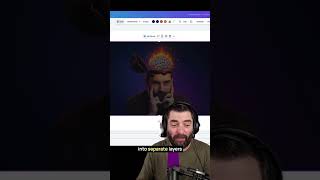
Matt Wolfe demos Canva's Magic Layers, which automatically splits any image into separate editable layers. The tool works on AI-generated images and photos, letting you resize and reposition elements like backgrounds and objects without manual masking. Huge for making YouTube thumbnails and ads fast.
Chapters
I was actually really, really impressed with this. Canva introduced a new feature called Magic Layers. I'll grab an image that I created in Nano Banana, and you can see this is all just one image here. If I click on edit, there's a new button that says Magic Layers, and if I click Magic Layers, it will analyze this image and then break it into separate layers. See my little skull and my brain and my body and even the background. I could move this around. Let's select both of these together here and make this a lot bigger. So it's taking up more of my image and you can see my little tiny pea brain popping out of my head here. Here's a really old image that I think I made in Midjourney. And now check this out. It broke all of this stuff out. So we've got our background here. I could move this independently. Now this is super, super helpful, especially if you make like YouTube thumbnails or Facebook ads or pretty much anything where you're generating images. And it doesn't only work with AI images. You can give it any real image as well and it will break that out into layers.