Three Figma Hotkeys To Resize Frames

18 Dec 2025 · 0 min
0:29

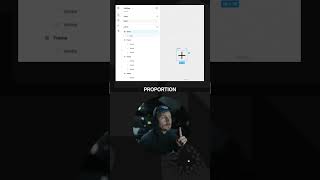
A short Figma tutorial/demo by Matt D. Smith showing three different modifier-key behaviors for resizing frames in Figma. The presenter demonstrates that: holding Shift constrains proportions, holding Option resizes from the center, and holding Command keeps the container contents from moving; he also demonstrates using Shift+Option+Command together to resize multiple items in place.

Questions this video answers

Constrains the proportion.

Resizes from the center (constrains from the center).

Prevents the container contents from moving around (keeps contents in place).

Shift + Option + Command.

More from Matt

youtube.com

AI Got This To 60%, The Other 40% Is All You

6mo ago
youtube.com

You're Charging $28.50 For This?!

6mo ago
youtube.com

The core of what is expected from you as a designer in 2026

7mo ago
youtube.com

In the age of AI, what actually matters for designers?

7mo ago
youtube.com

The Skill Behind Every AI-Generated UI

7mo ago
youtube.com

Everything feels scattered. How do I fix this?

7mo ago
youtube.com

The Fastest Way To Get Better At Vibe Coding

7mo ago
youtube.com

Fix Your Layouts With This Very Small Change

7mo ago
youtube.com

The Key To Fixing Your Layout Isn't What You Think

7mo ago
youtube.com

How To Be In The Top 10% Of Portfolios

7mo ago
youtube.com

Can You Learn Design By Prompting With AI?

7mo ago
See all content









