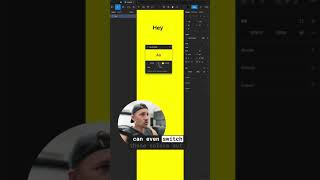
This is a YouTube video titled "USE CONTRAST (now available for figma) #shorts" created in September 2022. It features a single speaker, Matthew Ball, demonstrating the Use Contrast plugin for Figma, which helps designers ensure their color choices meet accessibility contrast standards. The content is a product demonstration focused on improving design accessibility.
Use contrast for Figma is now live and available. You're designing and you're trying to choose colors, dragging around colors and you're like, hey, that looks pretty good like, like a dark yellowy gray. But oh, we are failing accessibility contrast. No one's going to be able to see that. So with the contrast plugin you can see that it's failing and we can bump it up to AA large. We can bump it up to double A, bump it up to aaa. We can also play around with the color selection and see if this is going to pass or not. We can even switch these colors out if we want to completely change the design. We can adjust the background color only. We can adjust the background color with our keyboard and make tiny changes. It's pretty cool. It's going to save you some time and it's going to make your designs better. Okay, you can get it for free right now at usecontrast. Com.