1:59
A short YouTube tutorial (speaker: Nichole Briscoe) showing how to disable comments on a Facebook Marketplace listing. The speaker demonstrates: go to Marketplace, click your account, open the specific ad/listing, select the group where it’s posted, open the three-dot menu and choose “turn off commenting.” She illustrates with a posted listing (posted June 19) that received over 10,000 views and recommends turning off comments to avoid repeated negative or distracting remarks (examples: gifs, insults, and lengthy comment threads).
Questions this video answers
June 19
Over 10,000 views
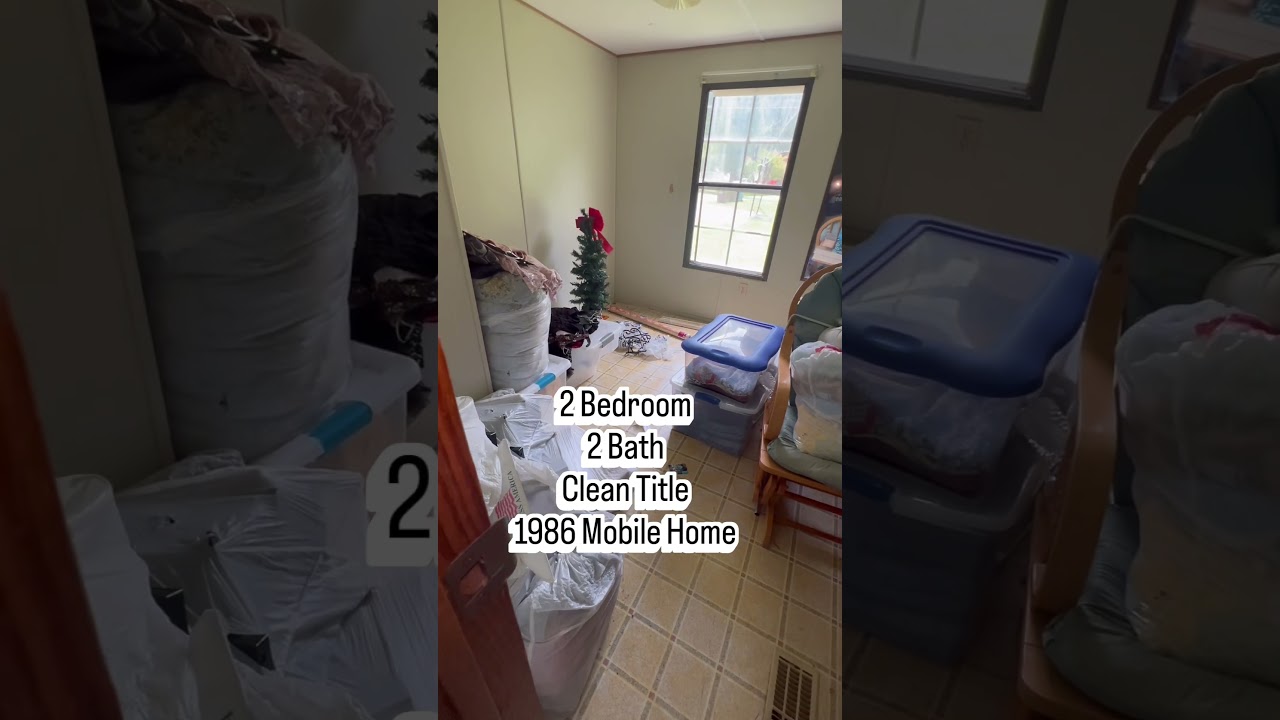
Three bedroom, two bath; located in Graham; described as ‘must be moved’