Patrick Biddiscombe shows how to build a webpage in HubSpot's free CMS Hub using drag-and-drop modules. Pick a template, swap in your own content like images, and publish in minutes.
Chapters
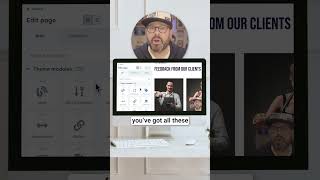
If you're looking to build a conversion driven website for your business, you've totally come to the right place. We're going to be using HubSpot's CMS Hub, which is a free suite of tools designed to help you create, manage and grow your website content, all within HubSpot. Once you're ready to get started, click on Website Pages. Click Create Page. Now from here you're going to be brought to a web page where you're going to be able to select a template from a theme. Select that template you'll see on the left hand side here you've got all these modules you can simply drag and drop anywhere you want and start to edit them with the click of a button from first things first, let's get rid of this gentleman and let's add in one of my favorite Donut champions. And finally, click Apply Changes and in a moment we'll see my little buddy Coleman, Donut Champion number one. Now some of this other stuff I literally can just get rid of and delete. We don't need it. I'm going to go ahead and publish this webpage. And there is Mark's Donuts Champion webpage ready to go. Click the Play button below to watch the full video.