Can't Download Your e-OCI Card? Here's the Fix! | Update Your Registered Email

The video addresses a common problem where OCI card holders cannot download their eOCI card because the email address originally registered with the Bureau of Immigration is no longer accessible. It explains that the Bureau has issued an update requiring a current, accessible email to generate or download the eOCI card. The presenter walks through a step‑by‑step process to resolve the issue in under a minute: (1) Visit the official OCI Services portal and register as a new user using a current email address; (2) Log in, select “Apply Online” and choose “OCI Miscellaneous Services”; (3) Enter the OCI card number, the passport number linked to the OCI card, and the date of birth; (4) Choose “Email ID Updation”, upload the OCI card PDF, and submit the request; (5) After the request is approved, the updated email is linked to the OCI profile, allowing the user to open the eOCI tab and download the eOCI card. The presenter invites viewers to comment for assistance and to follow the channel for more OCI/NRI visa and immigration updates.
Chapters
More from Pratibha






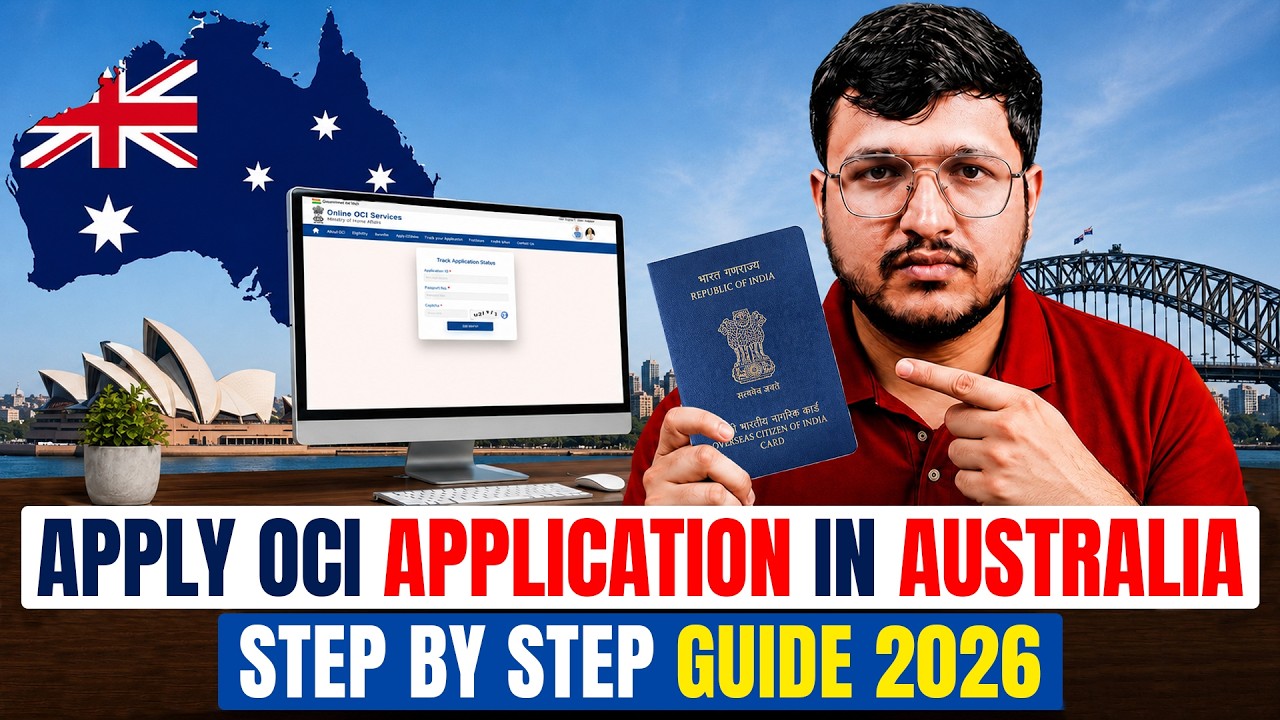
How to Apply for OCI Card from Australia 2026 | Full Step-by-Step Process (Portal + VFS)