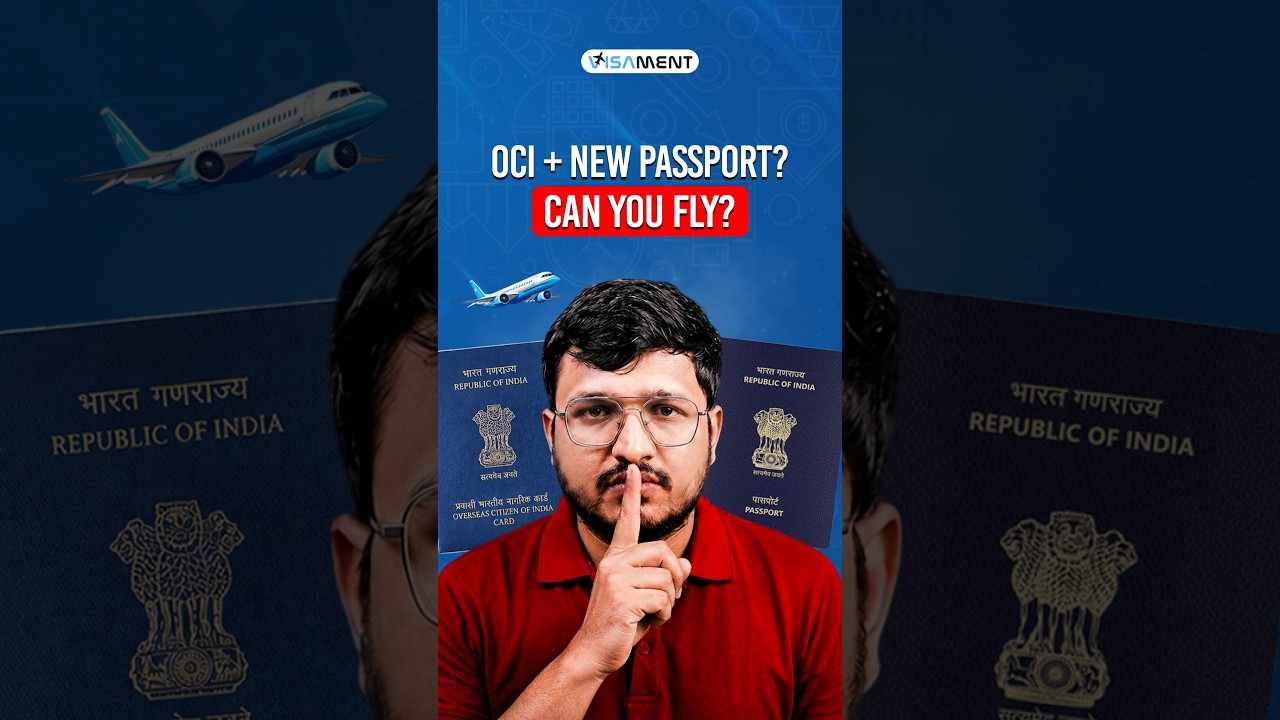
In this instructional video, the presenter walks existing Overseas Citizen of India (OCI) cardholders through the newly launched digital e‑OCI card. The e‑OCI is a PDF version that can be saved on a mobile device or computer, complementing the physical OCI booklet, which remains fully valid. The video explains who can obtain the e‑OCI (current OCI holders and newly approved applicants), the required credentials (OCI Services Portal login or registration using the email linked to the OCI application), and why the digital copy is useful for travel and immigration checks. A detailed four‑step process is demonstrated: (1) visit the official OCI Services Portal and log in or register, (2) select the new “eOCI” tab on the dashboard, (3) locate the “download e‑OCI card” button under the applicant’s details, and (4) download the generated PDF and store it securely on a device and in cloud/email backup. The presenter emphasizes that the physical booklet is not replaced, advises using only the official portal, and recommends keeping multiple digital copies for easy access. The video ends with a typical YouTube call‑to‑action, inviting viewers to like, share, subscribe, and comment any questions about the e‑OCI download or OCI applications.
Chapters
Hello NRIs, welcome back. India has officially launched the e-OCI card. If you are an existing OCI cardholder, here's exactly how to download it. A few days ago, we informed you that the Government of India was launching the new OCI card. Many of you commented asking how to actually download it. So in today's video, we will walk you through the complete process step by step. We will also explain who can download it, what you will need, and whether your existing physical OCI card is still valid. So let's get started. First, let's quickly understand what the e-OCI card is. The Government of India has introduced a digital version of the OCI card that existing OCI card holders can now download online through the official OCI Services Portal. This means that along with your physical OCI booklet, you will also have an official digital copy that you can save on your mobile phone or laptop. One important thing to remember is that your existing physical OCI card is completely valid. The government has not cancelled or replaced it. The e-OCI card is simply an additional digital version that makes traveling and document access much more convenient. The e-OCI card is currently available for existing OCI cardholders. If you have already been issued an OCI card, you can log in to the official OCI portal and generate your digital e-OCI card. If you are applying for a brand new OCI card, you will receive access once your application is approved and your account is active. Now, let's go through the complete download process. So step number one, visit the official OCI service portal. Log in using your existing user ID and password. If you have never registered your account before, don't worry. Simply complete the registration process using the same email ID you used while applying for your OCI card. Once your account is verified, you will able to access your dashboard. Step number two, after logging in, you will notice a new tab called eOCI on your dashboard. Click on this tab. This section contains all Step number 3, your application details will now appear on the screen. On the right-hand side, under the action button, you will see a button that says download e-OCI card. Simply click that button. Step number 4, within a few seconds, your official e-OCI card PDF will be generated. Download the PDF and save it safely on your mobile phone, tablet, or laptop. The digital copy can be shown whenever required during travel or immigration checks. So, that's it for today's video. Before you leave, here are a few important points. Your physical OCI booklet remains valid. The e-OCI card is simply a digital version, not a replacement. Make sure you download your e-OCI card only through the official OCI services portal. Keep a copy saved on your phone and another copy in cloud storage or your email for easy access whenever you travel. Having a digital version can be extremely useful if you are unable to access your physical OCI booklet Immediately. That's how easy it is to download your new e-OCI card. If you found this video helpful, don't forget to like, share, and subscribe for the latest updates on OCI cards, Indian passports, Indian visas, NRI news, immigration rules, and overseas Indian services. If you have any question about downloading your e-OCI card or applying for a new OCI card, comment e-OCI download below and our team will be happy to guide you through the complete process. Thank you for watching and we will see you in the next video.