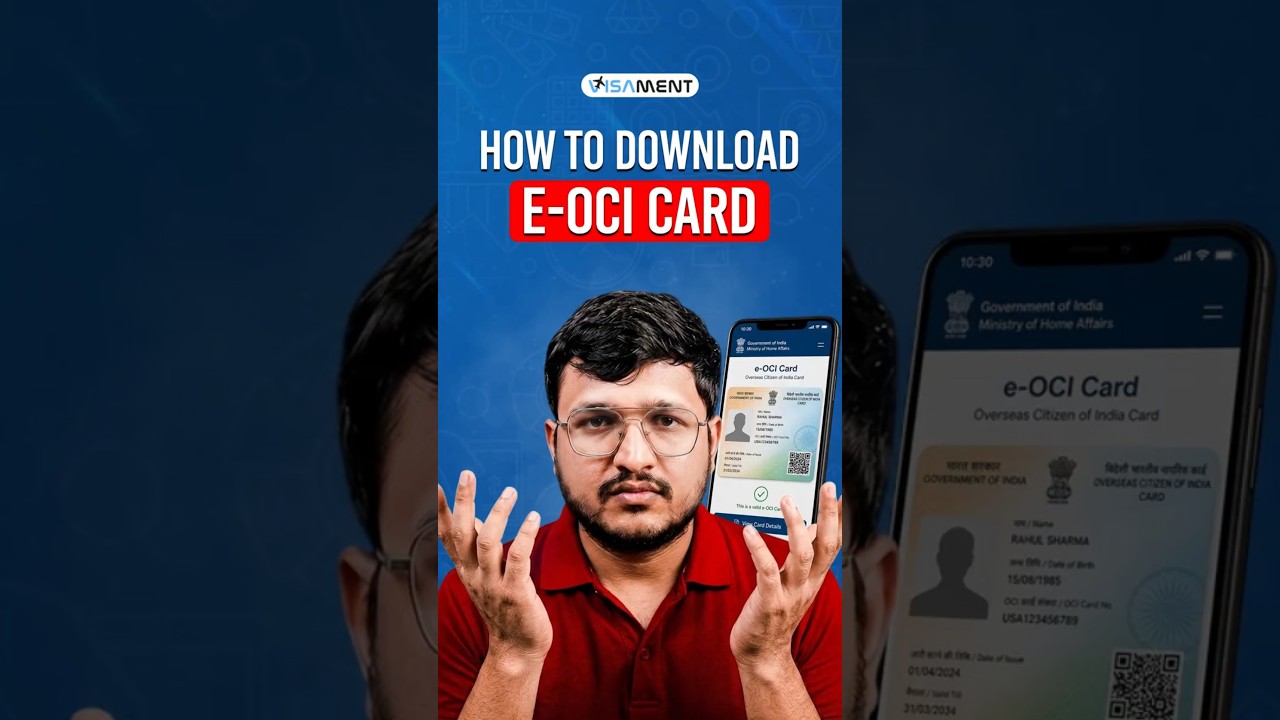
India has launched the e-OCI digital card for existing OCI holders. Log into the OCI Services Portal, go to the e-OCI tab, find your application, and download the PDF. Your physical card stays valid.
Chapters
India has officially launched the e-OCI card. If you are an existing OCI card holder, here's exactly how to download it in under 1 minute. We already told you about the e-OCI card launch. Now let's show you how to download your e-OCI card. Visit the OCI Services Portal and log in using your existing user ID and password. If you haven't registered yet, complete your registration using the email linked to your OCI application. Step 2, after logging in, Click on the e-OCI tab on your dashboard. Step 3: Your application details will appear. Under the Action column, click Download e-OCI Card. Step 4: Your digital e-OCI card will be generated instantly. Download the PDF and save it on your phone so you can access it whenever required. And don't worry, your existing physical card remains completely valid. The e-OCI card is simply a digital version for added convenience. Need help downloading your e-OCI card or applying for a new OCI? Comment eOCI download below and our team will guide you through the complete process. Follow us for more latest OCI, NRI, visa, passport, and immigration updates like this.