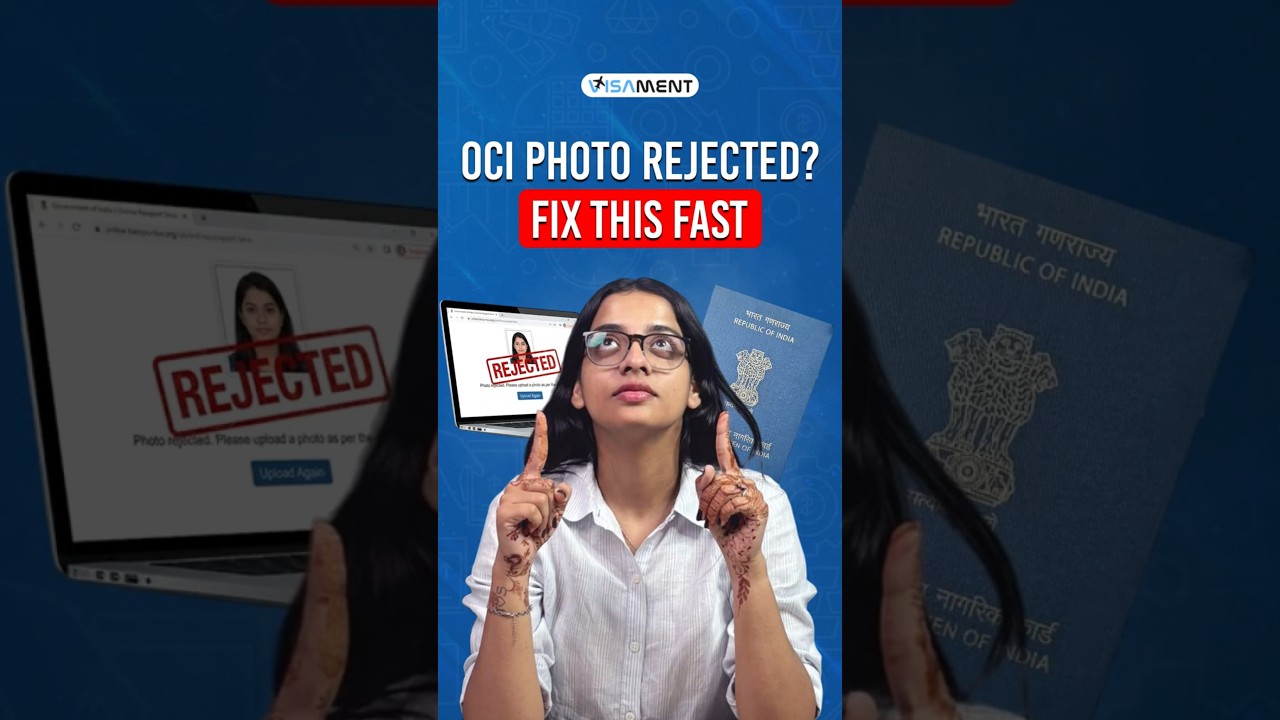
This content was created by Pratibha Sharma. This content was uploaded by Pratibha Sharma. This is a YouTube video titled "OCI Photo and Signature Upload Rejected? Fix It in 60 Seconds" (published 2026-05-13) from the VisaMint channel. A single presenter gives a short, practical walkthrough of common OCI photo/signature mistakes that lead to application rejection and how to fix them: crop the photo to a perfect square (mentions ~1500×1500), center the face, save, then open in Paint and resize pixels (set width to 2000 so height adjusts), repeat for the signature ensuring no strokes are cut off, and remember to click the crop/upload button inside the OCI portal. The clip also directs viewers to a longer VisaMint video and asks them to comment "OCI photo" to receive the link via DM.
Chapters
More from Pratibha





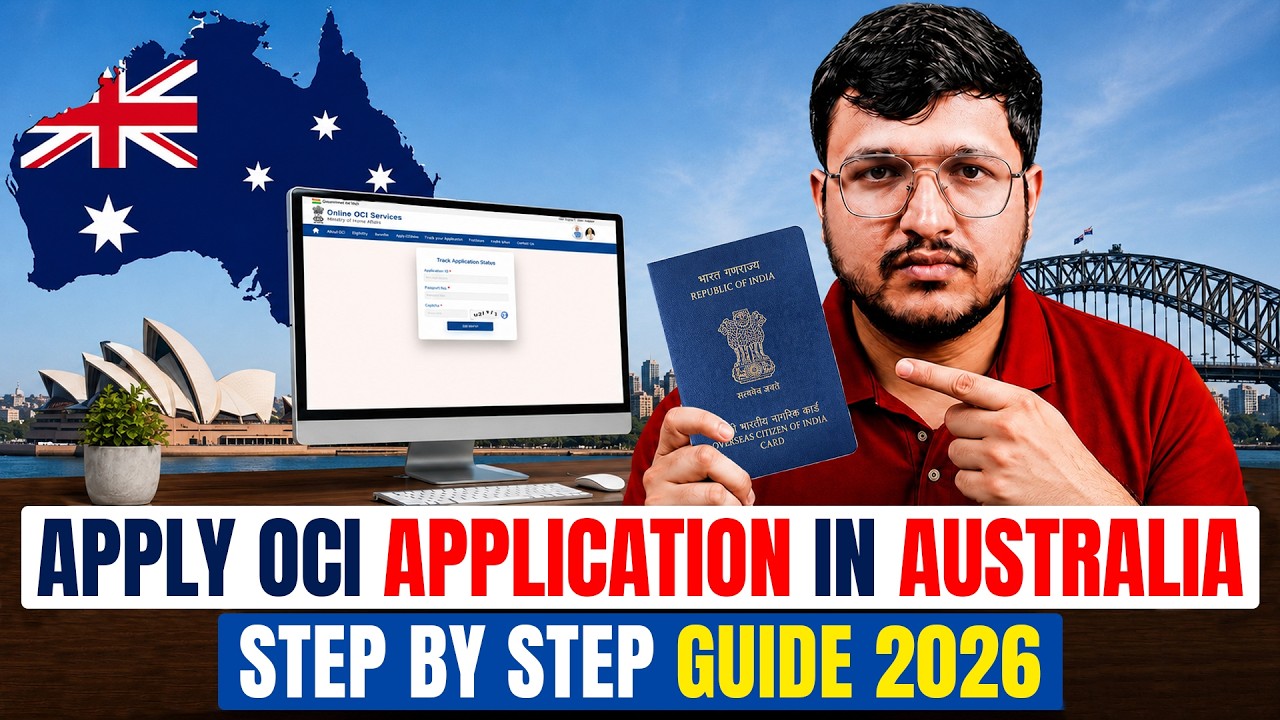
How to Apply for OCI Card from Australia 2026 | Full Step-by-Step Process (Portal + VFS)