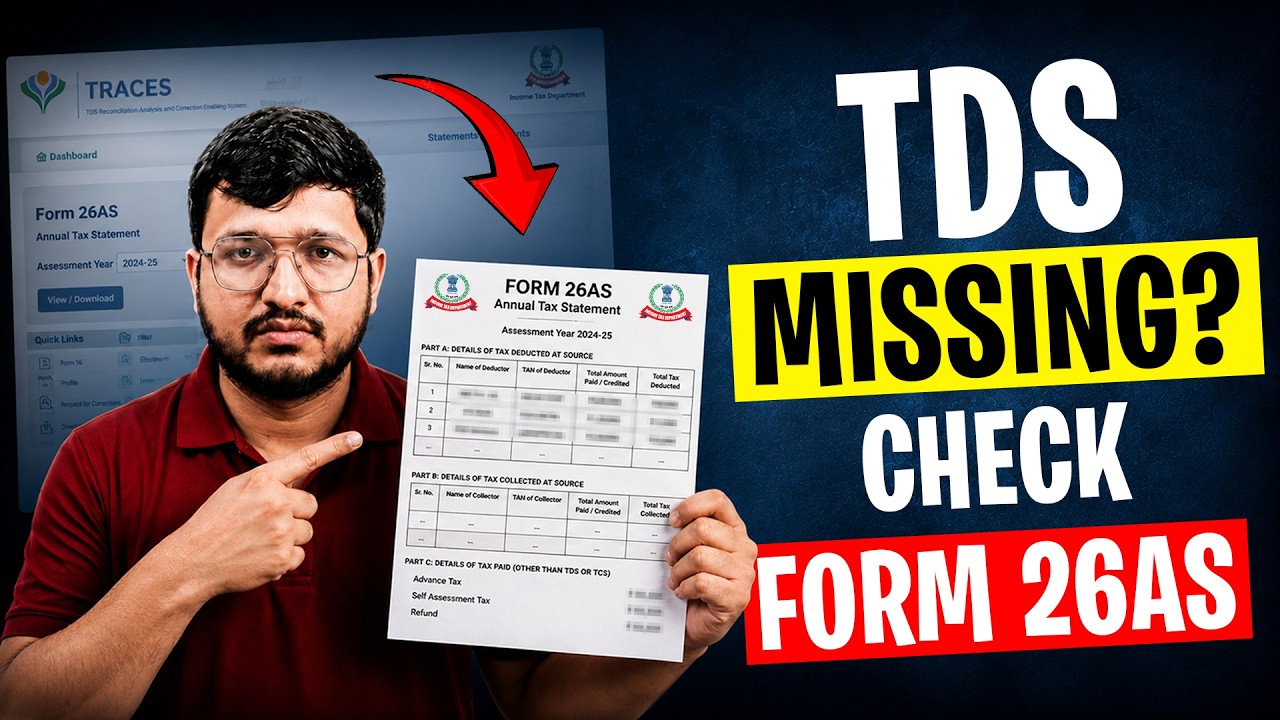
Pratibha Sharma walks through the TRACES portal and Form 26AS, which shows all TDS collected on your salary, interest, rent, and professional fees. Learn how to access it before filing your 2026 ITR and spot common mistakes like TDS deducted versus actually deposited.
Chapters
Your employer or bank deducted TDS from your income, but do you actually know how much was deducted and whether it reached the government? If you have never checked your Form 26AS, you are essentially filing your tax return blind, and that can be a costly mistake. Namaste, Anarais, and welcome back to The Visa Man. Today we are going to talk about the TRESIS portal. What is it? What Form 26 contains? How to exit it? And most importantly, how to verify that every rupee of the TDS deducted from your income has actually been deposited with the government. Whether you are a salaried employee, freelancer, or an NRI, this video is for you. So first, what exactly is TRACIES? TRACIES stands for TDS Recognition Analysis and Correction Enabling System. It's a government portal managed by the Income Tax Department, and it's the central system where all TDS and TCS records are maintained. Every time someone deducts at source from your salary, rent, interest, professional fees, or any other payment, that information gets reported to TRACES. And the document that compiles all the information for you is called Form 26AS, your annual tax statement. Now let's understand what Form 26AS actually shows you. Think of it as your tax credit passbook. While the Annual Information Statement or AIS provides a broader view of your financial statement, Form 26AS remains one of the most important documents for verifying TDS and tax credit. It contains: first, all TDS deducted from your income. This includes TDS by your employer on salary, by banks on interest income, by tenants on rental payments, and by clients on professional or freelance fees. Second, TCS or tax collected at source if applicable. For example, on the purchase of a car or foreign remittance above a certain threshold. Third, advance tax and self-assessment tax payments you have made directly. Fourth, details of refunds processed by the income tax department. And fifth, high-value financial transactions reported under the Statement of Financial Transactions, or SFT. This can include things like property purchase, mutual fund investments, or large cash deposits. So essentially, Form 26AS gives you a complete picture of your tax-related financial activity for the year. So, need to check your TDS details or download Form 26AS? Here's how. First, log in to the income tax e-filing portal using your PAN and password. Once you are on the dashboard, click on e-file, then select income tax returns and click on view Form 26AS. You will be redirected to the TRACES portal. On the TRACES portal, select the relevant assessment year and open your Form 26AS statement. Here you can view all tax credits linked to your PAN. Included TDS deducted by banks, employers, tenants, buyers, or any other deductor. Expand the entire list to see detailed information such as the deductor name, transaction date, amount credited, tax credited, and tax deposited. Always verify that the TDS reflected here matches the deductions shown in your records. This is important because Form 26AS is one of the key documents used while filing your income tax return and claiming TDS credit. If any TDS is missing, contact the deductor and ensure the TDS return has fired correctly. That's it! In just a few clicks, you can access and verify your Form 26AS online. Now that you know how to check, let me quickly highlight a few common mistakes people make. First, never assume that TDS deducted means TDS deposited. Your employer or client may have deducted tax from your payment but not yet deposited it with the government. In such cases, the credit won't show in your Form 26AS. And you won't be able to claim it in your return. Second, always check Form 26AS before filing your ITR, not after. Many people file first and then wonder why their refund got stuck or why they receive a notice. A simple 5-minute check beforehand can save you weeks of follow-up. Third, remember that the Income Tax Department cross-matches your return with Form 26AS. Any mismatch, even a small one, can trigger a demand notice delay your refund processing. And fourth, for NRIs, especially important to verify TDS on property sales, rental income, and other Indian source income, as incorrect deductions can affect refund claims and tax compliance. So before you file your next income tax return, take 5 minutes and check your Form 26AS. It's free, it's simple, and it can save you from unnecessary trouble. If you need help with NRI tax filing, TDS issue, or tax compliance matter, our team at VisaMent can help. The link is in the description. Like this video, subscribe to the channel, and we will see you in the next one.