How to Create an AI Agent for Outbound Calling
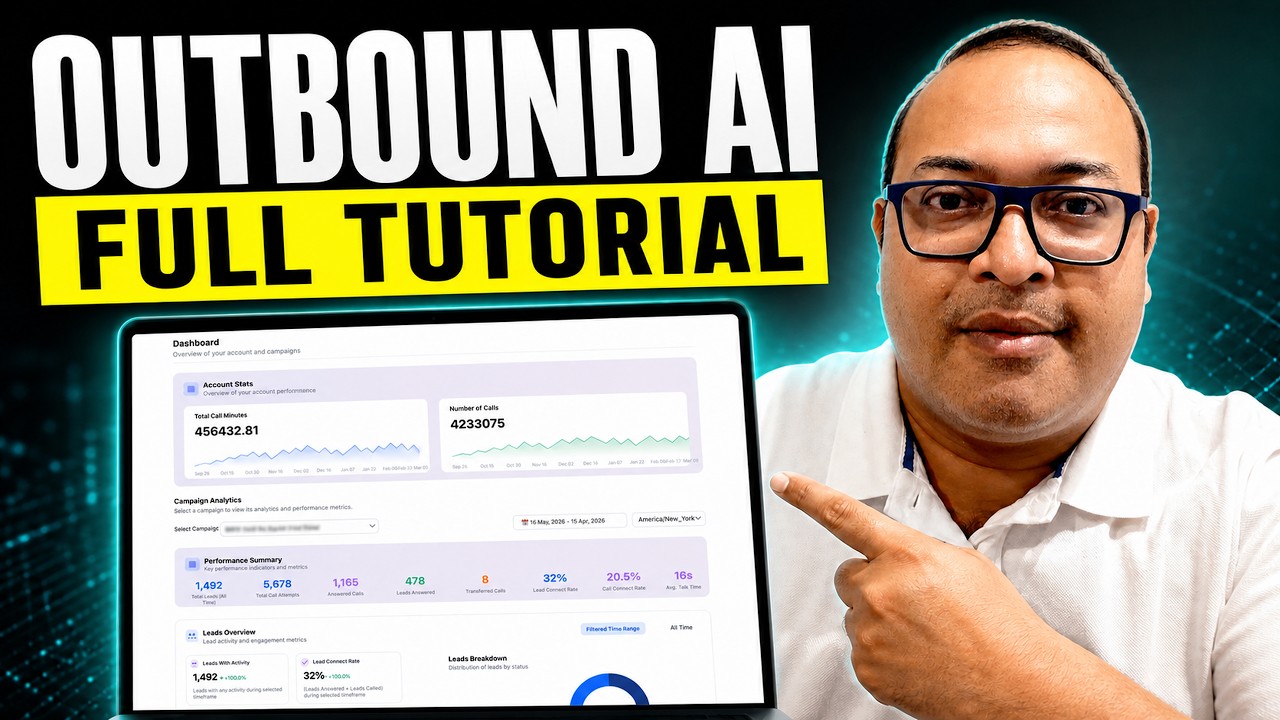
Raj Baruah shows how to build white-label AI calling campaigns on Voice AI Wrapper, connecting leads from HubSpot or CSV, configuring agents via VAPI, and setting up billing to resell the service. The platform handles Do-Not-Call compliance, retries, callbacks, and webhooks for transcripts and analytics.
Chapters
In this video, I'll show you how to create AI outbound calling campaigns. This can help you to create AI outbound calling campaigns for your own company, or in case you are an agency, you can use this workflow to create your own client portals under your brand. You can create billing plans for your clients, and you can also offer AI outbound as well as inbound AI assistant calling services to your clients. So the products that we're using here are Voice AI Wrapper. Voice AI Wrapper offers a free trial of 7 days, and you would need a VAPI Retail or ElevenLabs account. The agent, the voices are all running behind the scenes using VAPI Retail or ElevenLabs keys. And with Voice AI Wrapper, you are able to package all of that under your own brand, under your own domain, with your own pricing. And offer it to clients. Also, the AI automation available inside Voice Airapper allows you to create programmatic outbound campaigns, which means you can control the frequency of dialing. These are not batch calls where you are just uploading a bunch of leads in a CSV. You can define the lead source, which means you can point leads from your CRM to the platform to be called. You can also upload CSV files if you're integrating this with a CRM system like GoHighLevel or HubSpot or Salesforce, for example, the lead status syncs both ways, which means if somebody says do not call, the lead status will show up as do not call in your CRM and vice versa. Similarly, this also handles advanced functions such as callback. So if somebody says, call me back after 5 minutes, we have features built in which will automatically trigger that call at a time that the lead preferred. We'll talk more about this when we come to campaign settings. But for now, this is all that you need. You do not need a separate N8N or Make.com workflow for your programmatic outbound campaigns to run. Error handling is managed with that inside the platform. So as long as you're calling into leads that you have consent to call and you have a clean lead list, this pretty much runs autonomously. Doing exactly what you want it to do. I'm Raj, and I lead the team behind Voiceair Upper. We ran an agency before we built Voiceair Upper, and our stack was N8N, Google Sheets, and a pile of small pieces holding the middle in place. It all worked until it didn't. Fixing your own plumbing is not a business. Winning clients is the actual business, and a small team cannot do both. So we picked a side, we build the product, you resell it under your own brand. Back to our video. The first step in the process is to create the agent, which is going to make the calls. So you can do that in your agent platform, meaning you can create that in ElevenLabs agent platform or VAPI. Depending upon your comfort level, you can create the agent in either of the platforms. We connect with any of these platforms using a simple API integration. As soon as you connect your API keys, all your assets from your provider are going to show up here. And if you are new to creating agents, we have a simple agent creator here. And you can use the wizard to create the agents. This works exactly like your provider configuration. And once the agent is created inside our platform, this will also show up in your VAPI or retail or ElevenLabs account. It just makes the agent creation process a bit smoother. Now agencies who are offering this as a service can also offer the same agent creation process to their clients in their client portals, which means your clients will be able to create agents without knowing how to use VAPI or retail, or let's say ElevenLabs agent platform. Once I'm done creating my agent, I'll head over to campaigns and I'll select outbound campaigns. For phone numbers, any phone number that is connected to your provider account, which, which means retail or ElevenLabs or WAPI is going to also connect with your platform right here. And if you're using SIP, that is also going to work in our platform. So we are completely telephony agnostic. Any telephony system that you're already using syncs with our platform. On top of the existing telephony system, we also offer a feature called number pool. This is extremely helpful in case you are doing high volume outreach. This randomizes the number which dials out to a lead, which means you have, let's say, 1,000 leads and just one number. You run the risk of that number being marked as spam. So you can probably get like 100 numbers and this system will automatically randomize which number is dialing out these leads. The first step, once you've created your campaign, is to connect your lead source. You can upload a CSV file, or you can also get leads from your CRM system. There are step-by-step instructions on how to manage this. And this lead sync from a CRM workflow can also be offered to your client in case you are offering branded client portals. The API does a lot of things, including updating leads, removing leads, changing their status. So depending upon how your call flow goes, the lead status can be updated accordingly. There are additional settings, which include the ability to control whether you're dialing out from a single number or a number pool, like I explained earlier. You can also decide when your leads are being called, how frequently are they being called, what time zone they're being called in, and your retry behavior. All the calls that go on, you can go ahead and send their transcripts, their data to a webhook. So if you want to take the calling data, analyze it and dashboards, or update your CRM system, you can just point your webhook here and all your calling data is going to be forwarded. On this URL. You can also trigger emails. You can also trigger any sort of automations, hot WhatsApp or SMSes based on your success metric. Any tool call that you need to configure, we always recommend to set it up inside your provider tools. There's a section here for each provider where you can configure tools. Tool calls can be a request to book a calendar, to send an SMS, or any other tool call. That might be useful to your business. There are lead extraction instructions in case you're filtering out the data that's going out post the calling. There's a smart DNC feature built into the platform, which helps you stay compliant. When the calls happen, all your call logs and transcripts and recordings are going to show up here, just like it does in your provider platform. The only difference is when you are offering this to a client, they're not going to see your provider information or Voice Airwrapper information anywhere. It is all going to be under your agency's URL. In terms of call analytics, we provide built-in analytics on our platform, and you can also offer the same analytics to your client portal. But just in case you want your own custom analytics, we offer custom pages. You can create your own page and add your own analytics. For those of you who are offering this to clients, This is how you make money and how you charge your clients. You can set up a one-time charge for new clients that you're onboarding and post the one-time charge, you can decide whether you want to give them top-up packs, which means you can define that after they've— your clients have used X number of minutes, the package will automatically top up and recharge their card. You can also create billing plans, subscription plans, and these can be created in multiple currencies. And you can define what is your markup. So beyond your one-time fee or your setup fee, you can also go ahead and decide what your overage fee is going to be. So let's say I'm charging $99 as a subscription and I've given my client 10 minutes. Anything beyond those 10 minutes will be charged at, let's say, 30 cents per minute. So if your provider of Appy or Retail or ElevenLabs is charging you at the rate of 15 cents per minute, and you want to mark it up by 10 to 20 cents or whatever you please, you can set it up here. And when the clients log into their portal, they see your brand, your logo, your URL. They see the campaigns, the AI outbound calling campaigns that you've assigned to them. They can head over to the campaign and view the transcripts and listen to the recordings in case you've allowed them. And when they pay you, they pay you on your Stripe account and the money that they pay goes directly to you. For those of you who have been making AI outbound calls for some time, you would know about the challenges that people face. Most of the time, either the telephony fails or the AI webhook fails and the campaigns stall every time. And it's a pain to kind of keep up with the ad hoc errors that can happen. We've solved this by adding an automated health check. You can either run this manually or there's a job which runs automatically in the background, which means if anything stalls and anything breaks, So either your telephony has stopped calling or some of your leads have wrong numbers or invalid data and they have stopped calling, your campaign is not going to stop. We automatically scan that and update that and keep on calling the next batch of qualified leads or numbers without skipping a beat. We also trigger alerts to you when this happens. So if you're running programmatic outbound campaigns, you can be at ease. If you find this helpful, head over to voiceairapper.com. And you can start off your free trial right here. If you have more questions, feel free to reach out to our team. We have a support section right here on our website. We are happy to take questions and we offer support during our free trial period. Thank you and keep watching.










