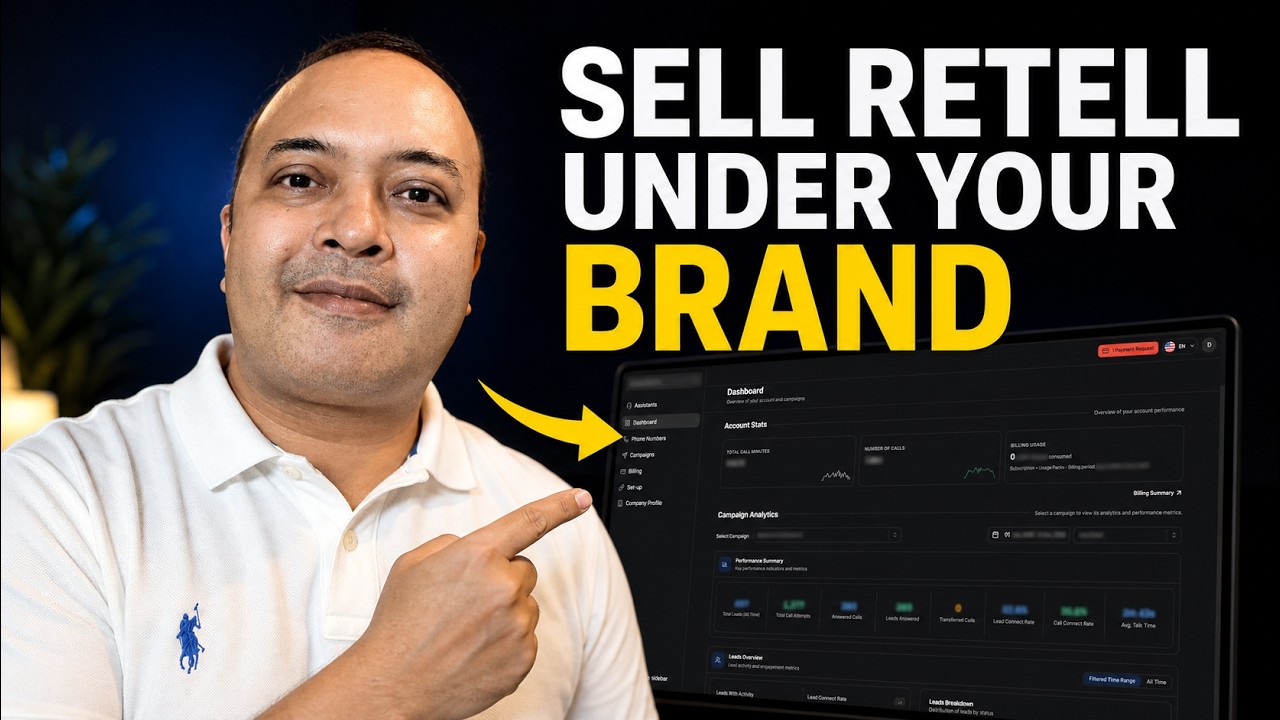
In this demo, Raj, founder of Voice AI Wrapper, explains how agencies can white‑label the Retail voice‑AI platform and sell voice agents under their own brand. He defines true white‑labeling as four concrete elements: custom domain login, isolated client workspaces with separate data, agency‑issued invoices and emails, and no visible third‑party branding. Raj contrasts this with a DIY dashboard built from generic tools, highlighting security, billing, and maintenance drawbacks. He then walks through the Voice AI Wrapper workflow: connecting Retail API keys (enabling two‑way sync of agents, phone numbers, tools, and knowledge bases), creating a branded client portal via a DNS record, supporting multiple languages, and configuring billing through Stripe or external processors. He describes client onboarding (user logins or website‑embedded pricing plans), granular workspace permissions, and the campaign builder for inbound AI receptionists, outbound AI calling, and chat widgets, including advanced features like smart callbacks, do‑not‑call lists, and CRM/webhook integrations. Raj outlines the monetization model—agency pays a fixed monthly platform fee plus Retail usage, while charging clients subscription fees and per‑minute markups. He notes multi‑platform support (VAPI, ElevenLabs, Polna, UltraVox) within the same account and offers a 7‑day free trial. The video ends with a call to comment on preferred platforms and markets.
Chapters
This is a client portal created by an agency that is using Retail, and they have created this for their clients. So their clients log in here and they see all their campaign stats here. They can go into their call recordings, look into the transcripts, and listen to their calls. And they have a support widget right here, which means if they need help, they can contact the agency immediately. And they can also pay the agency directly on this portal. They have never heard of retail, and that is the whole point of this video. So if you sell voice agents to clients, or if you're planning to, maybe you already build in retail, maybe you had no idea retail could be resold under your own brand at all. Either way, stay. I'm Raj. I founded Voice AI Wrapper. Now. Here's a boundary, and I want to set it early. Retail stays your agent platform, your own retail account, your own key, your own agents. You build them there, you test them there, and you manage them there. Nothing about that changes. What YCRapper adds is the layer around it. Branded access for your clients, a workspace for each client, and billing and emails that come from your business, not from a provider your client has never heard of. This is not a retail tutorial. This is all about how you can turn a retail agent into something you can actually sell as a service. Let's take a quick look at what we consider to be a true white label. It is not a logo on a dashboard. It is 4 things. One, your clients log into your domain, not ours, not retail, your domain. 2, each client Sits in their own workspace, each with their own data, and they cannot see each other. 3, each client gets a plan and an invoice and an email from your business. 4, nothing on any screen tells them which agent platform you built on. Keep these 4 in your head, and I'm going to tick them off one at a time. Now, before I show you any of Voice AI Wrapper and what it can do with retail, I want to be fair about what Other alternatives exist out there. The common bill goes something like this. You take a workflow automation tool, a hosting subscription, a spreadsheet as your database, and an AI site builder. You wire them all together. 40 minutes later, you have a dashboard, right? And if you want total control over every pixel and you don't want to pay anyone else, probably that's the right route for you. And I'm not going to talk you out of it, but Let's be clear about what a dashboard is and what it is not, right? There is usually no login, which means anyone with the link can read your client's data. There is no billing. It's not on your domain. And every time a webhook payload changes upstream, fixing it is your job forever. So the honest trade is we charge a monthly fee for our platform. The do-it-yourself route does not. You decide which side of it you want to be on. Now let's take a look at how all of this works behind the scenes. The first step is to connect your retail API keys, and as soon as you do that, you will notice that your retail assets are going to sync inside Voice AI Wrapper. So that's it. There's no migration, there is no other troubleshooting required. Now when you create agents from Voice AI Wrapper, it can also create the agent simultaneously inside your retail account. And if you create an agent inside Retail, it shows up inside Voice AirWrapper. So there's a 2-way sync. The same thing goes with your phone numbers, your tools, your knowledge base. Everything that exists inside your Retail account shows up in Voice AirWrapper. Now you can take all of those and you can create client portals and you can associate those assets to your client portal and add billing plans. So let me get to that. To create your client portal, you just need to add a DNS key. It takes just a couple of minutes before your client portal is up and running. And we also support multiple global languages, which means you can create client portals in multiple global languages. So once you've set up your client account, the next thing is to connect your billing system. We allow multiple billing models. Firstly, if you use Stripe, Then all you need to do is connect your Stripe keys and then you can create multiple pricing plans using our pricing configurator. They get created directly in your Stripe account. You can bill clients a subscription fee, you can bill them like a one-time onboarding fee. You can also give them recharge pack that automatically top up. Then we have external billing, which is basically off-platform billing. And then if you are using some other payment processor, we also give you APIs to use on our Pro plan. All right, so once you've set up your payment integration, the next step is to create client accounts. You can add multiple client accounts to one Voice AI wrapper account, and in fact, you can add multiple retail workspaces to one Voice AI wrapper account and associate a different workspace to a different client. Inside these client workspaces, you have granular controls over what clients get to see, access, edit, or download. And there are 2 ways you can onboard clients. You can create user logins for the client portal and share a link with them for them to log in, or you can configure pricing plans, which you can add to your website and you can start the client onboarding process right from your website. Now the core of voice AI services, which is taking inbound calls, making outbound calls, and intercepting incoming chat. So we segregate them into campaigns and we have a campaign builder wizard which helps you create AI outbound calling campaigns or inbound AI receptionist that you can add to your website. With our outbound calling, for example, this is not just simple batch calling. You can run programmatic outbound campaigns, which means you can control when and how many times the AI agent is making these AI outbound calls. And then you also get advanced controls like smart callback settings, which call back a lead based on their preferred time. You also have a do not call system built in. This works in sync with your CRM system. We have a built-in API which can fetch leads from your CRM system, make the call, and send the call data back to your CRM system. You can also connect it with external automations on AnyTen or Zapier or Make.com. You can also trigger tool calls. We prefer that tool calls are created Directly in your agent settings in retail. But in case you want to create tool calls using N8N, you can just add the webhooks right here and they will work as planned. Similarly with inbound, you have controls over when you want the inbound agent to run. And as long as you have enabled dynamic data or structured data in your agent configuration, you will be able to capture all incoming caller information. It can be an email or a phone number. And you can show that to your clients in their dashboard. So in case you are creating an inbound AI receptionist for a healthcare client, this is a very easy way to quickly set it up and get it up and running within minutes. If you are setting up your AI inbound receptionist as a web widget on your client's website, you can create and configure it here. This has all the functions that your provider offers, which means it can interact with incoming visitors on voice as well as chat, and you can also create billing plans to charge your client for this. The embed code is fully white-labeled and there's no retail or VoiceCR wrapper written anywhere in the embed code that you'll share with your client. So important question here, what does this cost and how do you make money? So you pay retail for whatever usage your clients are making. We charge you a fixed monthly fee and the pricing is on our website. If you go to voiceairwrapper.com, you'll see our pricing plans right here. You're paying us a fixed monthly fee and you pay retail for whatever your clients end up using. You make money based on the billing plan that you have set up for your clients. So if you have set up a subscription plan, which charges your client, let's say $500 a month. And you have set up a markup of 10 cents on every single minute that the client is using. So you are earning both the subscription fee plus the markup. And some agencies also charge a one-time fee. A quick reminder before you go, Retail is one of the 5 platforms that we connect. You can have VAPI, Retail, ElevenLabs, Polna, UltraVox, all running side by side in the same Voice Airapper account. Under the same brand, which means if a client needs a different platform 6 months from now, that is a simple key insertion and not a complete rebuild. The written breakdown is on our website, and I'll add the link to the description. We offer a 7-day free trial with full support on our website, voiceairapper.com. So if you want to build out the whole thing yourself this week, you can fire up a free trial right away. Tell me in the comments, retail or VAPI for your first white label client and what market you're selling into. I read all of them.