In this tutorial, Raj Baruah walks through the payment integration and client rebilling workflow within VoiceAIWrapper. He begins by emphasizing the need to have completed earlier setup steps before proceeding. The core of the video covers connecting Stripe API keys, which enables automatic product creation in Stripe but comes with the limitation that products cannot be edited or deleted via the API—only archived. He explains what a "product" means in the platform: a billable offering that appears in a white‑label client portal where end‑users can manage subscriptions. The interface offers several product types that map to Stripe’s metered billing, supporting multiple currencies and three pricing models: usage‑minutes billing, subscription + overage (charged at period end), and subscription + usage pack (up‑front charge). He demonstrates configuring a subscription + overage plan, setting a base monthly fee, included minutes, and a markup on per‑minute overage. He then shows how to create usage packs (pre‑purchased minute bundles) and assign either a plan or a usage pack to a specific client via an "Assign to Client" button, making the offering purchasable in the client’s portal. Finally, he outlines admin controls (cancelling subscriptions, immediate cancellation) and the client‑side customer portal for self‑service subscription management. Throughout, he notes currency support and invites viewers to request additional currencies.
Chapters
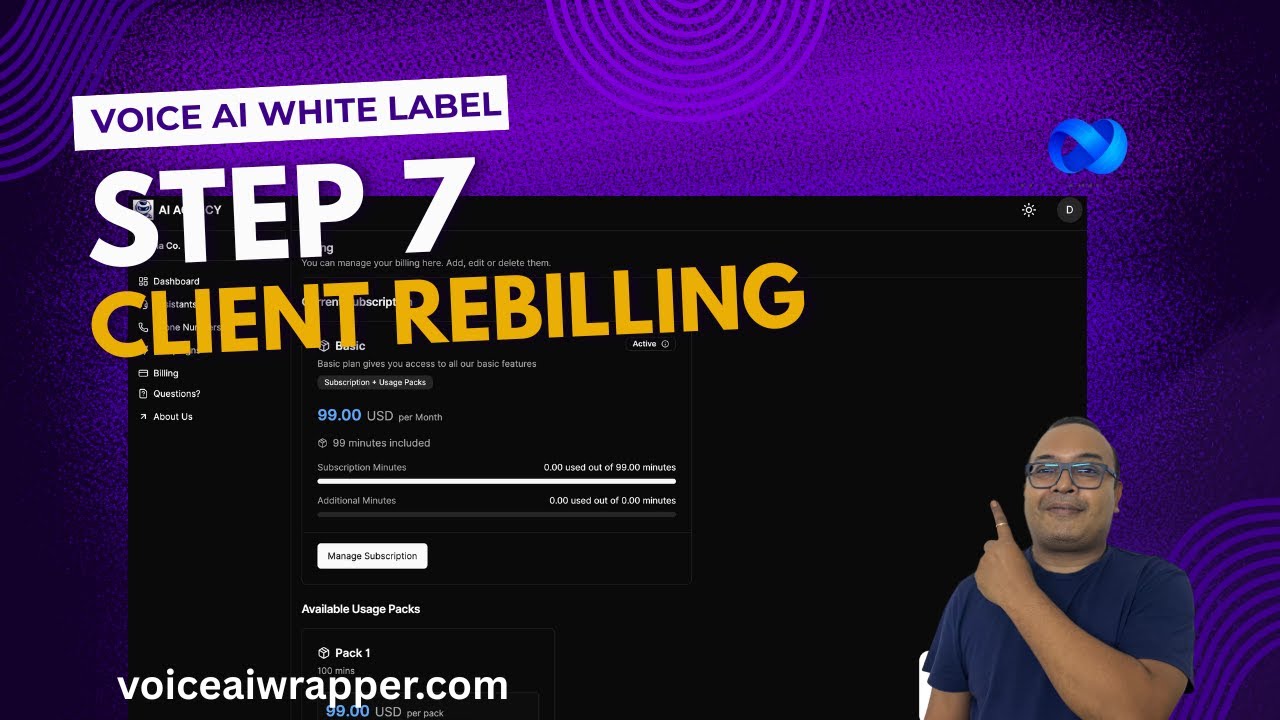
Hi, we will cover payment integration and rebilling your clients inside Voice AirWrapper. Before you watch this video, I strongly recommend you watch the earlier videos. Most of the stuff that I'm going to show you here will make sense only if you know how to set up the rest of the items when you start putting your Voice AirWrapper white label together. So with payment integration, the first step that you do is connect your Stripe keys. Now this allows us to write into your Stripe account, which means whatever product you create here gets created automatically inside Stripe. Remember, the Stripe integration does not allow edit or deletion using APIs. So while you can create products, you can archive them, you cannot edit the products created with this integration. That's how Stripe works in general. You cannot edit the products afterwards. And if you edit anything inside Stripe, it's going to break the sync, right? If you created a product by mistake, you can go ahead and archive it and don't change anything here. Once it's created, if you don't want to use it, just archive it. So what are products? So Voice AI Wrapper allows you to create client portals, and inside these client portals you can onboard your clients, and these clients can also be assigned a billing plan to pay for. So to show you an example, this is my client portal. That I've just created for the demo. And then, you know, my client can go into their billing portal and, you know, they can manage their subscription. So this is what we call product, which you can create inside VoiceShare Wrapper, and you can have your client pay you on your White Label portal. So if I head over to products, there are multiple product types to choose from, and these run off Stripe, so they work based on the metered billing that Stripe offers. This is self-explanatory— product name and description. We support multiple currencies. If you see one— if you, if you have a currency that we don't currently support, just let us know, we'll add it right away. Under pricing model, you can bill based on usage minutes, or you can charge clients based on subscription plus overage, or you can charge them a subscription plus usage pack. Make sure you read this text just below the plan type. So for example, subscription plus overage is always charged at the end of the billing period. If you want to charge somebody upfront, use the subscription plus usage pack option. This is something that will charge your client upfront, right? We will add more plan types here, but at the time of making this video, these are the pricing options that exist inside our product. So I'll just show you an example, uh, with subscription and overage. Let's say I select a billing frequency of monthly, and then I can go ahead and set up a subscription fee price of $9 to $10, and maybe I'm just including 9 minutes. And let's say beyond those 9 minutes of usage, let's say 11Labs or maybe Avapi is charging you 10 cents per minute and you want to mark it up by 20 cents, you can just set up the markup price here. And this is going to ensure that your client is being billed at that rate for their usage, right? Similarly, when you create usage packs, usage packs are voice packs that your clients can top up, right? So when they go to the billing portal and they need a few more minutes, they can buy usage packs from inside their client portal. Usage packs can be created here. It's pretty straightforward. All you need to do is define the number of minutes and the pricing and when you set up a client account, after you've created your products, all the products and the usage packs will be available in your product catalog, right? And you can just go in here and assign the plan or the usage pack that you want to assign to a specific client. So you'll see an Assign to Client button here. Click on it. This means it becomes available for the client to buy, and if you remove it, it's no longer available for the client to buy. And since this is a Stripe integration, so you have options such as canceling a client subscription from the admin console. Your client also has the option to manage a subscription themselves using the customer portal. You can also, as an admin, cancel the subscription, or you can, you know, cancel it immediately inside your portal. So this is how payment integration works inside Voice AI Wrapper.