
Did You Know? A YouTube Shorts Series -- How to get Microsoft Outlook Words Instead of Icons
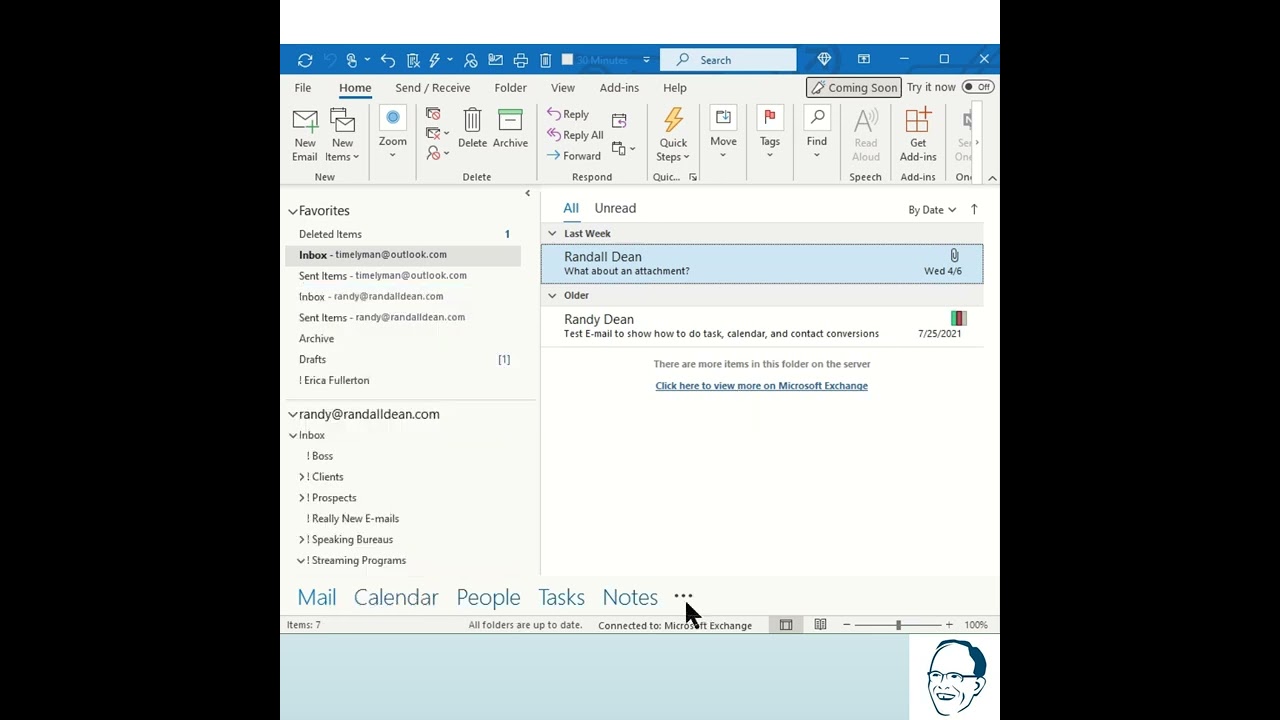
In this YouTube Shorts tutorial, Randy Dean addresses a frequent user question about Microsoft Outlook’s navigation bar—how to display descriptive words (Mail, Calendar, People, Tasks, Notes) instead of just icons. He walks viewers through the exact UI steps: click the three‑dot "more" button, select "Navigation Options," toggle the "Compact Navigation" setting on or off, and confirm with OK. Turning Compact Navigation on hides the words, showing only icons; turning it off restores the words. Randy also briefly comments on wishing Microsoft would rename the three‑dot button, and ends with a call to subscribe for more quick tips.
Chapters
More from Randy
Have #ADHD? Do you crave #caffeine and love #protein? There might be a reason! #diet #energy #focus

Do you have the #ADHD #superpower of Hyperfocus? Can you use to your advantage? Or succumb to it?

How to Prep Peeling #Aluminum #Siding for #painting #diyprojects -- read description 4 step by step
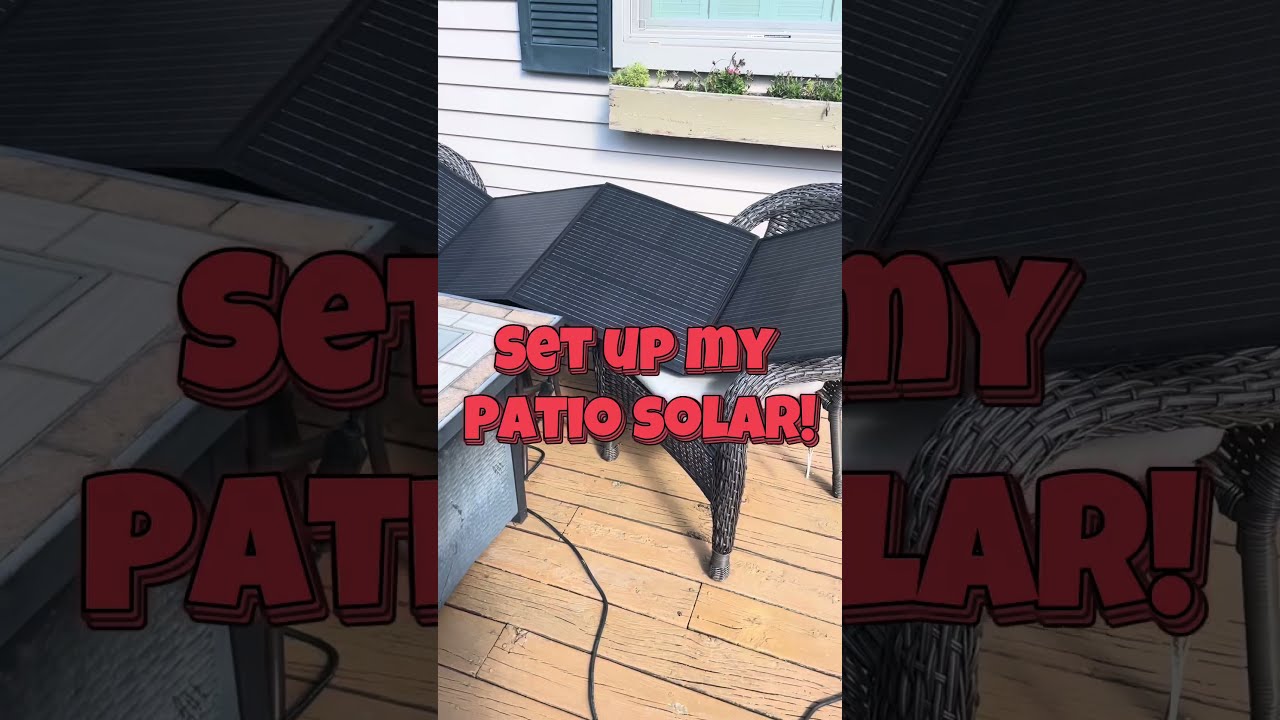
Set up my new #portable #patio #solar unit #balconysolar #apsystems #mhpowos #RVlife

This simple #ADHD #hack might end your #tasklist paralysis called #executivedysfuntion #productivity

Have #ADHD? Do you make a daily #tasklist ? This might help. #tasks #productivity #procrastination

Found too many cool Petoskey Stones and “Greens” on vacation. Had to do something!


Another free #pallet project: I built a heavy duty #ladder stand for #housepainting

Quick Windows Tip: Organizing Multiple Windows on One Monitor or Screen for Faster Multi-Tasking!

Classic Outlook (New Screen): Converting an Email to Task, Calendar, or Contact Using Drag & Drop