
How I used #CoPilot and #ChatGPT #AI to save time on #internet #research and increase #Productivity

In this video, Randy Dean, the "Email Sanity Expert," demonstrates how he leverages AI tools—Microsoft Copilot, ChatGPT, and Gemini—to quickly compile an alphabetized contact list of state chapters for a national professional association. He explains the business rationale: after completing work for two state chapters, reaching out to other chapters can generate additional revenue, but manual web research is time‑consuming and costly. Dean walks through his workflow: starting with a Copilot prompt to generate contacts up to the letter F (using the free version), then switching to ChatGPT to finish the remaining alphabet. He notes the speed advantage (minutes versus hours) and discusses the limitations of the free Copilot tier, prompting his decision to upgrade to the Pro version for even faster results. The video ends with a call to like, subscribe, and watch a related video on using AI to draft a thank‑you email, while promising more AI‑productivity content in the future.
Chapters
More from Randy

Have #ADHD? Do you crave #caffeine and love #protein? There might be a reason! #diet #energy #focus

Do you have the #ADHD #superpower of Hyperfocus? Can you use to your advantage? Or succumb to it?

How to Prep Peeling #Aluminum #Siding for #painting #diyprojects -- read description 4 step by step
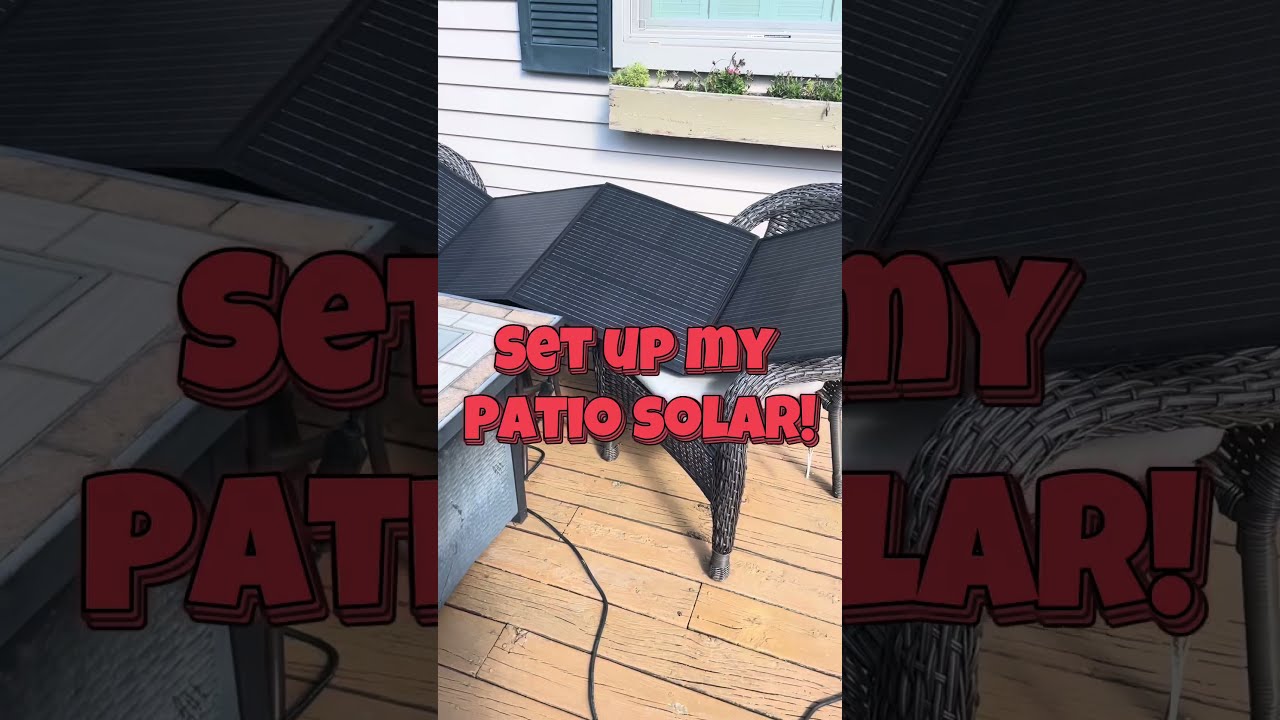
Set up my new #portable #patio #solar unit #balconysolar #apsystems #mhpowos #RVlife

This simple #ADHD #hack might end your #tasklist paralysis called #executivedysfuntion #productivity

Have #ADHD? Do you make a daily #tasklist ? This might help. #tasks #productivity #procrastination

Found too many cool Petoskey Stones and “Greens” on vacation. Had to do something!


Another free #pallet project: I built a heavy duty #ladder stand for #housepainting

Quick Windows Tip: Organizing Multiple Windows on One Monitor or Screen for Faster Multi-Tasking!

Classic Outlook (New Screen): Converting an Email to Task, Calendar, or Contact Using Drag & Drop