
Micro Tip: Get to Your Outlook E-mail Folders Faster! (When you have opened way too many!)
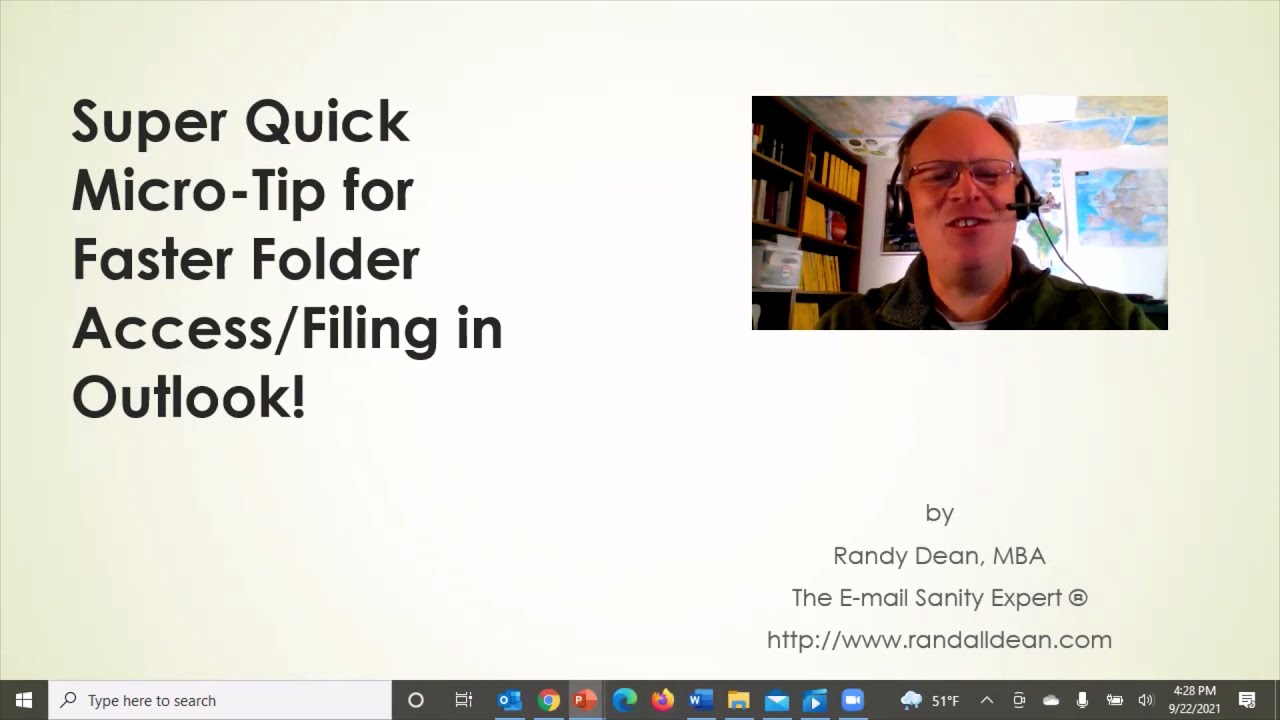
Randy Dean shows how to collapse nested Outlook folders by clicking the down-caret next to a top-level folder like Inbox. This instantly clears the clutter of open sub-folder lists so you can find what you need faster.
Chapters
More from Randy
Have #ADHD? Do you crave #caffeine and love #protein? There might be a reason! #diet #energy #focus

Do you have the #ADHD #superpower of Hyperfocus? Can you use to your advantage? Or succumb to it?

How to Prep Peeling #Aluminum #Siding for #painting #diyprojects -- read description 4 step by step
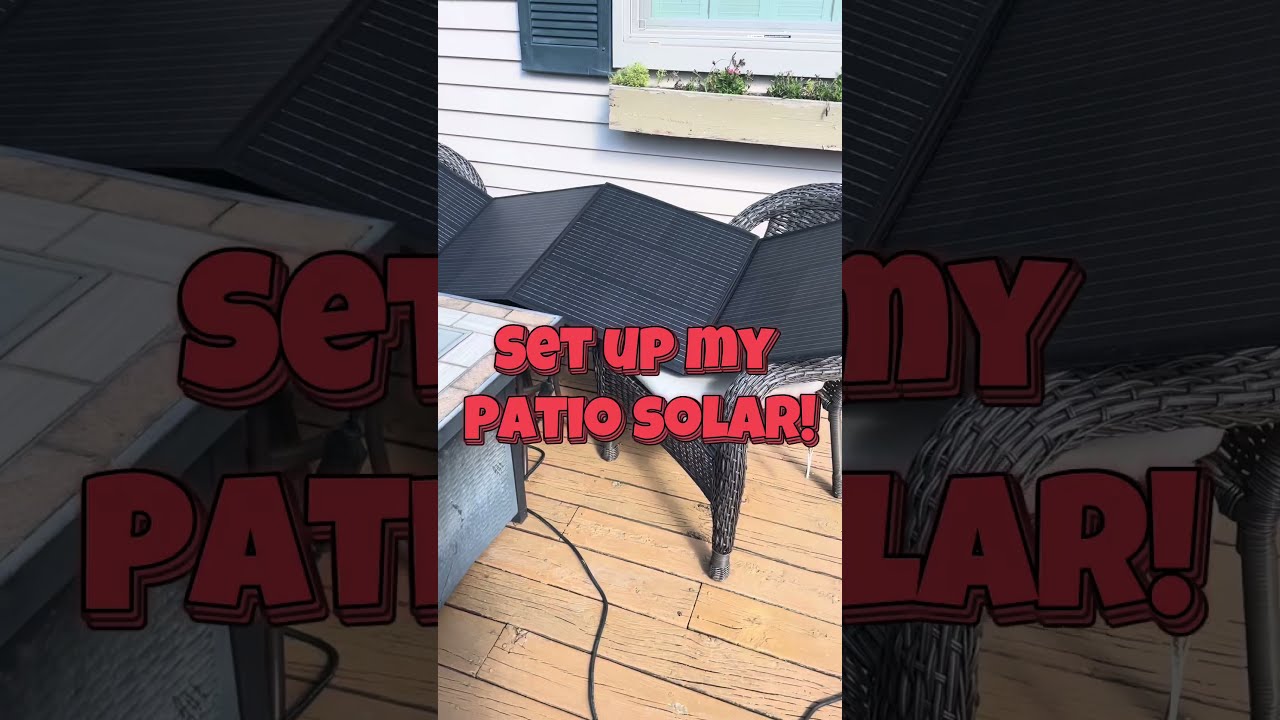
Set up my new #portable #patio #solar unit #balconysolar #apsystems #mhpowos #RVlife

This simple #ADHD #hack might end your #tasklist paralysis called #executivedysfuntion #productivity

Have #ADHD? Do you make a daily #tasklist ? This might help. #tasks #productivity #procrastination

Found too many cool Petoskey Stones and “Greens” on vacation. Had to do something!


Another free #pallet project: I built a heavy duty #ladder stand for #housepainting

Quick Windows Tip: Organizing Multiple Windows on One Monitor or Screen for Faster Multi-Tasking!

Classic Outlook (New Screen): Converting an Email to Task, Calendar, or Contact Using Drag & Drop