
Microlearning: Have you used the Dictate Button in Microsoft Outlook and Word yet? AMAZING!

In this short microlearning video, Randy Dean walks viewers through the Dictate feature built into Microsoft Outlook and Microsoft Word. He opens a new email, places the cursor, and activates the Dictate button, speaking sentences that the software transcribes. Randy highlights the tool’s surprising accuracy, its handling of capitalization, punctuation, and automatic correction, and notes that it works equally well in Word. He emphasizes the potential productivity gains, suggesting it could reduce repetitive typing and even help prevent carpal tunnel syndrome. Randy also mentions that a reliable high‑speed internet connection is essential for optimal performance. The video concludes with a call to action: viewers are encouraged to try the feature, visit Randy’s website, subscribe to the channel, and request a free productivity PDF covering Outlook, Gmail, Google Workspace, and mobile tips.
Chapters
More from Randy
Have #ADHD? Do you crave #caffeine and love #protein? There might be a reason! #diet #energy #focus

Do you have the #ADHD #superpower of Hyperfocus? Can you use to your advantage? Or succumb to it?

How to Prep Peeling #Aluminum #Siding for #painting #diyprojects -- read description 4 step by step
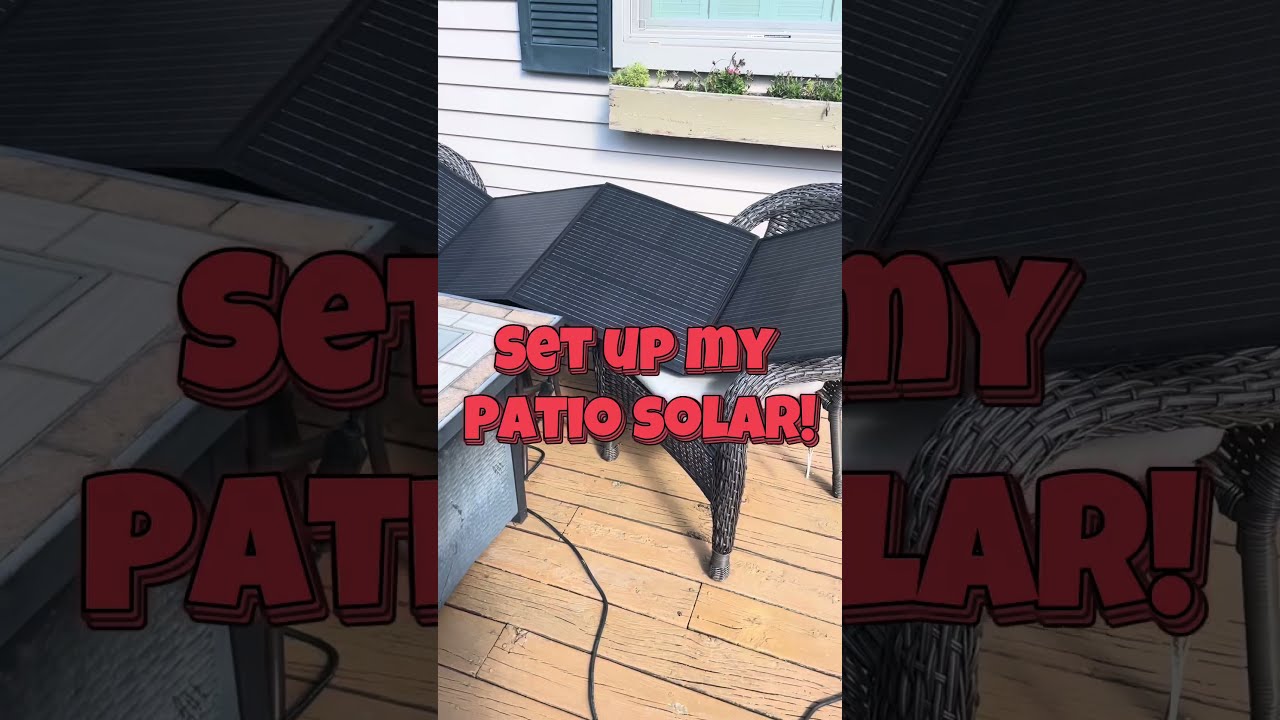
Set up my new #portable #patio #solar unit #balconysolar #apsystems #mhpowos #RVlife

This simple #ADHD #hack might end your #tasklist paralysis called #executivedysfuntion #productivity

Have #ADHD? Do you make a daily #tasklist ? This might help. #tasks #productivity #procrastination

Found too many cool Petoskey Stones and “Greens” on vacation. Had to do something!


Another free #pallet project: I built a heavy duty #ladder stand for #housepainting

Quick Windows Tip: Organizing Multiple Windows on One Monitor or Screen for Faster Multi-Tasking!

Classic Outlook (New Screen): Converting an Email to Task, Calendar, or Contact Using Drag & Drop